
IPTV player vs IPTV provider
The player controls the interface and playback. The service controls enrolment, the stream source, account limits and billing.
Find a first setup, compare playback routes and prepare a clean support report.
 In-depth guide · 23 min readSet up IPTV for the first time on your TVGet one authorised programme playing on the screen you use. Then test the remote, the guide and household viewing before committing to a longer plan.Read the guide
 In-depth guide · 24 min readChoose an IPTV setup for your homeDecide what you need to watch, test it on your real television, then compare the full costs. This guide works through app stores, authorised sources, live TV, replay, accessibility and a two-day trial.Read the guide
 In-depth guide · 24 min readWrite an IPTV help request someone can reproduceInclude the exact screen and app, one dated example and one comparison. This guide shows how to ask about setup, playback, the programme guide and billing without sharing account secrets.Read the guide
The player controls the interface and playback. The service controls enrolment, the stream source, account limits and billing.
IPTV delivers television using Internet Protocol. The term covers different systems, including managed operator television and player-based streams from authorised sources.
Run identical playback tests at the viewing device on Wi-Fi and Ethernet when possible. A speed test on a phone next to the router measures a different path.
Treat a playlist URL with credentials like a password. Share a fabricated example or just the protocol and error when asking for help.
Use programmes with known accessibility tracks. Check live and replay separately because they can carry different caption and audio options.
Keep your original app installed until the replacement can load the source, map the guide and play the channels you need.
Use the player’s stream information to identify source resolution when available. The TV’s HDMI status often reports the output signal of the box.
You need a supported viewing device, a player or broadcaster app, internet access and permission to view the source. Test one live feed before configuring additional devices.
Read the related guideA general IPTV player supplies playback and navigation. An authorised service, broadcaster or playlist supplies content access.
Read the related guideOpen the television’s settings and read the full model and software version. If playback runs on an attached box, record that box’s details separately.
Read the related guideYes, if it supports the app, account type and accessibility features you need. Search the TV’s own store and test a representative feed.
Read the related guideUse the input your authorised service provided and the format the player documents for your exact client.
Read the related guide
 8kiptv.ioStrong 8K IPTVThe Strong 8K website places its subscription and reseller guidance under /strong/.Public source cited

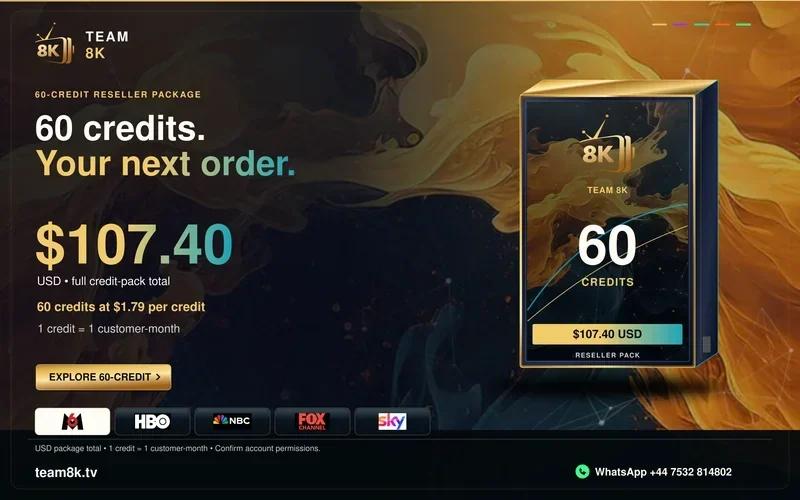
 trexiptv.appTrex IPTVTrex IPTV publishes reseller packs priced in USD. Its stated credit rule uses customer months.Public source cited
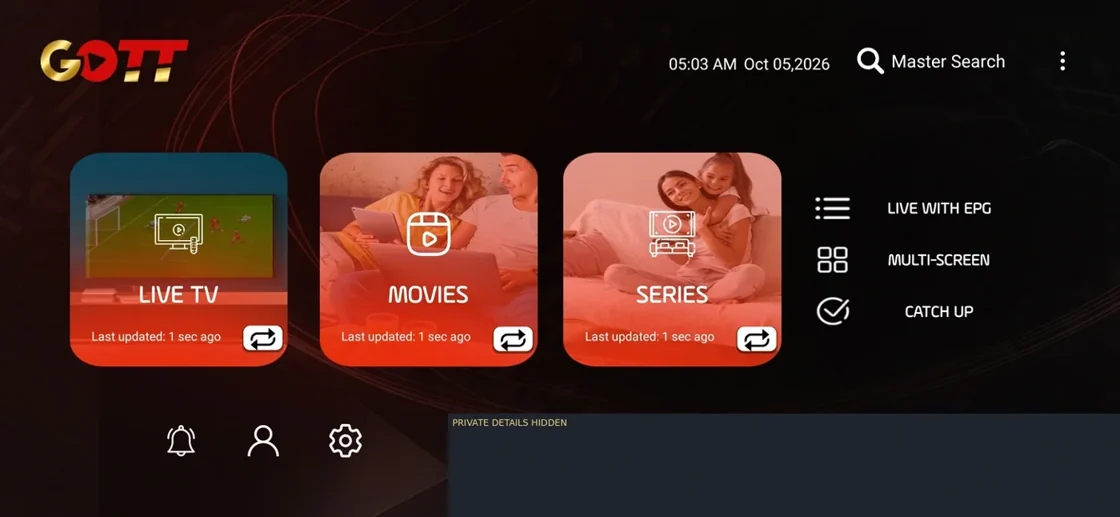
 goldenott.appGolden OTTGolden OTT publishes a separate reseller and panel page.Public source cited
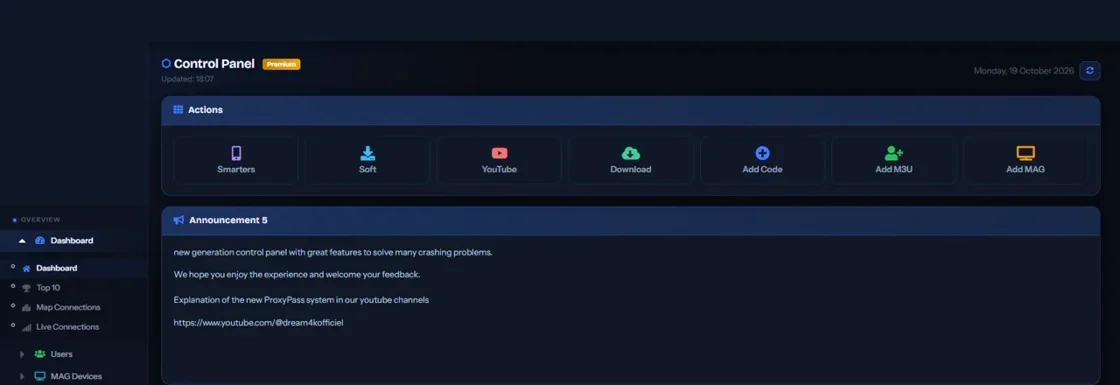
 dream4kiptv.netDream 4K IPTVDream 4K IPTV publishes its current overview under /streams/, including setup and reseller information.Public source cited
 8kiptv.app8K IPTVUse the exact 8kiptv.app domain as the identifier when collecting current service and player terms.Current terms need checking
 8kpro.tv8K PRO IPTVThe 8K PRO site describes separate player and service access paths.Public source cited
 team8k.tvTeam 8KTeam 8K has a country directory linking to regional viewing references and setup notes.Public source cited

 megaott.ioMegaOTT at megaott.ioA public MegaOTT app reference appears at the /4k/apps address on megaott.io.Public source cited
 ultra8kiptv.appUltra 8K IPTVThe Ultra 8K OTT overview describes viewing subscriptions and reseller packs alongside player guidance.Public source cited
 smarter8k.appSmarter 8KThe Smarter 8K support page covers its own published setup and subscription questions.Public source cited
 b1giptv.ioB1G IPTVB1G’s overview describes full USD subscription terms across several periods.Public source cited
 promax4k.tvPro Max 4K OTTThe Pro Max reseller page publishes pack totals and different fractional credit amounts for each term.Public source cited
 hotiptv.coHot IPTVHot IPTV’s /4k/ trial guide asks readers to install a suitable player and request service access separately.Public source cited
 xott.appXOTTXOTT’s homepage presents player setup information and service subscription terms.Public source cited
 crystaliptv.appCrystal IPTVCrystal IPTV’s help centre organises published assistance by guide, playback, activation and account symptoms.Public source cited
 4kott.app4K OTTThe 4K OTT site identifies a Pro Max service and describes its own compatible app, setup and reseller terms.Public source cited
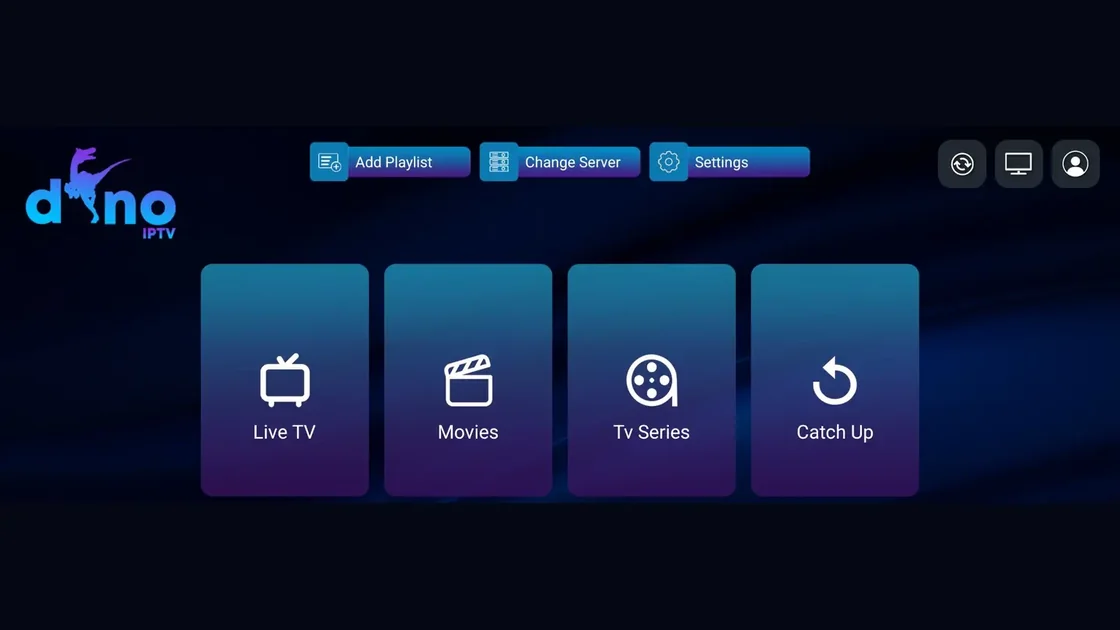
 dinoiptv.appDino IPTVThe brand appears in a public pricing snapshot. The direct website returned an unavailable page during the current checks.Current terms need checking
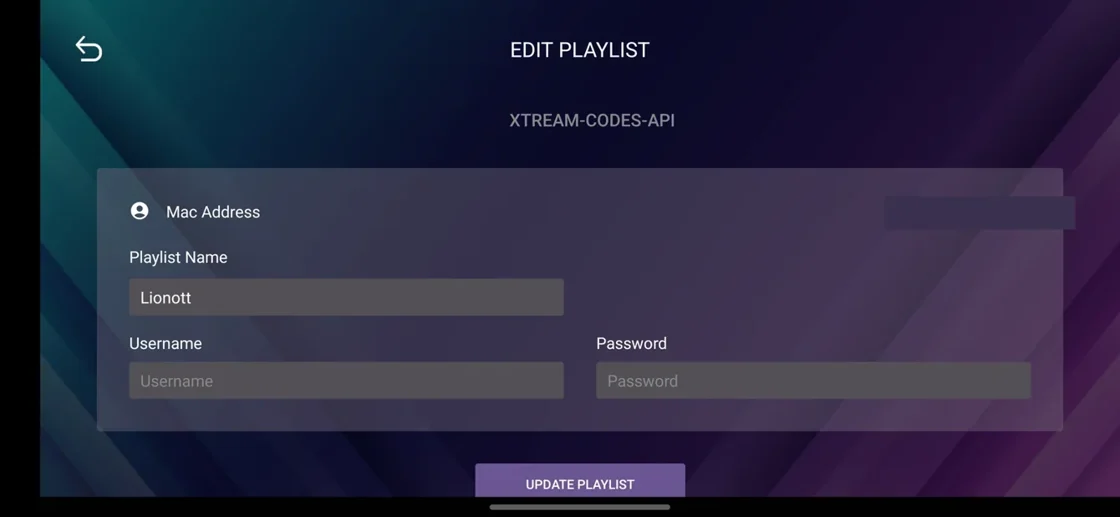
 lion-ott.appLion OTTLion OTT’s site publishes a contact path for setup, trial and reseller enquiries.Public source cited
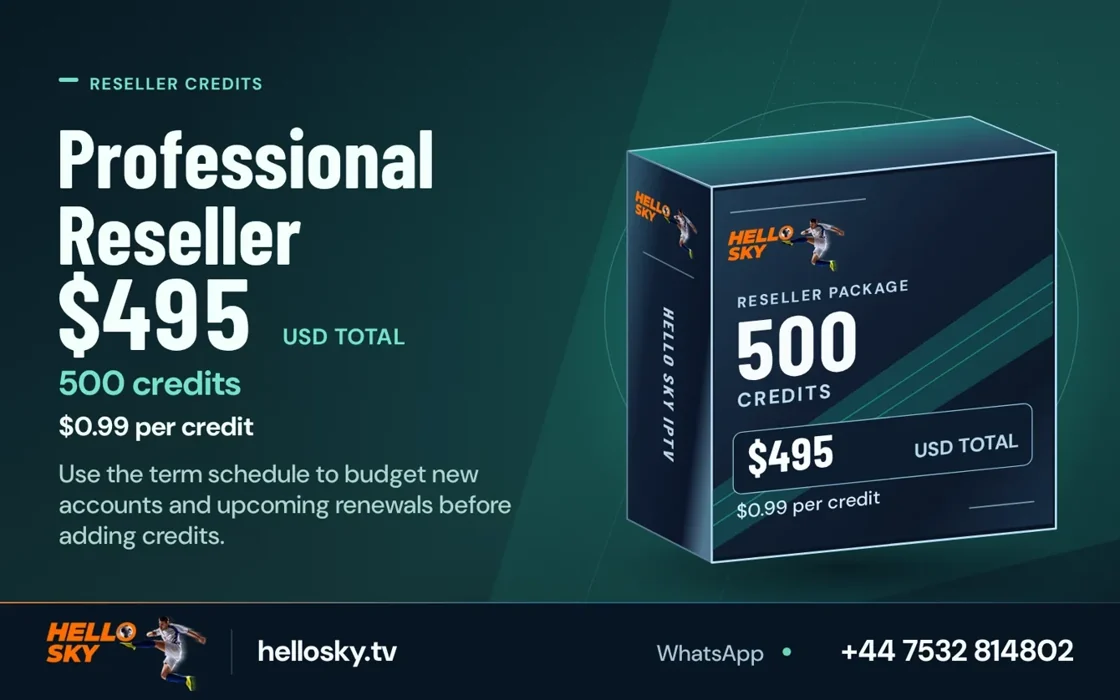
 hellosky.tvHello Sky IPTVHello Sky’s pricing and app pages distinguish player licences from service access.Public source cited
 4kiptv.app4K IPTVThe 4kiptv.app FAQ documents its EUR term billing questions.Public source cited

 megaott.appMegaOTT at megaott.appMegaOTT’s .app homepage shows setup and reseller information and distinguishes app fees from service terms.Public source cited
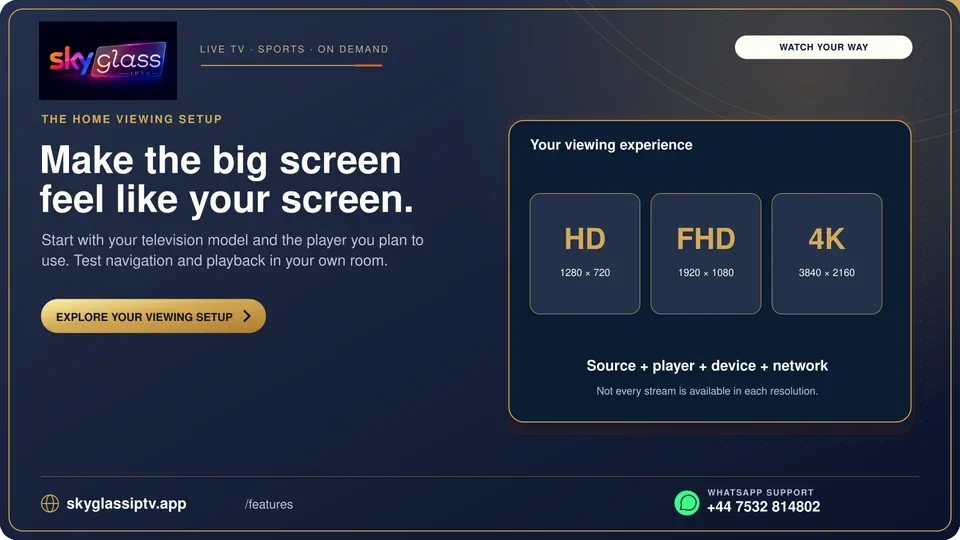
 skyglassiptv.appSky Glass IPTVThe Sky Glass IPTV web guide asks readers to find their compatible player and documents a separate service path.Public source cited
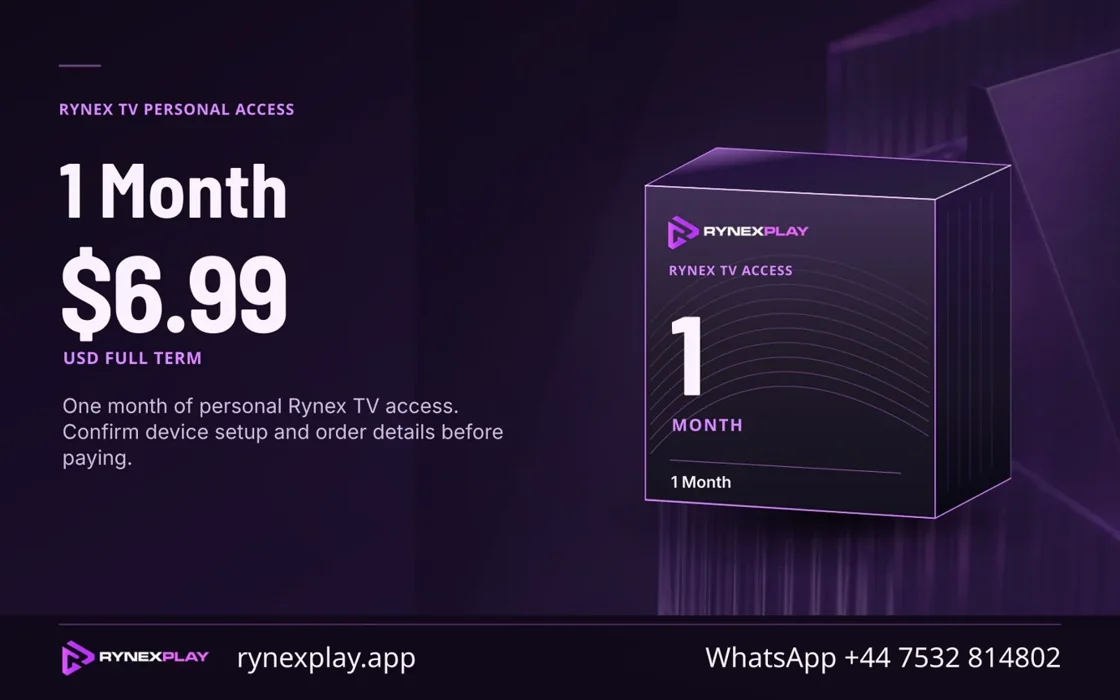
 rynexplay.appRynexPlayRynex Play publishes a guide to its player setup and plan enquiries.Public source cited

 starshare.appStarShareThe directory tracks the root starshare.app address.Current terms need checking
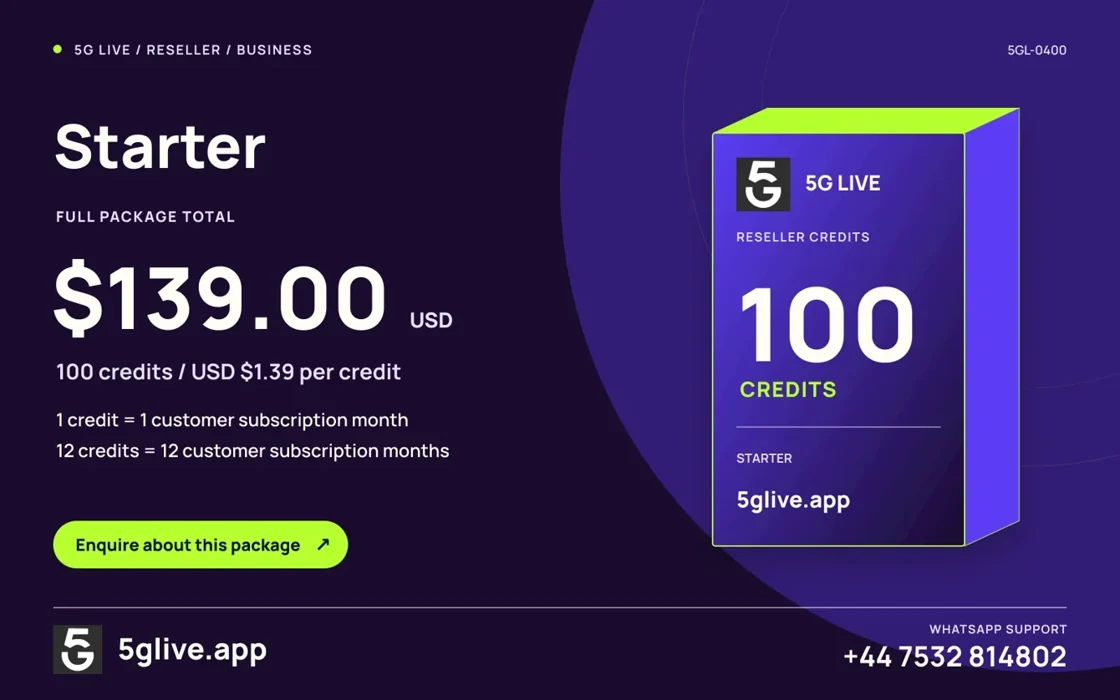
 5glive.app5G LiveThe current 5G Live root publishes its subscription, app and reseller guidance.Public source cited
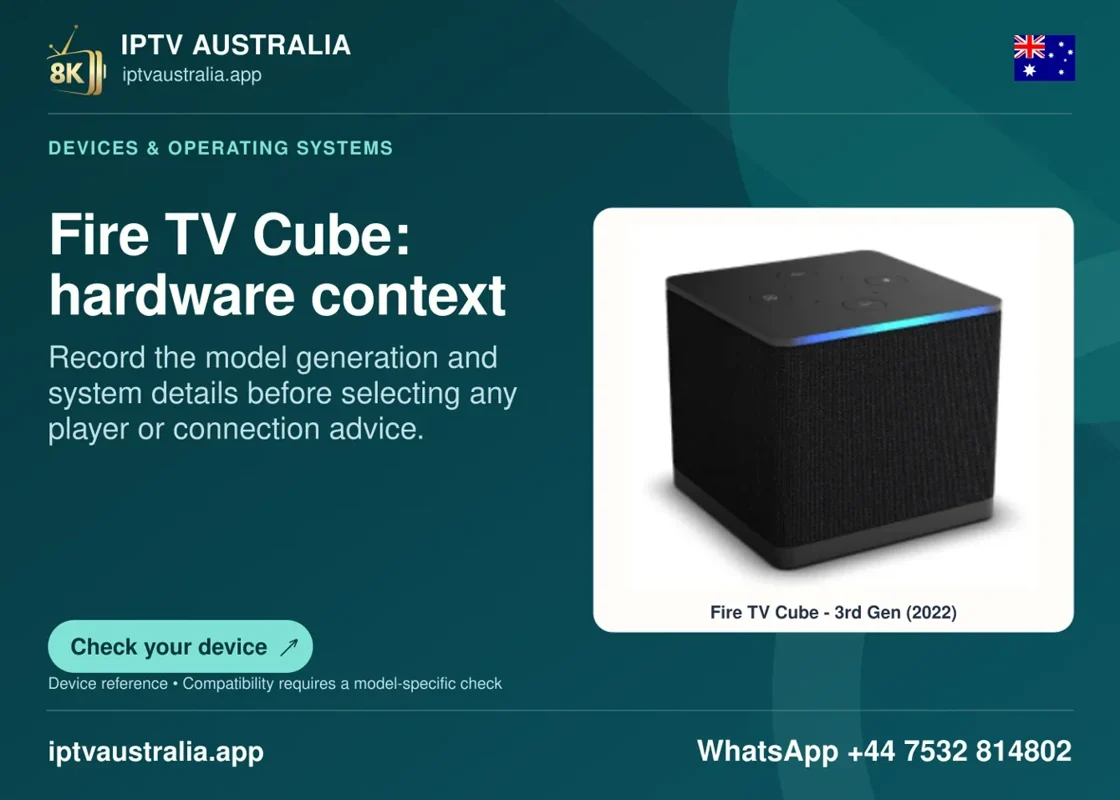
 iptvaustralia.appIPTV AustraliaIPTV Australia advertises full-term Australian-dollar pricing and separates player licence and access questions.Public source cited
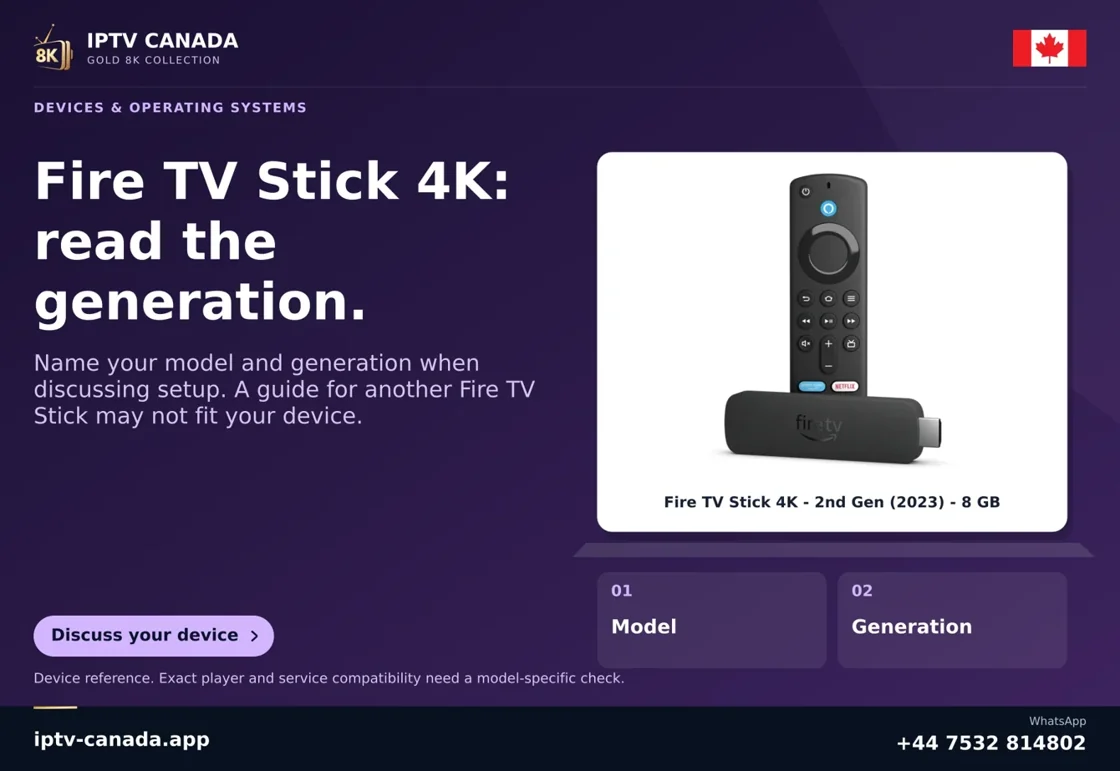
 iptv-canada.appIPTV CanadaThe IPTV Canada site describes CAD subscription terms, player setup and its own support path.Public source cited
 ukiptv.appIPTV UKIPTV UK presents service terms in pounds and links to device guidance.Public source cited
 iptvusa.appIPTV USAThe IPTV USA domain publishes its own USD pricing and device-guide navigation.Public source cited
 iptveurope.netIPTV EuropeIPTV Europe publishes EUR plan and app information.Public source cited