What to check first
Verify who publishes the app and who invoices for the subscription. Keep this web service identity distinct from any television hardware name or broadcaster relationship.
Identify the service name and the television model separately
Sky Glass IPTV’s welcome guide describes preparation of a compatible player for its service. Record the app publisher or merchant named by the vendor. Verify the television’s actual make and software in its system settings, or identify the HDMI device that launches the app. A brand name that resembles a television model does not tell you which store can install the player.
Use its picture example as a starting point
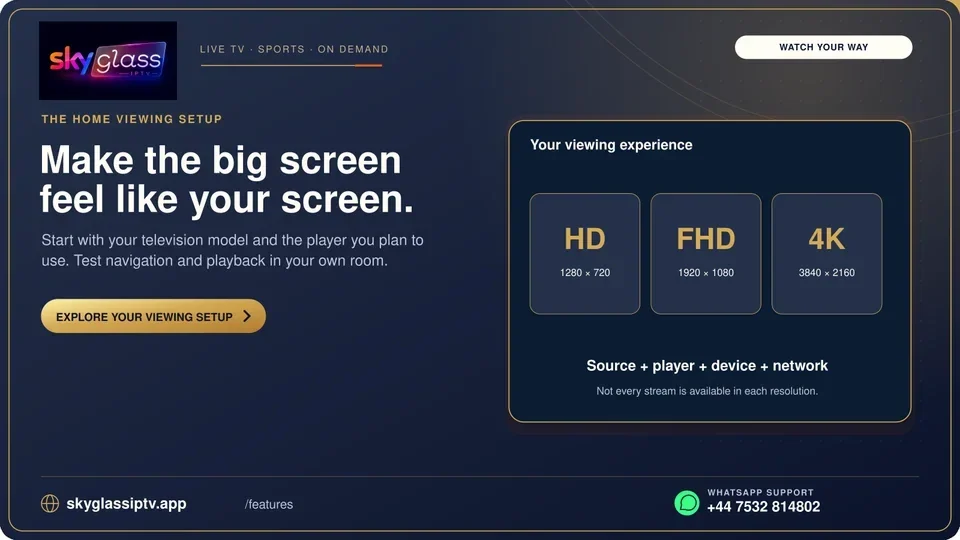
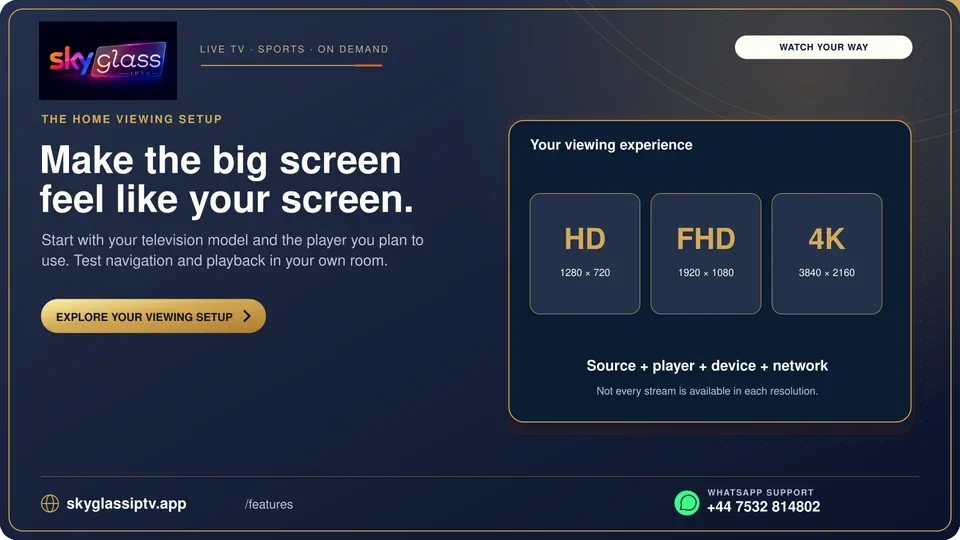
The published visual addresses picture quality. A test that compares actual playback at the normal resolution and frame rate can give you a meaningful result. Try speech, a smooth pan or a short dated preview where you can measure startup and any recurring stops. Check the authorised media source and compare its documented support with the result you observe.
Make the purchase depend on the successful route
Read the written service term separately from any application registration. If the built-in TV app is missing, compare an approved external route while keeping the current settings as a fallback. The connected television versus streamer guide helps decide when separate equipment adds value.
Evidence and sources
Vendor welcome guide retrieved. Use the written terms for the exact account and market you are evaluating.