
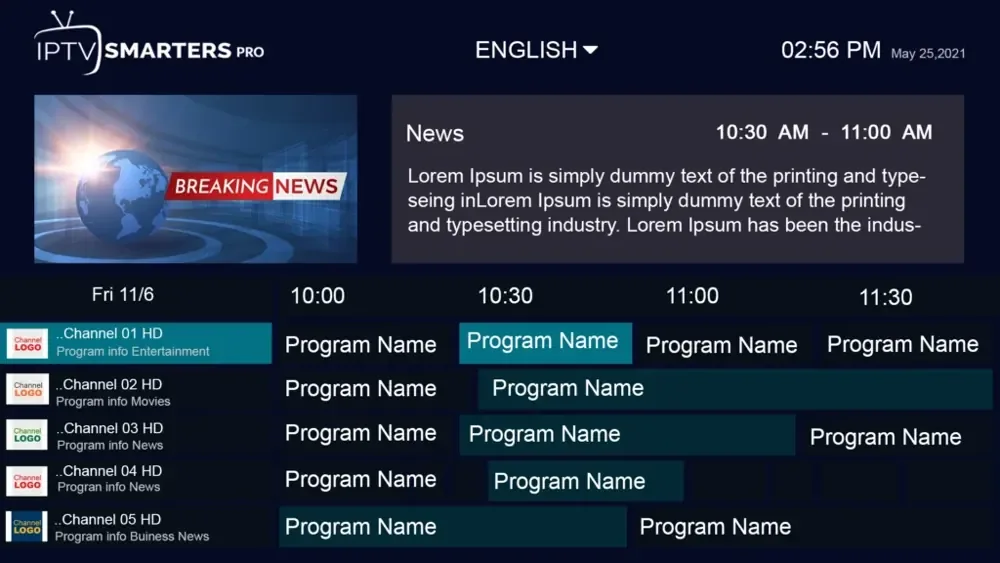
Match M3U channels to XMLTV programmes
Compare the playlist’s channel identifier with the XMLTV channel id and the programme’s channel attribute. Distinct regional feeds need distinct mappings.
Set up M3U and XMLTV, match channel identifiers and check guide timing.
Compare the playlist’s channel identifier with the XMLTV channel id and the programme’s channel attribute. Distinct regional feeds need distinct mappings.
Compare the source timestamp and its UTC offset with the event’s local time before applying an app-wide shift.
A channel list tells a player what to open. An HLS manifest describes media renditions or program segments for a particular stream.
Confirm the hostname, port, username and password with the service, then select the matching account type in a supported app.
Update the channel list first when lineup IDs changed, then refresh programme data and check one mapped channel.
Check whether the app loaded a valid programme source and whether it contains coverage for the channels and date you are using.
Read the related guideThe feed may have an unmatched channel ID or lack programme entries on that schedule. Compare the available XMLTV ID and broadcaster schedule.
Read the related guideCompare the platform’s time zone and a dated event across the broadcaster and XMLTV source. A uniform offset can follow a seasonal time change.
Read the related guideThe channel id associates a channel entry with programme records using the programme’s channel attribute.
Read the related guideMapping behavior can vary by app. Compare the exact ID in the playlist and source, then test the matched row with your client.
Read the related guide