What to check first
Confirm that any account, app screen or receipt is linked by the same current vendor source. The .io and .app domain entries are tracked separately while their operator relationship is open.
Read the .io app page on its own terms
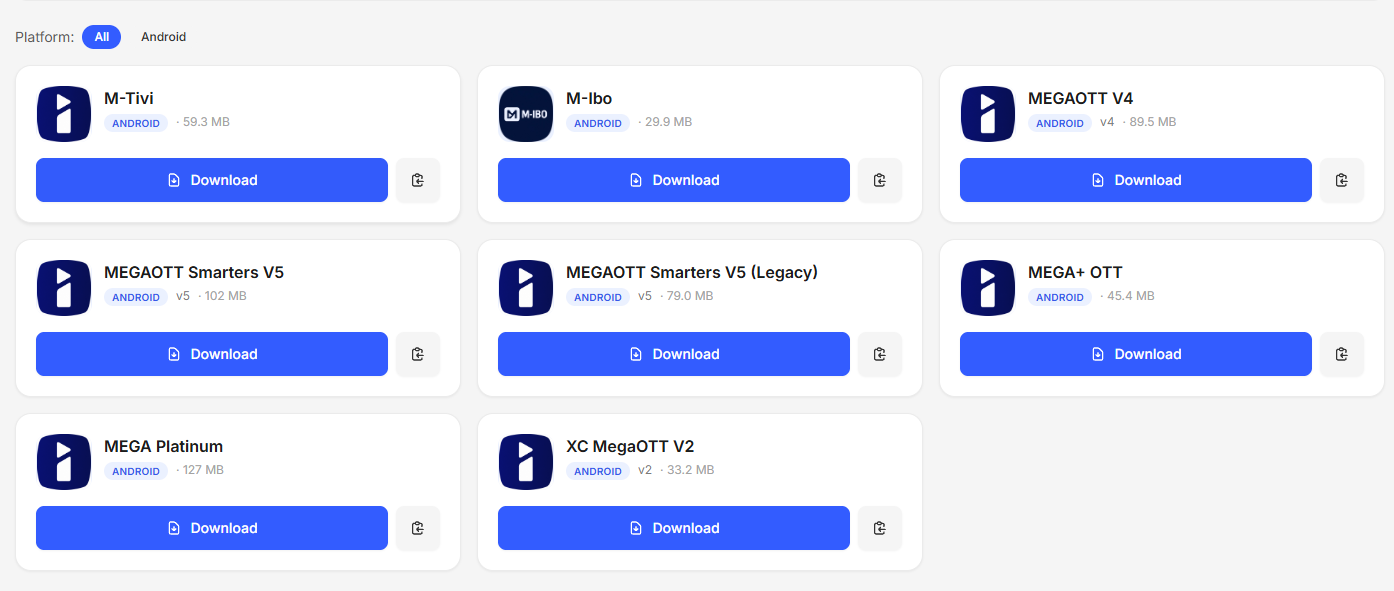
The source for this listing is MegaOTT at megaott.io, including the named app page under /4k/. The artwork shows the M-IBO opening screen that the site presents in its player section. Double-check which edition and OS a published app listing names. A visual reference to a player does not settle the access, licence or activation arrangement for a particular device.
Check what your merchant supplies
Before agreeing to a service, ask whether it supplies a list, separately entered account fields or its own supported sign-in route. Confirm the permitted connection count and whether application purchase or renewal is billed independently. The same app can accept multiple authorised sources while an account is tied to just one merchant.
Troubleshoot the exact stage that fails
If the correct player opens and rejects the account, record where the supported sign-in failed. If the account opens and the picture does not start, test a known permitted programme and device before changing setup. The player versus provider guide helps separate where to send each request.
Evidence and sources
Vendor app reference retrieved. Use the written terms for the exact account and market you are evaluating.