What to check first
Confirm the terms shown for the target pack, especially permissions, eligible connections and whether twelve credits still correspond to a year. The plan comparison uses the monthly credit rule published in the source.
Choose the app for the exact screen
The Trex source includes device and player guides under /OTT/. The pictured Google TV card is a useful reference for that pathway. Check whether the target device is a Google TV box or a television with a different platform. Some names used for an app or account can recur on separate client builds. Keep a working store route and app publisher in your test notes.
Price customer months correctly
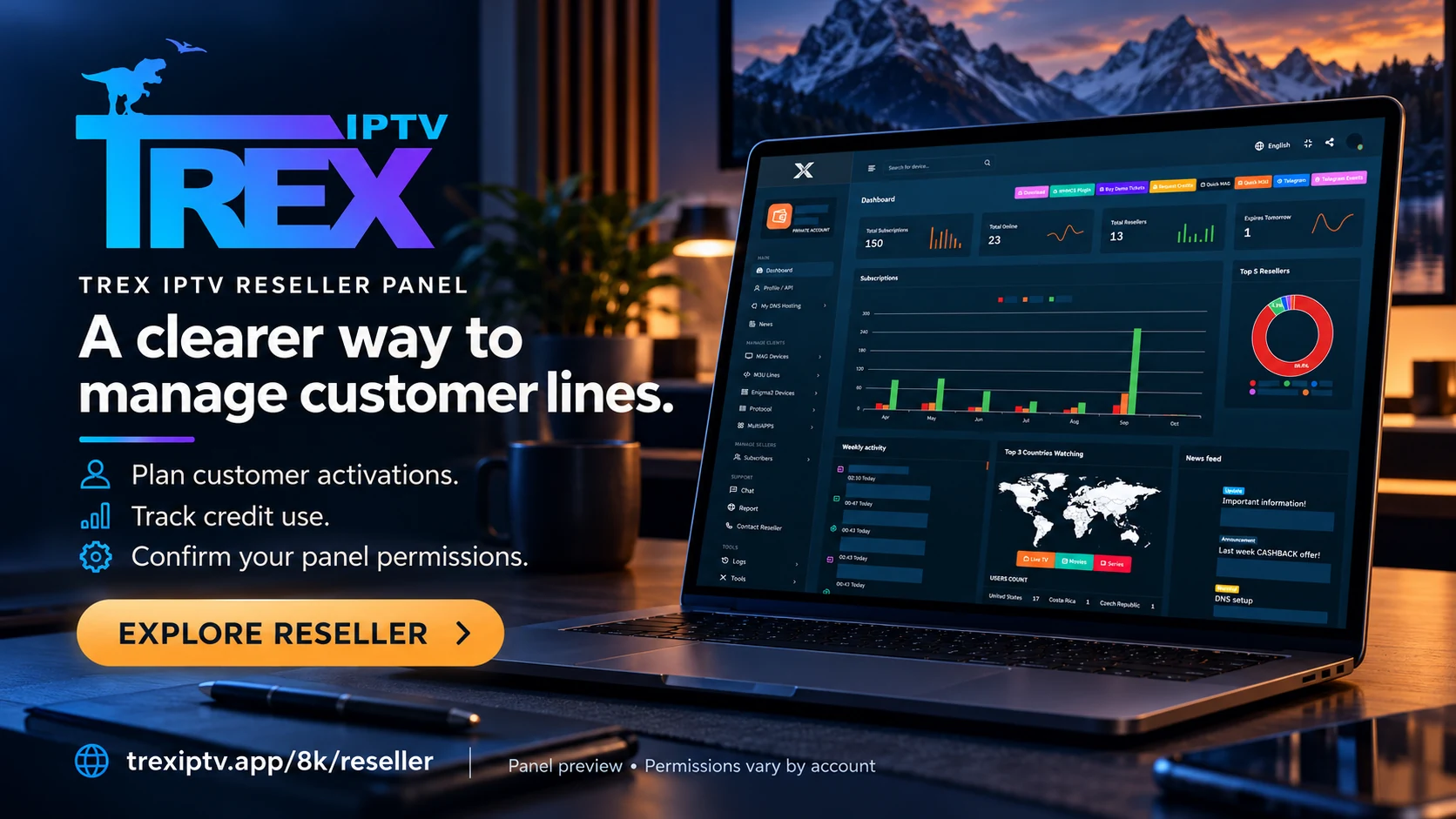
The published Trex schedule uses monthly credit units. At the published 60-credit pack’s USD 111.00 total, one credit costs USD 1.85 and a twelve-month customer term uses twelve credits, for USD 22.20 in credits. A small business buying that pack has capacity for five annual terms before returns, other obligations or additional service costs. Recheck the quoted pack and conversion in the current price register when comparing.
Ask about actual account permissions
Ask whether the merchant supports the planned market, account types, simultaneous viewers and documented help channel. Check who issues the receipt and what happens if one activation cannot be completed or the agreement changes. Save the workable player configuration before onboarding more than one customer. The Trex and Pro Max example compares separate credit systems.
Evidence and sources
Published pricing page retrieved. Use the written terms for the exact account and market you are evaluating.