What to check first
Ask which documented player and account type fit the device you will actually use. Compare terms from the /strong/ pricing page and keep the separate reseller rulebook open when evaluating credit purchases.
Start at the Strong 8K address
Use the overview under /strong/ as the starting point for this listing. Keeping the domain and path with your notes helps when a search result shows another service with “8K” in the title. Before requesting access, find the part of the site that names a route for your platform. Test the account on the screen you meant to use, and record the exact client version you were given.
What to ask about the connection screen
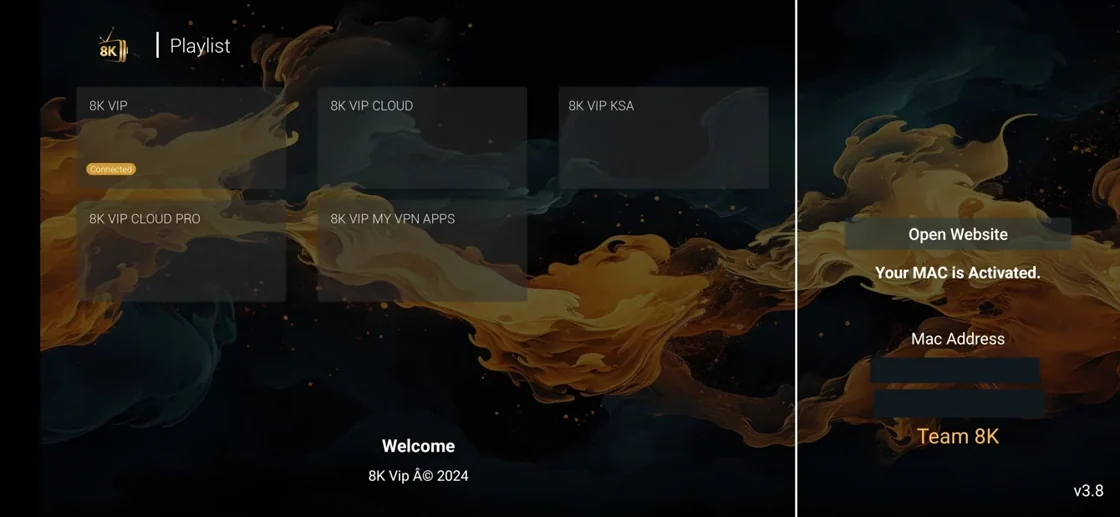
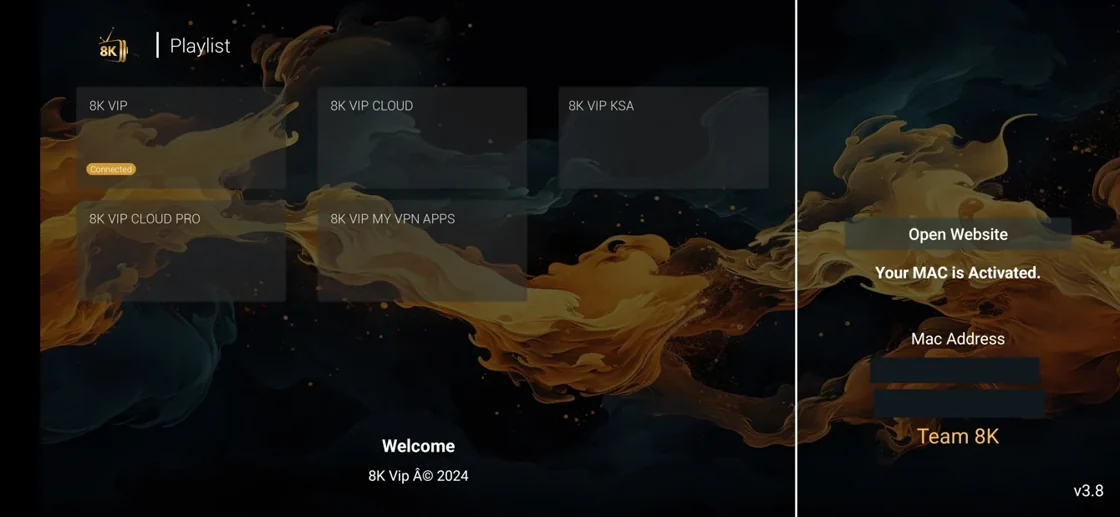
The published example shows a choice of connection or service entry points. It is useful for recognising that stage of setup. Ask which entry corresponds to the account being issued, then open the documented app or approved list. Keep the service address and sign-in fields private. If the menu opens and a particular feed still fails afterward, take the precise time and feed name to the service. Check a real stream’s picture information during the test.
A useful reseller follow-up
For the business route, get the credit term mapping and packs from the same Strong 8K website. Write down the current total, tax if shown, account permissions and remaining credit rules. A vendor may use the same app interface for personal and business access while the terms are separate. Compare cost per customer term before using another vendor’s numbers.
Evidence and sources
Vendor overview retrieved. Use the written terms for the exact account and market you are evaluating.