What to check first
Identify the supported player for your OS from the currently documented source. Android APK guidance needs a compatible Android environment and current provenance.
Enter through the Dream 4K site’s own guide
This profile follows the public /streams/ information for Dream 4K IPTV. Start with the actual domain when checking an account or downloading instructions. A familiar name in a generic player may have no bearing on who issued a subscription. Check which compatible player and service parameters the publisher documents for your hardware.
Distinguish panel access from viewing access
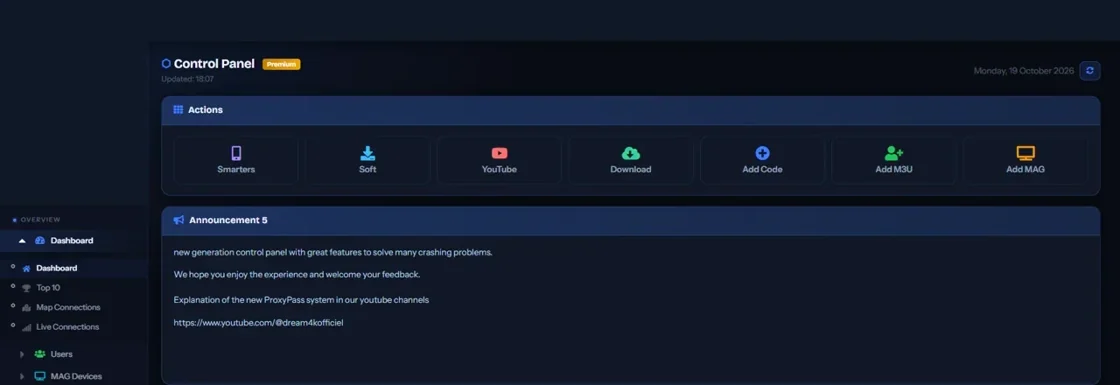
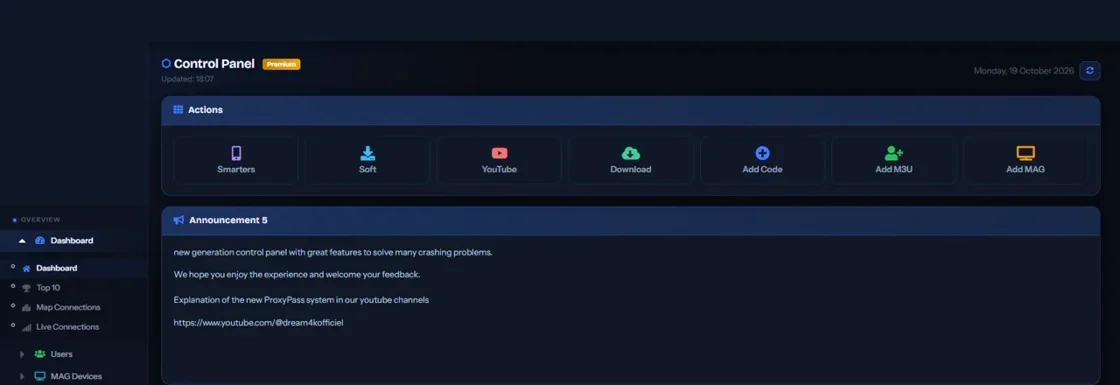
The publisher’s panel image has private details removed. It is a reference for the interface. A buyer considering ordinary viewing should ask what connection method the account accepts and what app can play it on the intended screen. A person evaluating a panel needs a separate outline of user management, credit units, permissions and after-sale support.
Verify install provenance with the supplier
If the documented route involves an Android package, confirm it is for the installed platform, read the package identity from a trusted source and verify the official publisher link. Check whether the device supports opening it through a native store instead. Keep access fields out of public questions. The verified app source guide has separate checks for files, packages and app stores.
Evidence and sources
Vendor homepage retrieved. Use the written terms for the exact account and market you are evaluating.