What to check first
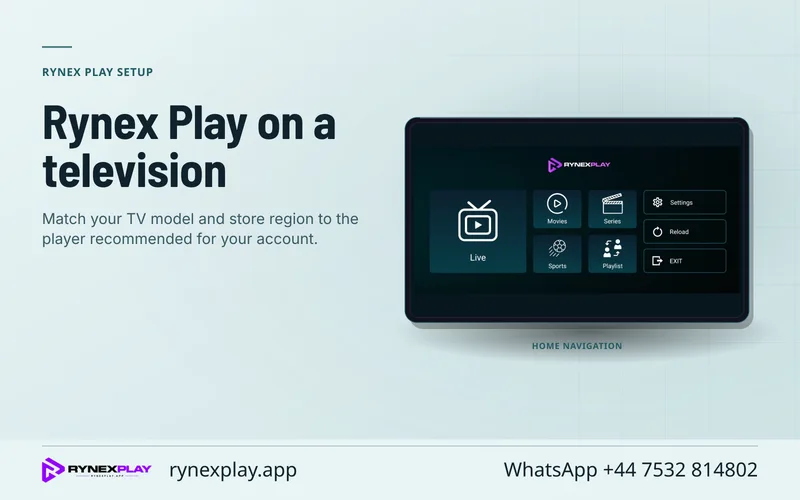
Check the app and publisher the current Rynex site names for your device. Save a working configuration privately before switching between Rynex TV and another player path.
Check the actual term requested
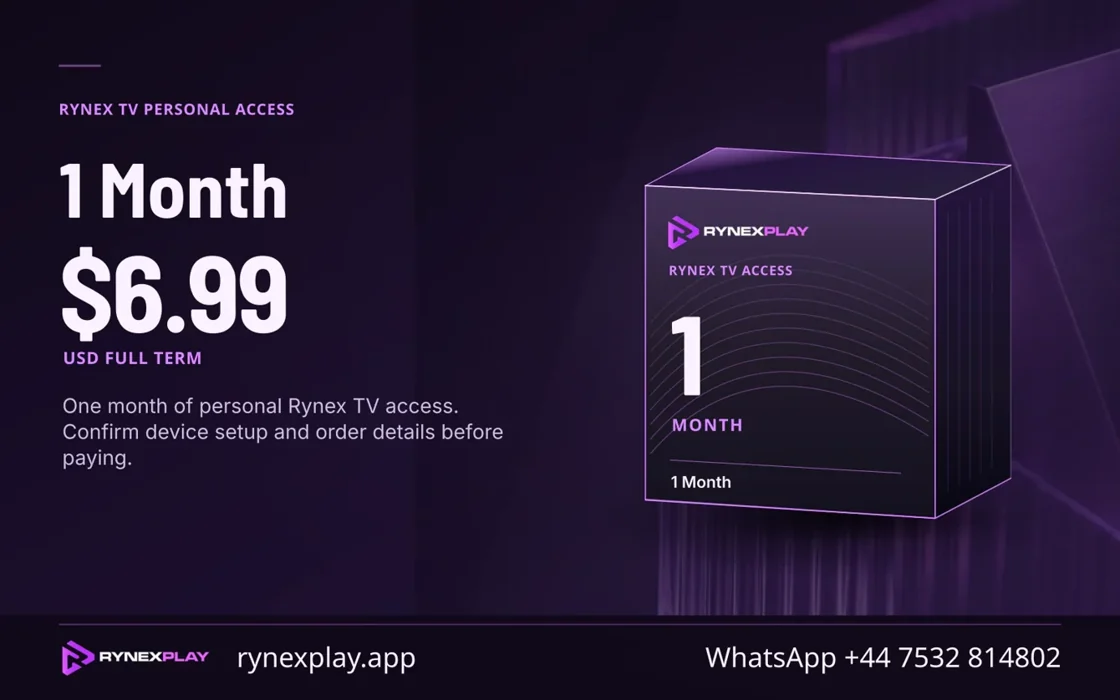
The Rynex source uses plan artwork for different periods. Read the quote for the intended market and compare full bills. Save the actual renewal and cancellation wording. A later update to a graphic may change the number displayed, so ask the merchant for the current term recorded on the purchase path.
Keep a working player as a fallback
When changing from Rynex TV or another player route, find the current supported installation and account type first. Retain the original approved settings privately. Import one lawful source and check basic playback, then compare one event and one guide record. You can only restore a backup reliably when its format belongs to the same client or the publisher describes a compatible import.
Route a question to the right party
If the app rejects the account, document the error, device and exact version. If the player shows a configuration error, ask the official publisher which current form accepts your access. A request about a renewal goes to the named merchant. See moving to another player for a checklist that keeps both setups available during verification.
Evidence and sources
Vendor homepage retrieved. Use the written terms for the exact account and market you are evaluating.