What to check first
Find the publisher-supported route for your operating system and compare actual picture format with the app’s name. Ask which part of the setup is included with the quoted service term.
Follow the brand’s player and subscription distinction
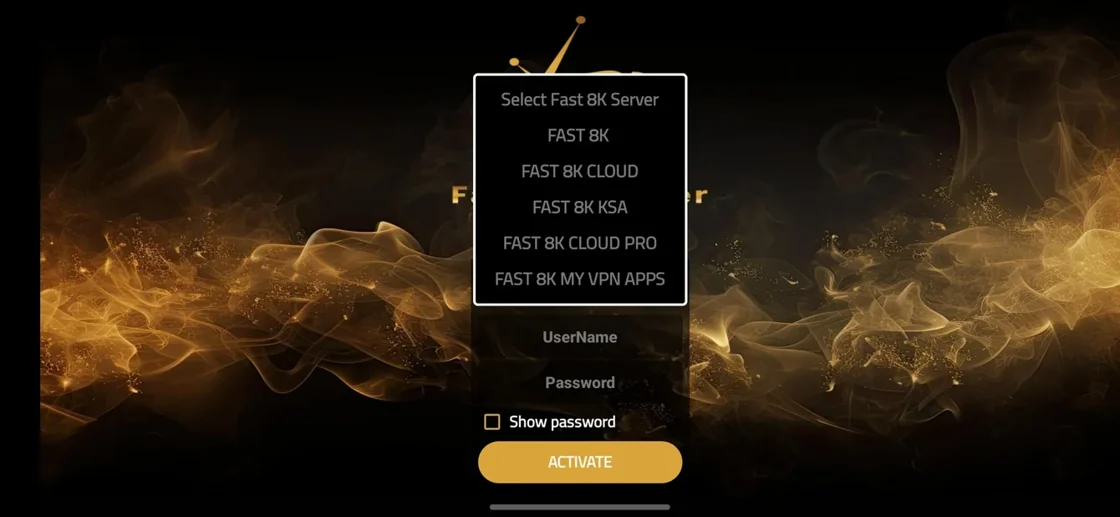
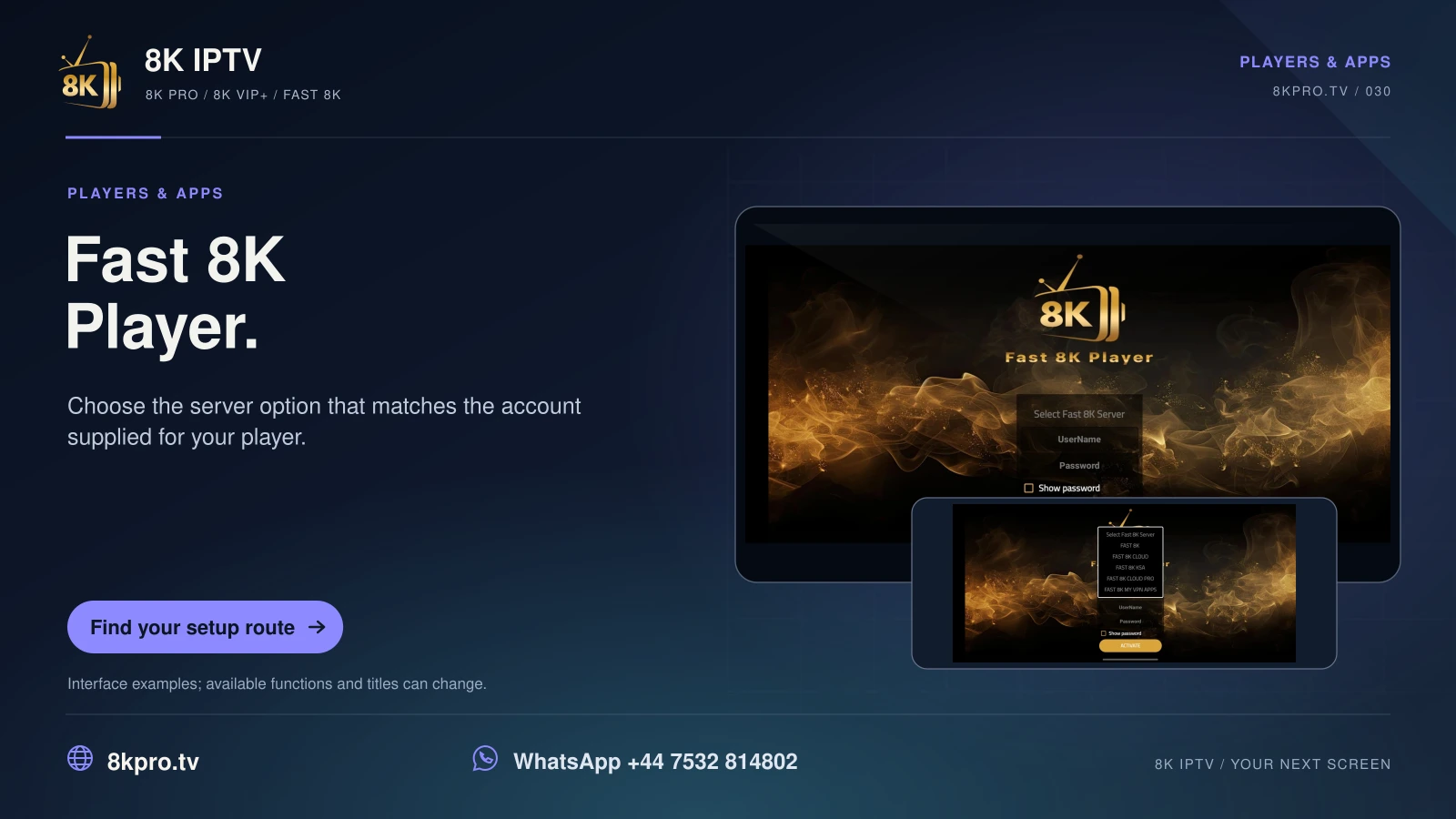
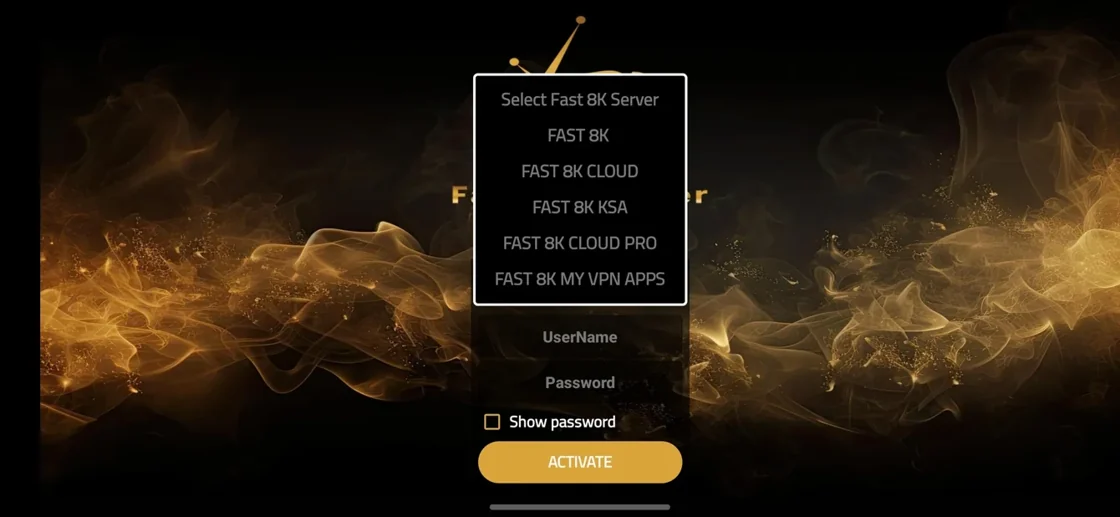
The 8K PRO page separates app installation from service access. Its published connection example can help identify the login stage. Choose the authorised store source for the device, then ask what supported account format the vendor actually supplies. Keep the app publisher, merchant and any activation charge in separate entries on your comparison sheet.
Test a programme instead of a format slogan
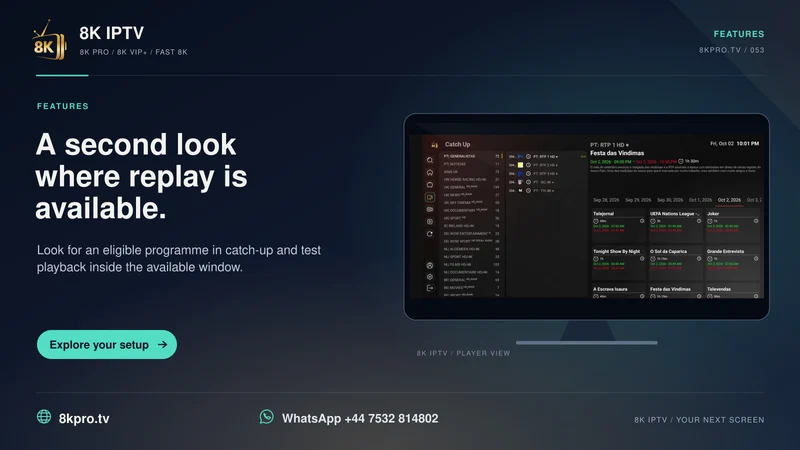
Use a lawful live feed and something with known motion or captions. Where the app exposes media information, note the actual resolution and frame rate during playback. A television’s HDMI signal can report a different size than the source. Keep your result limited to the device, account, programme and time you tested.
At renewal, compare access and features again
A working setup gives you a baseline. Ask for the renewal amount and how the account release or device transfer behaves if you change the box. If the app itself needs a separate licence, verify its current terms. A reviewer can compare the original and current viewing paths using the buyer’s checklist.
Evidence and sources
Vendor setup reference retrieved. Use the written terms for the exact account and market you are evaluating.