What to check first
Request the total billed amount and confirm the state feed, expected programme time and native Appstore route on the device you plan to use.
Match a local feed to the stated time
Start with an Australian programme you actually want to watch, such as the local evening news or a sport event with a stated start time. Identify the state or market edition. Some state clocks diverge seasonally, so a channel name alone can be misleading. Compare today’s and the next guide entry with the publisher times for the intended edition. The Australia market guide links official broadcaster routes.
Check your Australian checkout separately
The vendor advertises full-term Australian-dollar pricing. Ask for the complete order amount and currency the merchant will charge. Keep any separate app fee, activation or add-on in the same worksheet. Clarify renewal and cancellation through the documented source before comparing a longer commitment with a short test.
Use the exact Amazon model if that is your route
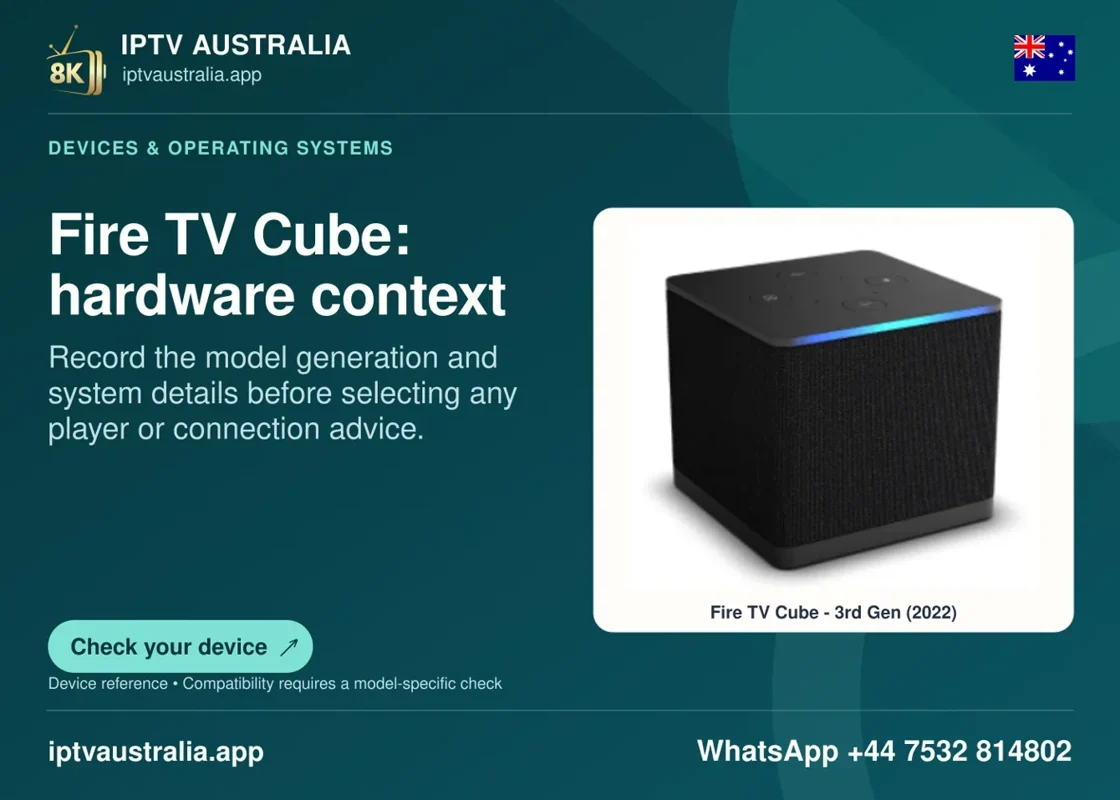
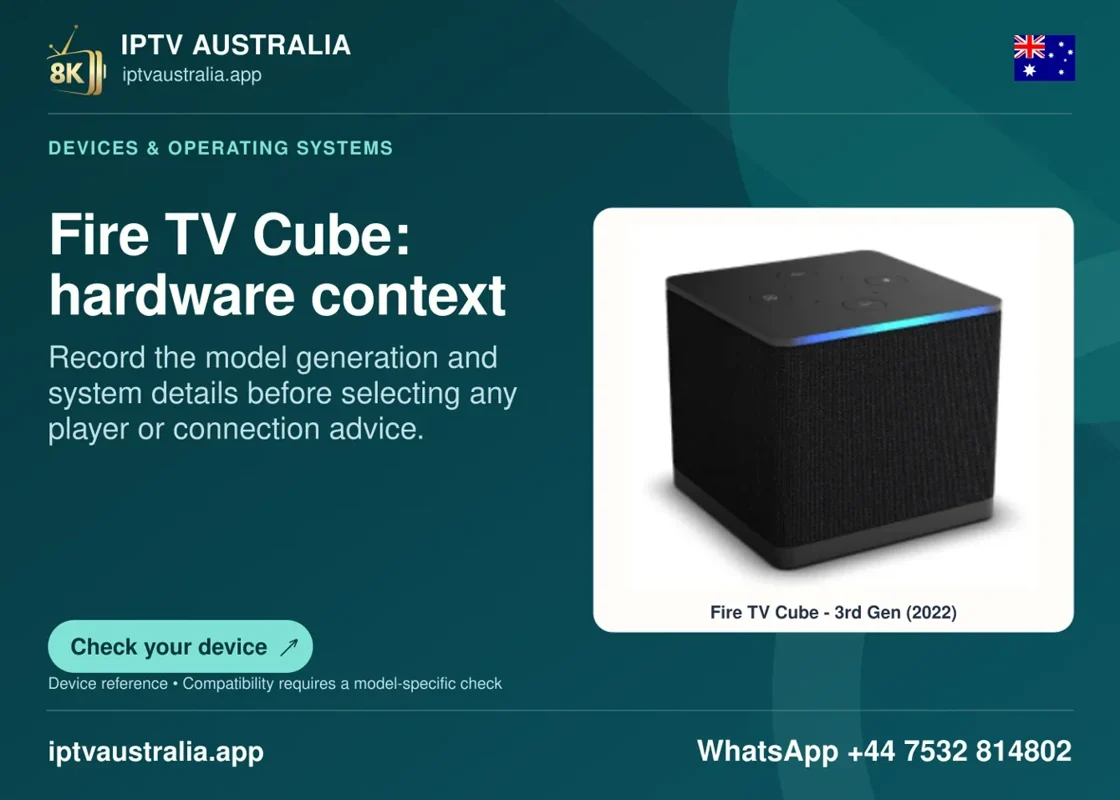
The publisher’s Fire TV Cube image shows hardware context. It cannot establish a matching device model or approved app across the whole Fire TV range. Verify the release, OS and listing using the device and Amazon’s own documentation. Try the desired lawful programme in the same app during your main viewing period.
Evidence and sources
Vendor homepage retrieved. Use the written terms for the exact account and market you are evaluating.