What to check first
Verify the exact CAD total and test whichever Canadian market, station and programme language you expect to use. Confirm how many viewers may stream at once.
Check the Canadian market and language track
The domain describes CAD terms and setup help. If you rely on Canadian local stations or English and French audio, pick the exact programme and station before the test. Check language controls and accessibility on a title known to supply the desired track. Local broadcaster routes and time zones in the Canada guide help you specify which edition you need.
Read the hardware generation on the device
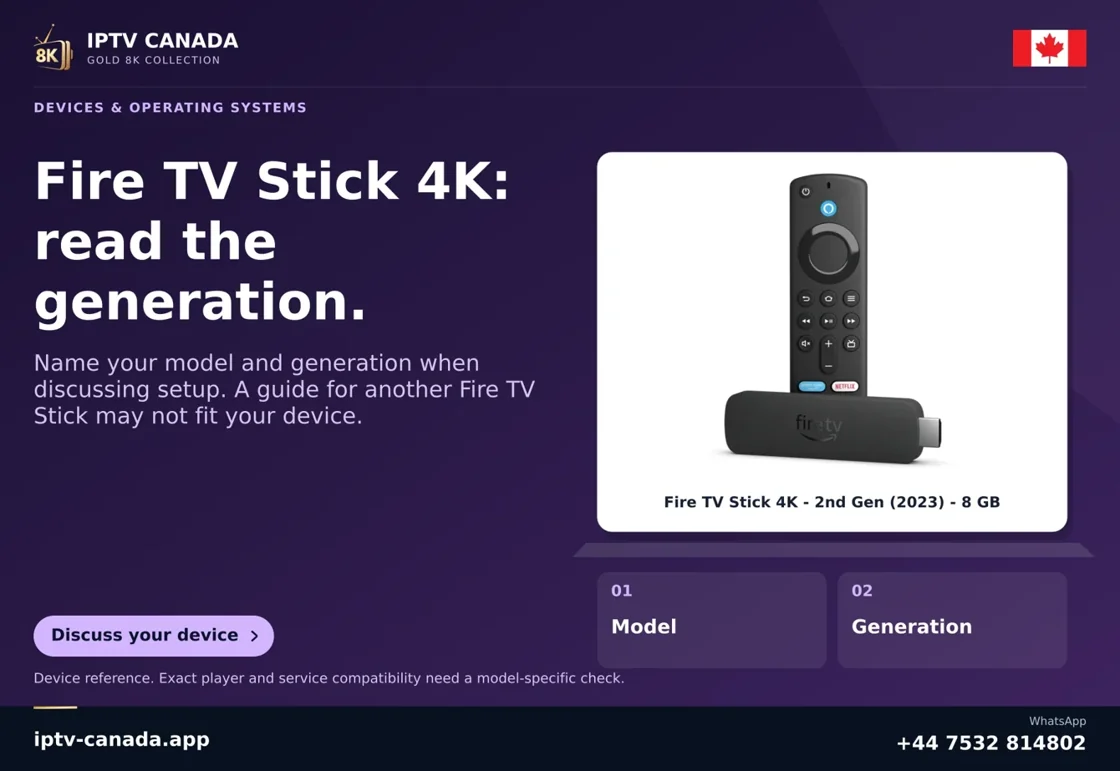
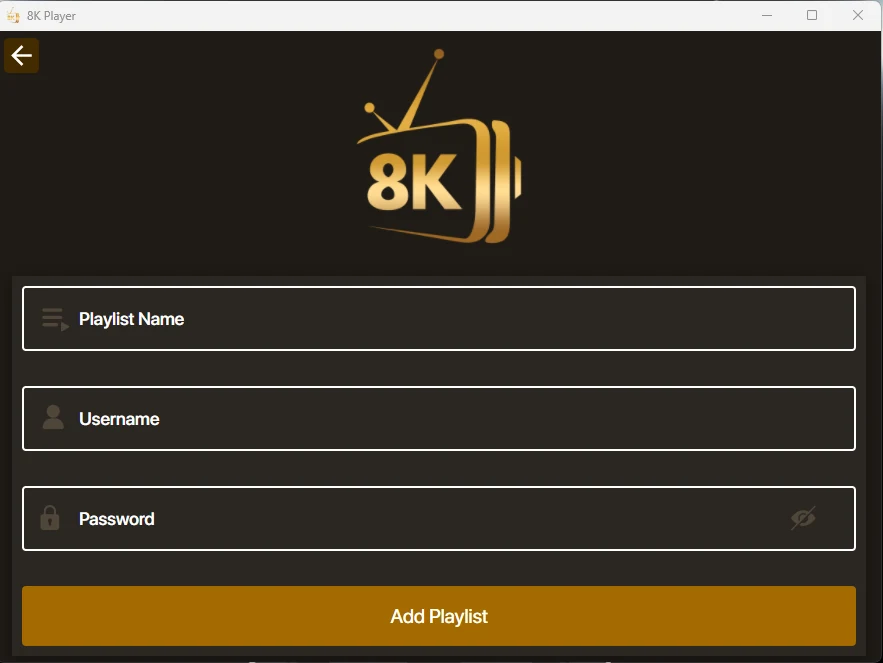
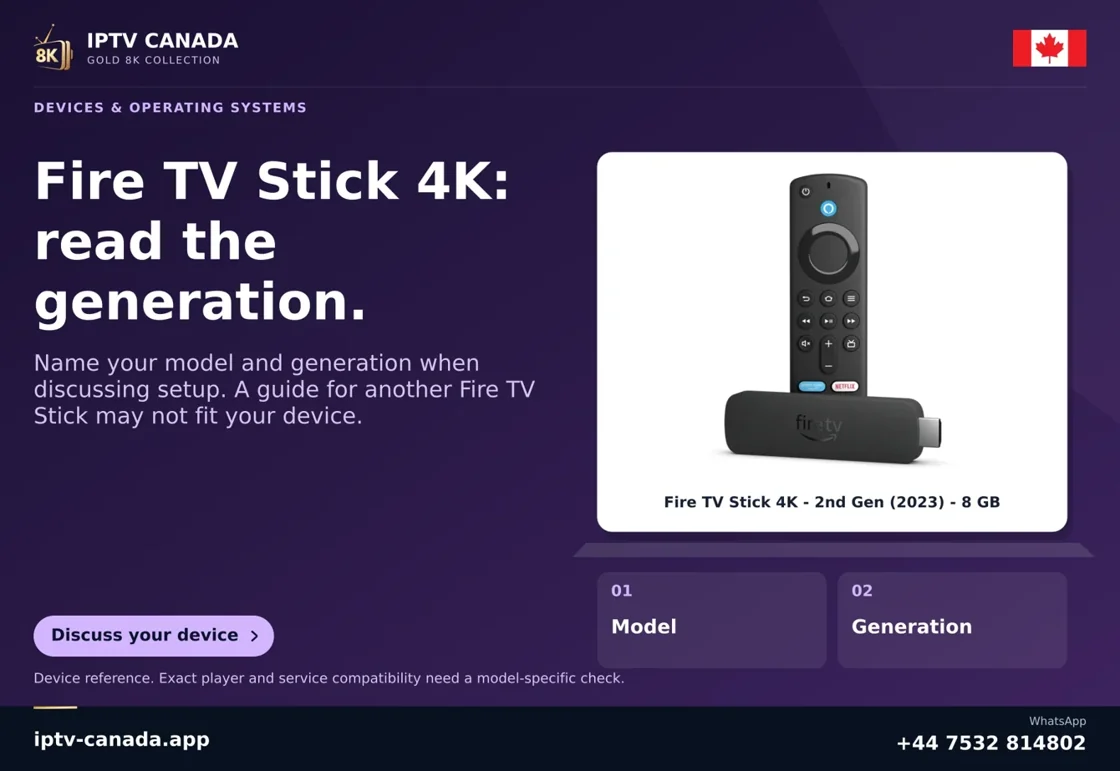
The provider’s artwork shows a Fire TV Stick 4K and highlights the generation. Check the device model against Amazon’s official table and confirm which compatible app the provider recommends for its operating system. Some Fire TV releases use a different platform even when the product family name looks nearly the same. Keep the device marketplace and app publisher clear in your notes.
Compare the actual amount and simultaneous viewing
Look up the full CAD bill and any app or hardware charges recorded by the merchant. Ask whether registered devices and concurrent sessions have separate limits. Test any required dual viewing openly within the service terms. If the ordinary viewing case works, save the orderly setup and contact details for help.
Evidence and sources
Vendor homepage retrieved. Use the written terms for the exact account and market you are evaluating.