What to check first
Ask for the correct publisher and model-specific route before requesting an account. If you want one sport, verify the event’s official broadcaster for the intended region.
Decide how a supported player receives the account
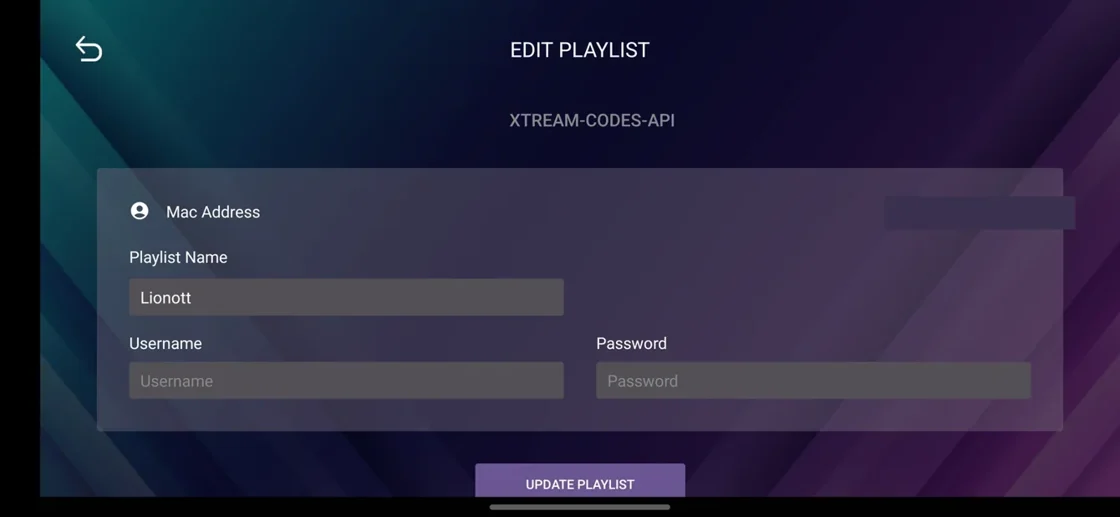
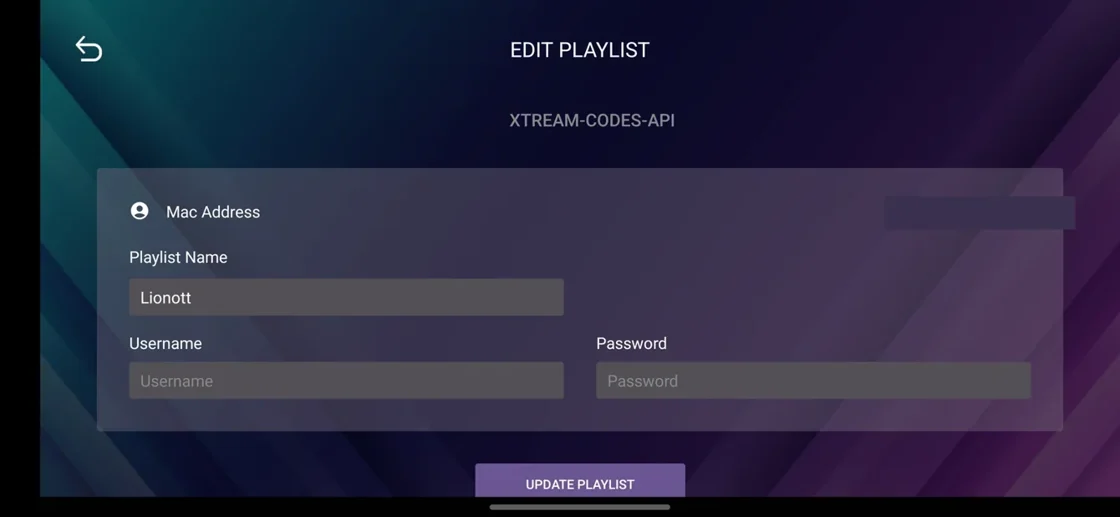
Lion OTT’s public material lists an initial help route and includes player illustrations. The published setup example shows fields for an input. That helps identify how an account might be entered on that app. Ask which format the seller provides, how the correct version appears in the store and what to do if a field is missing on your device.
Test the value you expect to keep
If the goal is a football fixture or other timed competition, check the organiser’s authorised broadcast schedule and the applicable region directly. Try the supported viewing route before the event with a stable control. Keep a clear record of any audio or picture preferences. Brand imagery and familiar match icons are insufficient to establish current access to a specific match.
Keep service changes traceable
When seeking later help, retain the app name, the day and time it last worked and an example of the issue. Ask about permitted alternate devices and how any new term affects access. Read our rules for a reproducible support request before sharing a screenshot of the setup screen.
Evidence and sources
Vendor contact page retrieved. Use the written terms for the exact account and market you are evaluating.