What to check first
Request the supported client for your hardware and a stated test feed. Compare actual stream statistics with the marketed resolution before a long commitment.
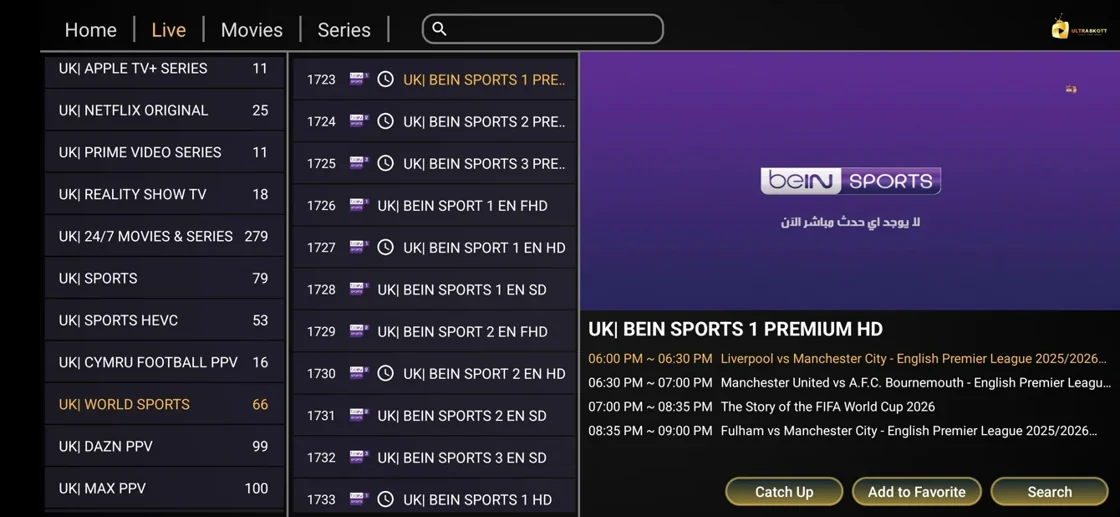
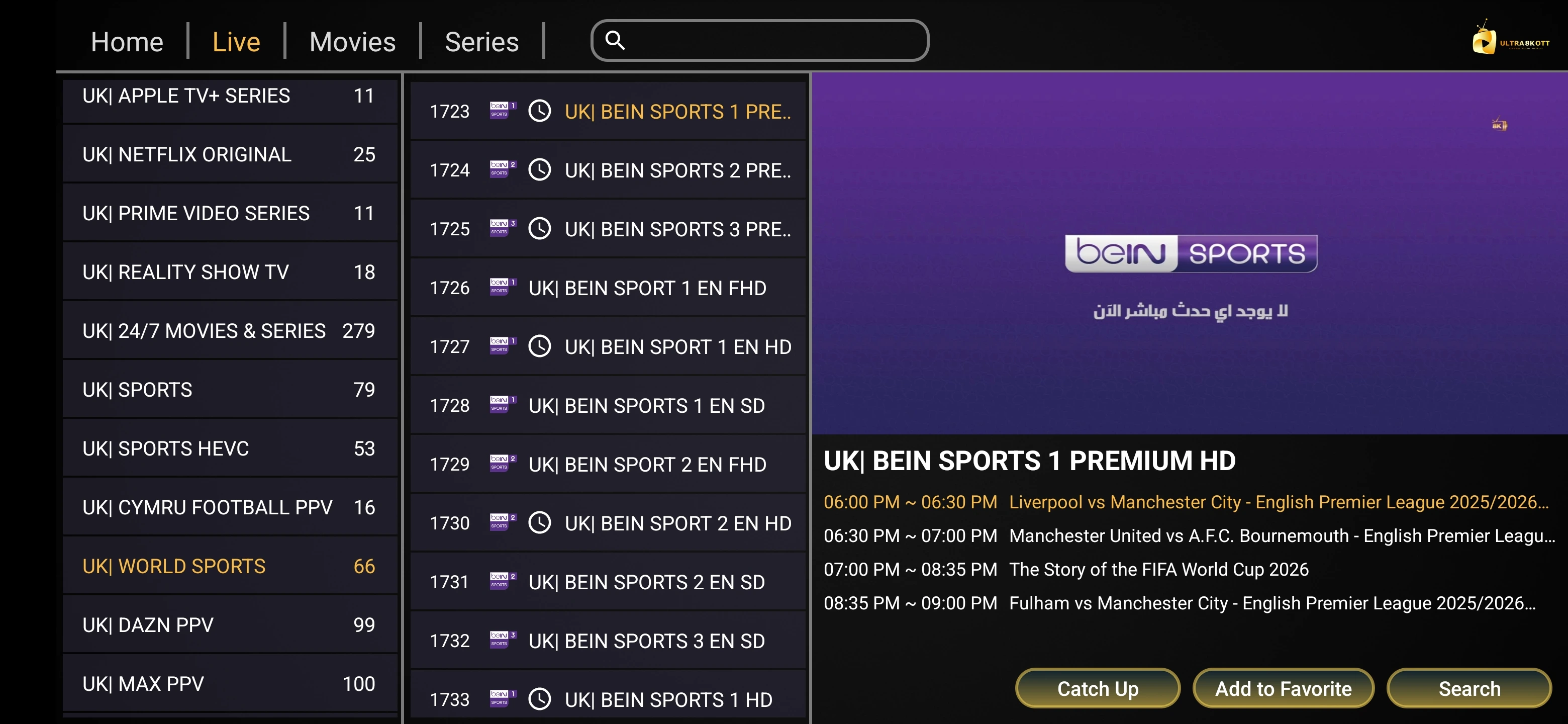
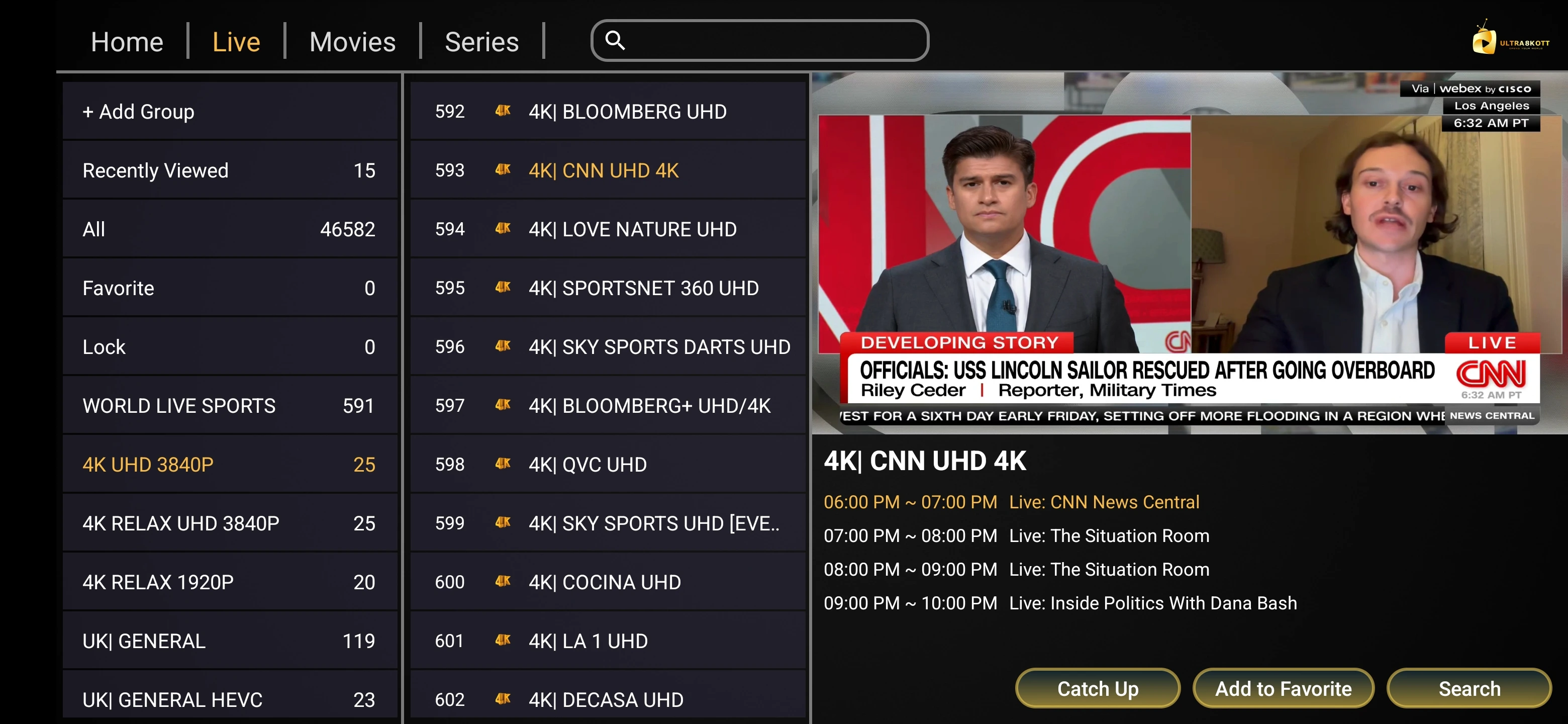
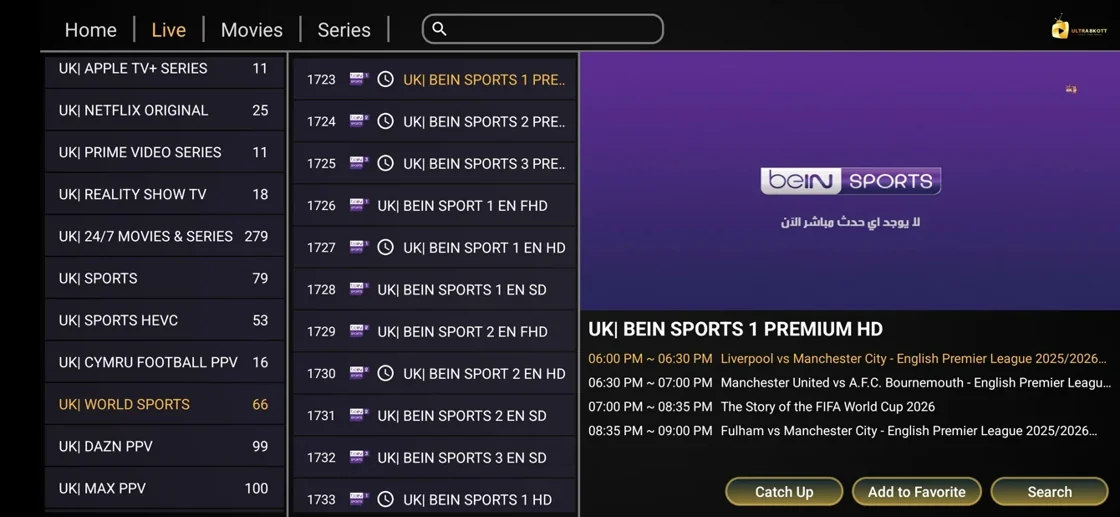
Use the interface example for orientation
The publisher shows a channel screen from its player materials. Use it as orientation when reading about entries, favourites and the guide. Verify the app listing, names and current screens on the installed build. A catalogue shown in the screenshot is a moment in the visual reference and cannot establish what a viewer will be allowed to see in a specific market.
Choose a repeatable picture check
Start with one approved HD feed to establish working playback. Check a sample with the advertised quality when the service documents it and confirm what the player actually receives. Record the source format, viewing time and device. If the choice fails repeatedly at the same place in a replay, include that offset in the report.
Record reseller questions separately
The Ultra 8K OTT overview describes business access and plans alongside retail information. Ask which access belongs to the selected offer and which parts an operator can change in a seller panel. Take the actual term and credit use from written conditions. Use the reseller pack worksheet when comparing offers with different definitions.
Evidence and sources
Vendor overview retrieved. Use the written terms for the exact account and market you are evaluating.