
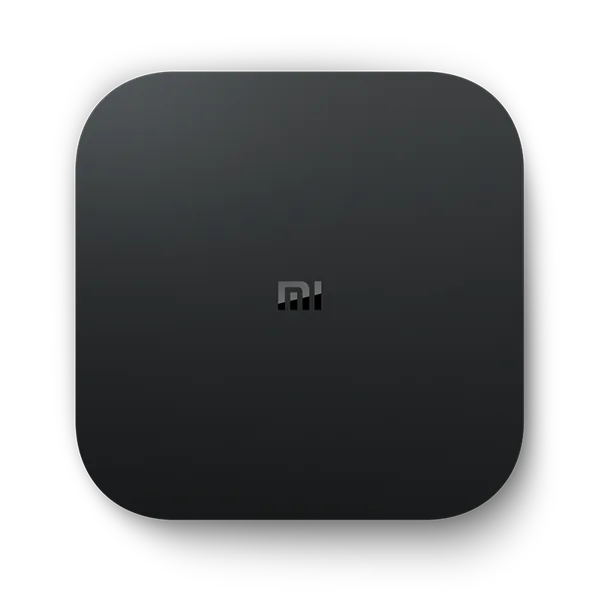
Identify the box you have
Mi Box S and TV Box S product labels recur across different generations. Photograph or record the exact model privately and compare it to Xiaomi’s specification. The product photo here illustrates Mi Box S. Use the documentation matching your device before applying device-specific advice.
Confirm the interface and install path
If the box reports Android TV, follow the Android TV Play Store route. If the box uses Google TV, follow Google TV’s Apps guidance. Test whether the support listing mentions the release and region you use. Also check whether the app updates from the same source it was installed from.
Verify a guide and a high-motion feed
Once a basic stream runs, test a programme grid import and a short live sports or panning sample. Check the HDMI mode and note whether the problem occurs on all players before changing settings.
Sources and scope
Publisher documentation and editorial analysis. Hardware and subscriptions were not purchased or tested for these guides.