
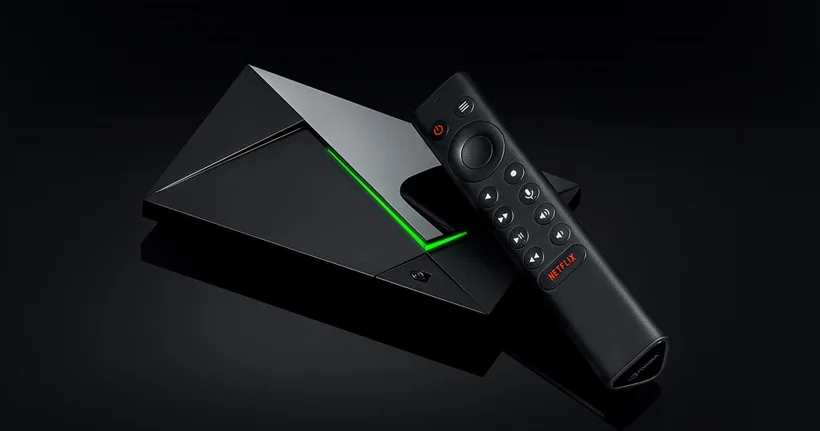
Check the model and update history
Verify whether the device is SHIELD TV or SHIELD TV Pro, and read the software version. Compare the device’s actual store listing and processor/decoder specs if a format issue is involved. The editorial photo shows the Pro family. Use that distinction when comparing advanced features or accessories.
Start with the playback route you need
Install a supported player, verify its publisher and choose the approved service input. Compare a known live feed and a second on-demand sample. If you use an external receiver, test audio via the TV first where practical, then the normal sound path.
Change one setting after a repeatable symptom
If a sensitive picture mode fails only with a subset of feeds, record the codec or the visible format. Retest with a documented alternative and preserve the old setting. Use the audio and picture diagnosis for a clean test order.
Sources and scope
Publisher documentation and editorial analysis. Hardware and subscriptions were not purchased or tested for these guides.