
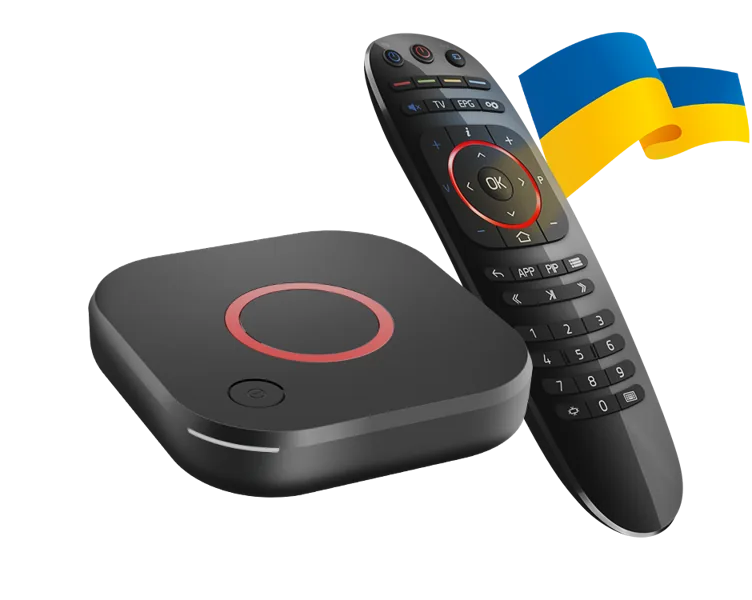
Identify the device family and firmware
Infomir lists individual models with different software and hardware specs. Use the full suffix and firmware version when contacting support. Verify the approved portal type against the provider’s model list before resetting another working device.
Match the portal to the supplier and device
If an approved service requires device registration, share the identifier through the supplier’s legitimate support route. Avoid pasting full portal details or device MAC information into public troubleshooting. Check whether a device change needs an account-side transfer.
Verify the results separately
Open the portal, then check a live feed, programme listing and playback controls. An enrolment problem is different from one feed failing after the menu loads. Report the model, firmware and error stage privately where required.
Sources and scope
Publisher documentation and editorial analysis. Hardware and subscriptions were not purchased or tested for these guides.