
Check which screen will run the player
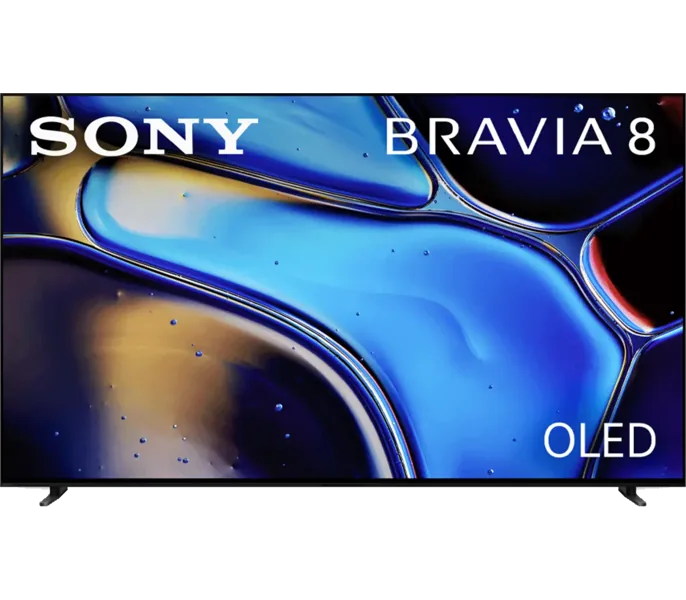
Read the model and Android TV version. The Sony unit pictured is an example of a physical television family. A TV store can differ from Google Play on a phone, and compatibility is not established by a shared Android name.
Install the TV listing
Open Google Play using Google’s Android TV instructions. Search for the app by its exact name and publisher. Use the TV-compatible listing and verify the player accepts the input from your subscription. When you need a channel and EPG grid, check the player’s documented support for both.
Try connecting under real viewing conditions
Check remote operation from login through exit. Confirm that the device shows the app’s expected categories, an actual picture and the correct programme data. Repeat a feed during the usual viewing time. If playback only fails on this device, compare decoder and display checks.
Sources and scope
Publisher documentation and editorial analysis. Hardware and subscriptions were not purchased or tested for these guides.