 IPTVGuides.net
Field cards / EPG and playlists
EPG and playlists
70 illustrated references. Open a card for the answer and its sources.
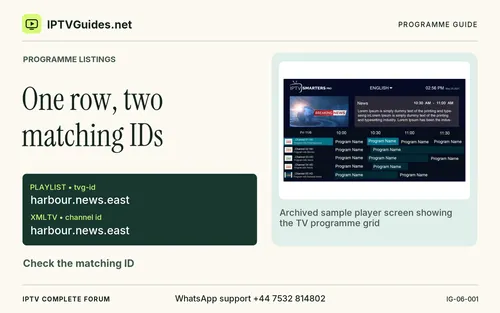 One row, two matching IDs
 The one-hour clue
 Collect one affected channel first
 Use two anchor events
 Start with the role of the file
 Preserve one known-good reference
 Start with two channels and a known programme
 Confirm that the feeds are actually distinct
 Separate the record label, the channel ID and the source address
 Work through a safe example
 Keep the date with the offset
 Recognise a role mismatch
 Refresh and sample two rows
 See what the two sources do
 Check the identity that the player is using
 Identify a channel list and an HLS manifest by their role
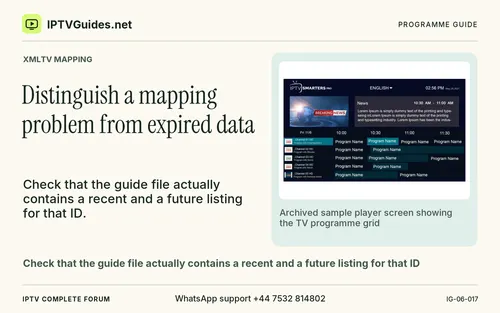 Distinguish a mapping problem from expired data
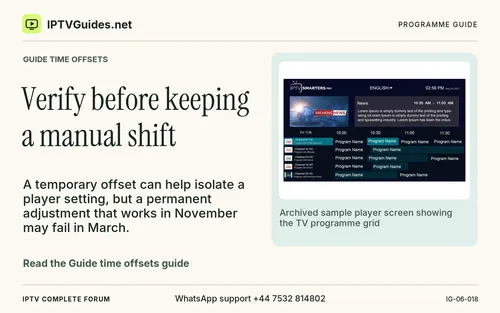 Verify before keeping a manual shift
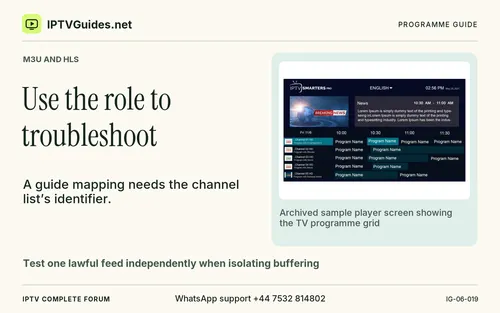 Use the role to troubleshoot
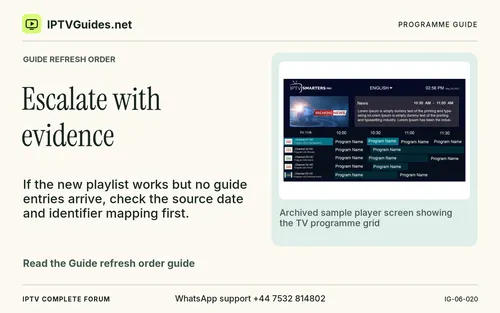 Escalate with evidence
 Check the source and import for an entirely blank grid
 Verify after an update
 Run a filename, line and encoding check
 Validate two channels and a refresh
 Repair one ID before editing a full playlist
 Verify group names and duplicates without throwing away an edition
 Recognise a missing schedule and a duplicate-looking feed
 Match the schedule through the tiny XMLTV example
 Compare time, offset and date as three pieces of evidence
 Reproduce a remote import failure without exposing a signed URL
 Work through a whole-grid time shift
 Plan a refresh you can verify in the guide and on the screen
 Keep a stale import from looking like a missing guide
 Ask for help with the smallest test that still fails
 Use the example records as a diagnostic exercise
 Inspect optional metadata before you change a whole library
 Tell a temporary event gap from a persistent problem
 Find out which update belongs to the publisher and which belongs to you
 Write a support request that someone can reproduce
 Compare a single known entry across two supported players
 Verify the fix after a real programme change
 Check language labels and character handling separately
 Repeat the test after moving to a different player
 Keep a small record of guide changes
 Start by opening the fictional three-channel list as text
 Write down the date and your local time zone
 Read the next entry using the same steps
 XMLTV is one widely used way to supply programme information
 One kind of HLS playlist describes different representations of the same stream
 Use the officially supported refresh operation
 Start with UTF-8 when your documented player supports it
 Here is a small fictional example
 A duplicated display name does not necessarily identify a duplicate stream
 A player may display the old label after a new channel was added
 Read the result for the three exact matches
 XMLTV timestamps can include an offset as part of the value
 If a remote URL was involved, keep its full text in a private note
 A connected screen and an attached media box can have separate system settings
 Check whether the new ID is present before running the guide update
 If the lineup changed, use the app’s documented playlist update first
 Use an explicit comparison
 Start with the labelled fixture
 You can build a small local experiment from the fictional three-entry file
 When a replay is involved, look for the format and date the provider expects
 Work through a realistic case
 On 15 November at 18:15 local time the broadcaster listed a programme
 Write what each client reports at the first visible milestone
 Confirm the corrected association survives the refreshed playlist and guide
 Write the exact intended characters using a small excerpt you have permission to share
 Record any manual adjustments you plan to carry forward