 IPTVGuides.net
EPG and playlists · IG-06-032
Plan a refresh you can verify in the guide and on the screen
How can I plan a refresh you can verify in the guide and on the screen?
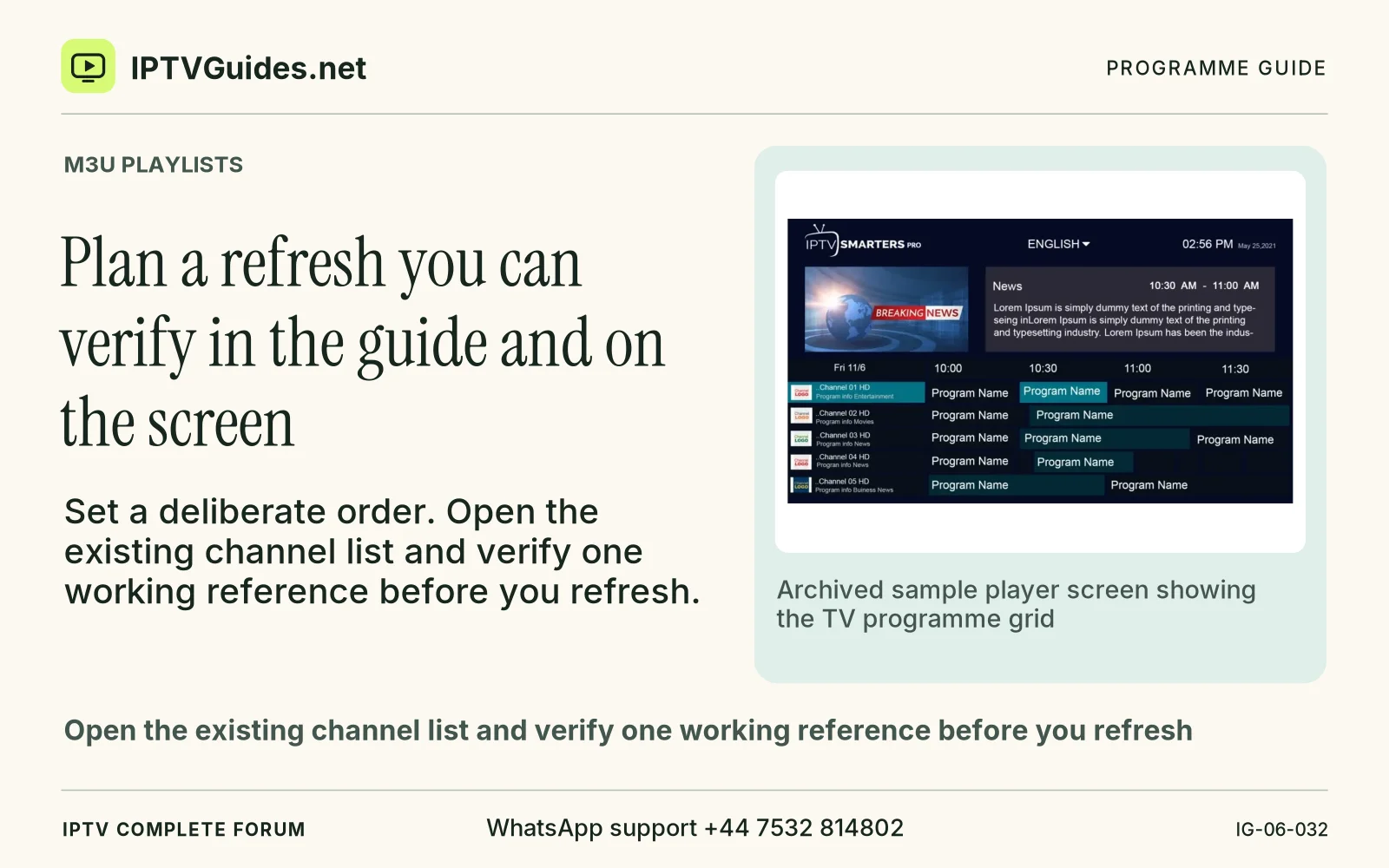
Set a deliberate order. Open the existing channel list and verify one working reference before you refresh.
Editorial reference · 2026-11-18
Set a deliberate order. Open the existing channel list and verify one working reference before you refresh. Record the date, expected channel name and the programme shown. Keep an authorised older copy or supported recovery option where the provider permits it. Then use the app's documented command to refresh the relevant data.
Source · kodi.wiki
- WhatsApp support
- +44 7532 814802
- Reading destination
- /epg/m3u-playlist-basics/#plan-a-refresh-you-can-verify-in-the-guide-and-on-the-screen