 IPTVGuides.net
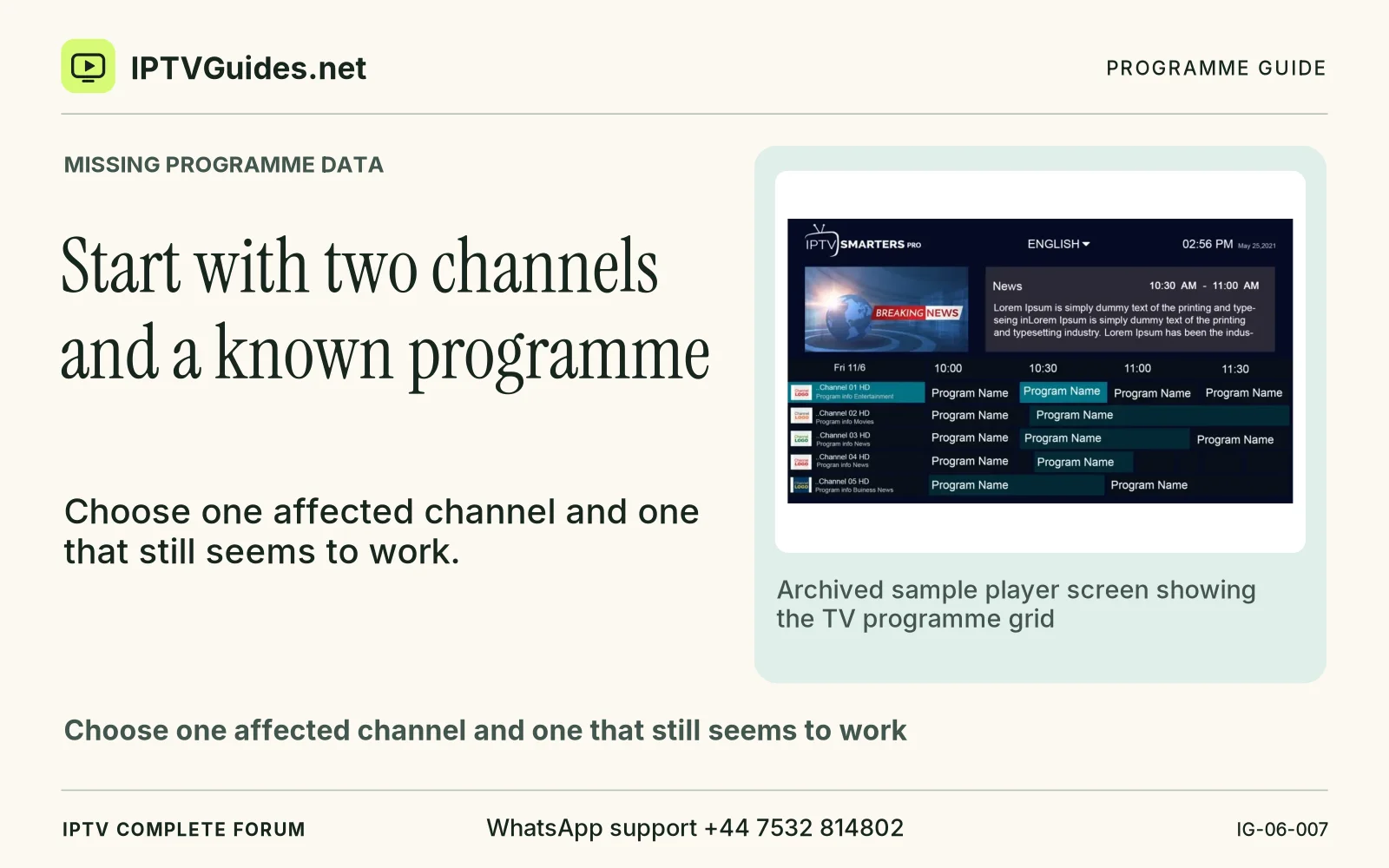
EPG and playlists · IG-06-007
Start with two channels and a known programme
How can I start with two channels and a known programme?
Choose one affected channel and one that still seems to work. Open the failing channel first.
Editorial reference · 2026-11-18
Choose one affected channel and one that still seems to work. Open the failing channel first. Note whether sound and picture play, whether the player shows a blank guide row and whether it offers an error message for the guide source. Then open the control channel and record the programme playing at the current time. Use a recognised broadcast schedule or the provider’s official route to check the programme and edition. This gives you a known starting point without changing anything.
Source · github.com
- WhatsApp support
- +44 7532 814802
- Reading destination
- /troubleshooting/epg-missing/#start-with-two-channels-and-a-known-programme