 IPTVGuides.net
Field cards / First setup
First setup
115 illustrated references. Open a card for the answer and its sources.
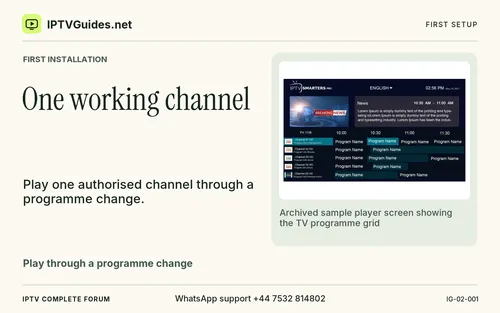 One working channel
 The socket behind the TV
 Before an app purchase
 Start with one programme you really want to watch
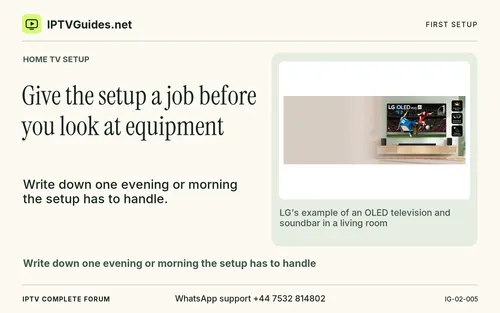 Give the setup a job before you look at equipment
 Three parties can appear in one setup
 What reaches your television
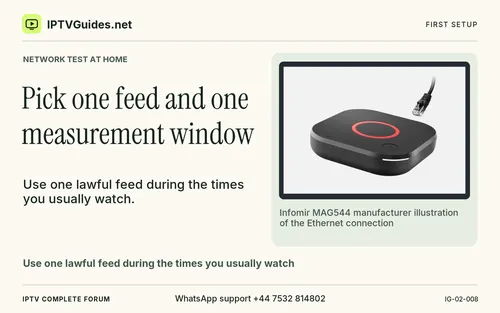 Pick one feed and one measurement window
 Where a secret can hide
 Inventory the pieces before deleting anything
 Set up sender and receiver first
 Decide whether you need media playback or mirroring
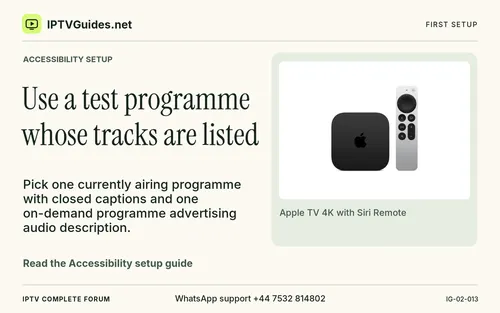 Use a test programme whose tracks are listed
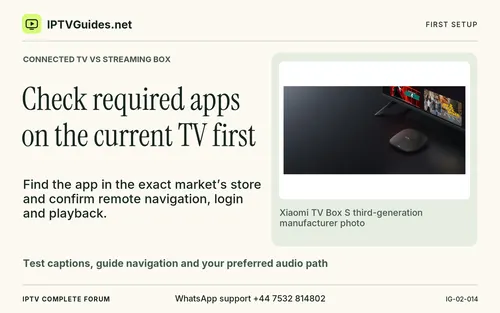 Check required apps on the current TV first
 Confirm who issues the trial
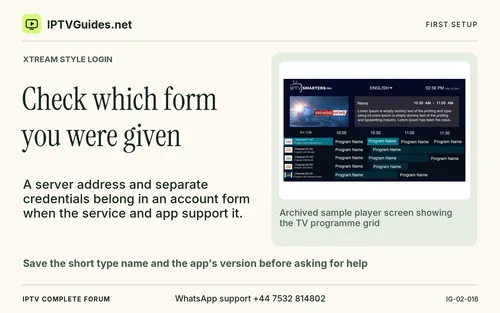 Check which form you were given
 Whichever you use, check one exact client
 Check one title in each path
 Decide where the app should live
 Try the publisher’s direct option first
 Route common problems to the right place
 Managed IPTV and internet streaming
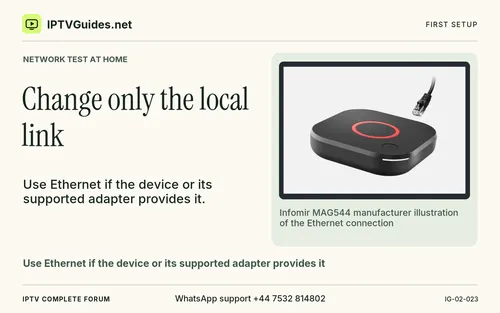 Change only the local link
 Make a useful report without the secret
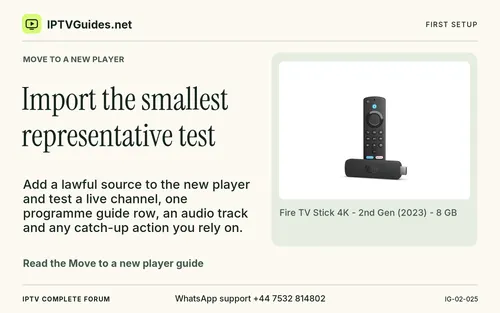 Import the smallest representative test
 Test the actual programme
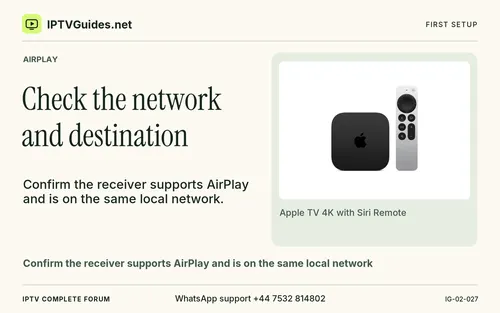 Check the network and destination
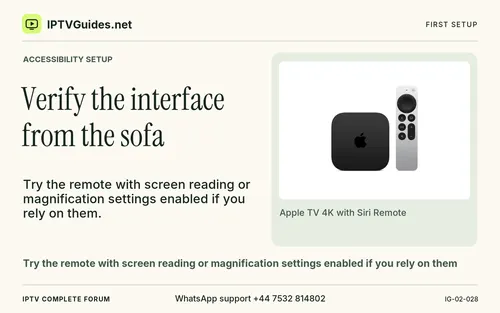 Verify the interface from the sofa
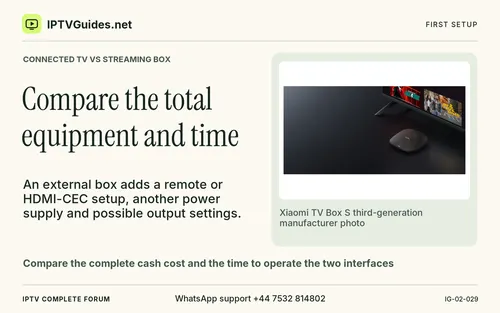 Compare the total equipment and time
 Use a simple test sheet
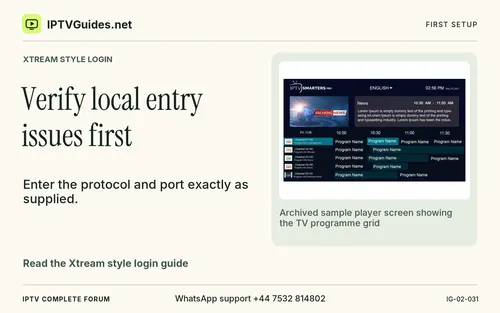 Verify local entry issues first
 Verify the part you need
 Send the right failure to support
 Establish a known screen and network before signing in
 Identify the television, the box and the app store
 Decide what to buy
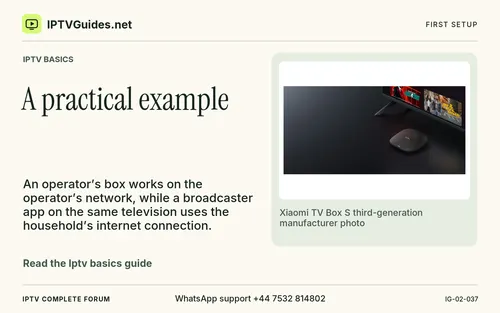 A practical example
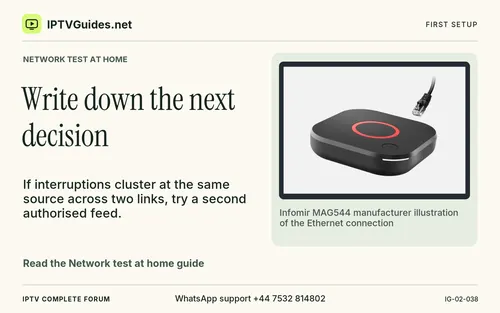 Write down the next decision
 Recover after accidental exposure
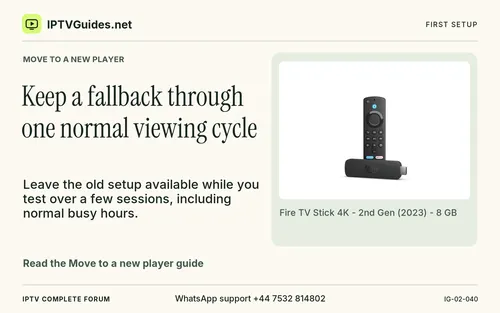 Keep a fallback through one normal viewing cycle
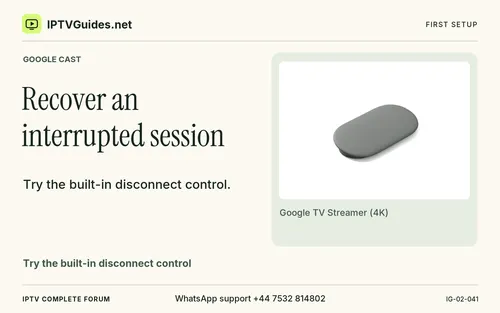 Recover an interrupted session
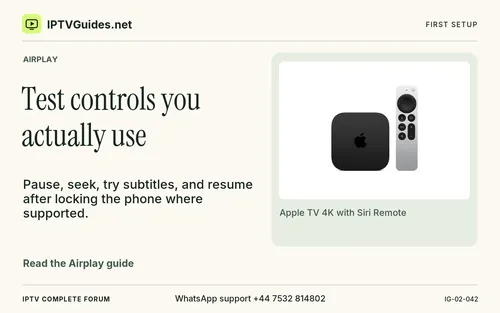 Test controls you actually use
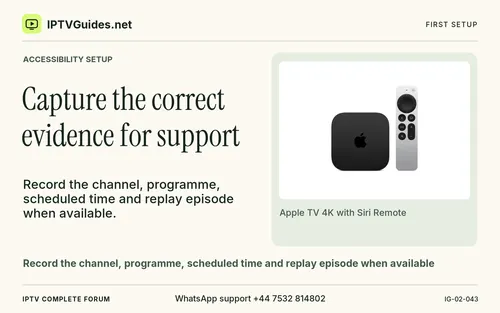 Capture the correct evidence for support
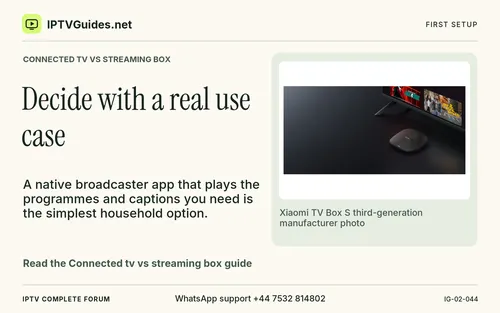 Decide with a real use case
 Review the written terms before choosing a term
 Decide whether the next issue is authentication or playback
 Keep the simpler route that works
 Test expiry before planning a recording
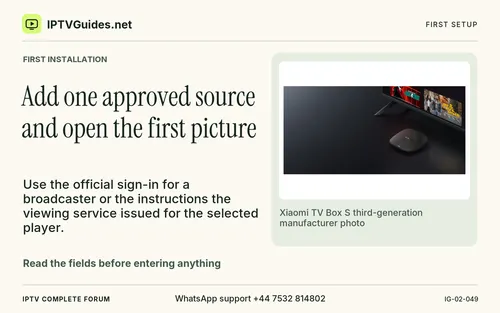 Add one approved source and open the first picture
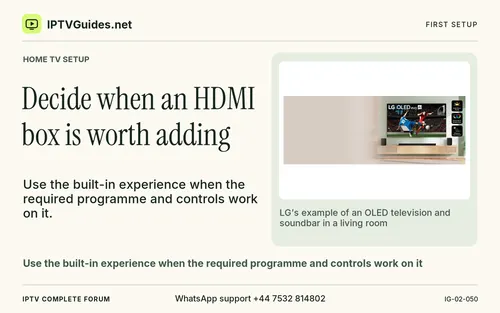 Decide when an HDMI box is worth adding
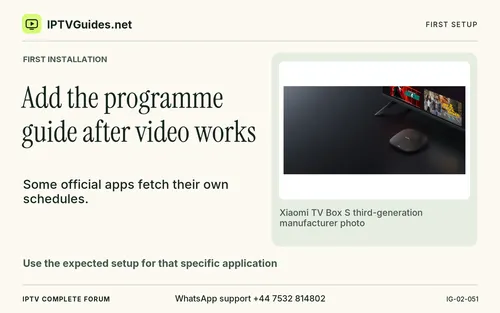 Add the programme guide after video works
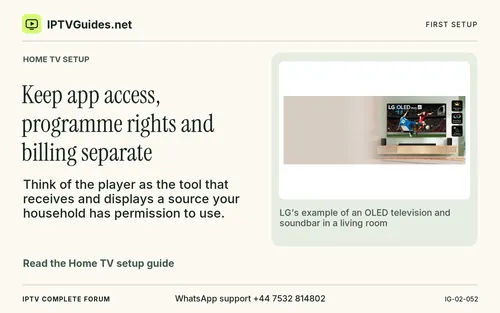 Keep app access, programme rights and billing separate
 Test the controls and accessibility used every day
 Set up one working screen before expanding the household
 Make a decision after two viewing sessions
 Run two sessions at times when people really watch
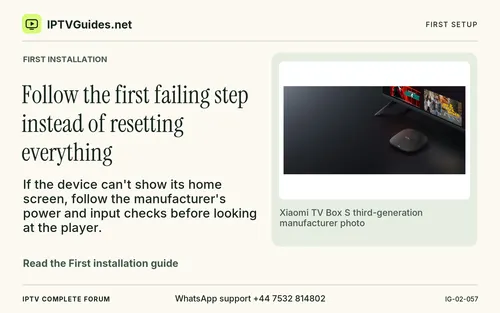 Follow the first failing step instead of resetting everything
 Use the network test to make a specific buying decision
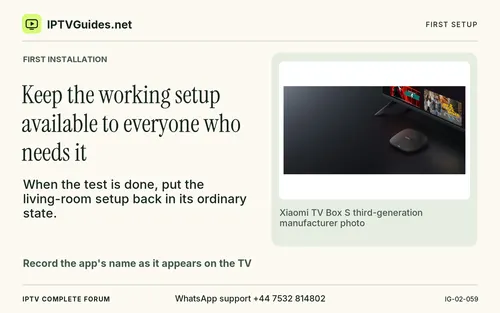 Keep the working setup available to everyone who needs it
 Check household accessibility and privacy before locking in
 Walk through one native app and one outside device
 Compare the cash due, the billing terms and the support party
 Read a price quote alongside the setup evidence
 Three choices you can work through at the kitchen table
 Use a simple recovery card while someone else watches
 Decide whether you are ready to pay or need another test
 Record what happens when an offer changes
 Find out who actually has the programme in your market
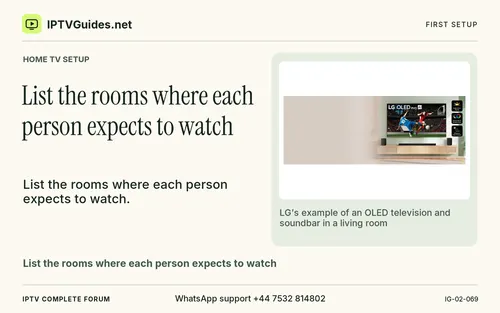 List the rooms where each person expects to watch
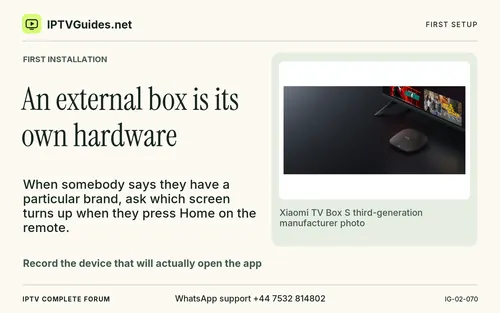 An external box is its own hardware
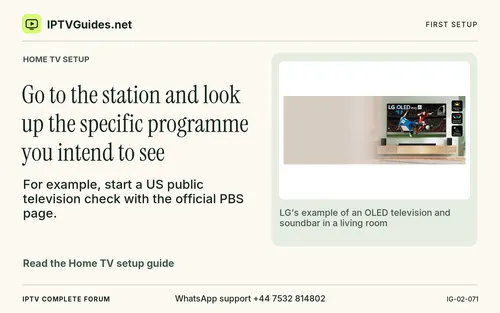 Go to the station and look up the specific programme you intend to see
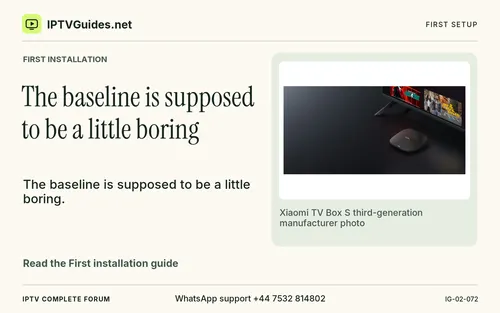 The baseline is supposed to be a little boring
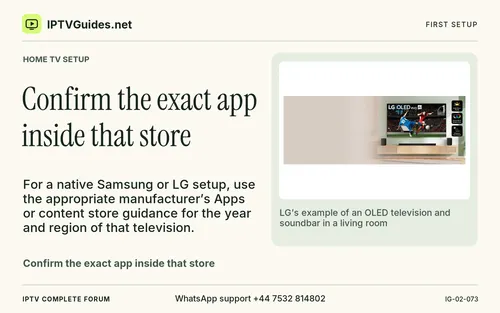 Confirm the exact app inside that store
 A TV keyboard makes small entry mistakes easy
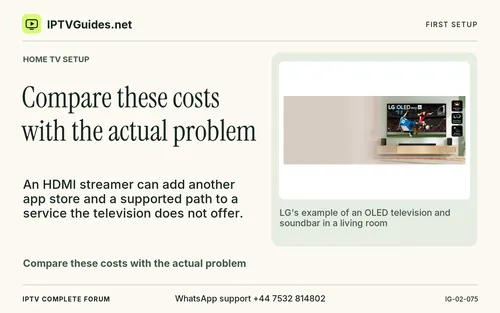 Compare these costs with the actual problem
 The guide can fail while video continues normally
 Ask an authorised provider which format it supplies
 Use a programme with the correct tracks for a real check
 For a playlist app, import one supported source
 During the evening the same app takes longer and briefly pauses
 Repeat in the evening or during the normal viewing slot
 Watch the screen while it starts
 Play each under the same conditions and see whether the problem follows the feed
 If you rely on exported favourites, read their format and actual restore method
 Test captions with content that publishes a caption track
 The live sports coverage is a separate question
 A fictional example makes the calculation easier to follow
 Use the amount due and actual currency when you compare
 A second household watches live programmes in two rooms at the same time
 Before calling it finished, ask another authorised viewer to use the card once
 Use only one round of enquiry per uncertainty
 Look for the exact season, station edition or event
 The source gives you something to view and the player displays it
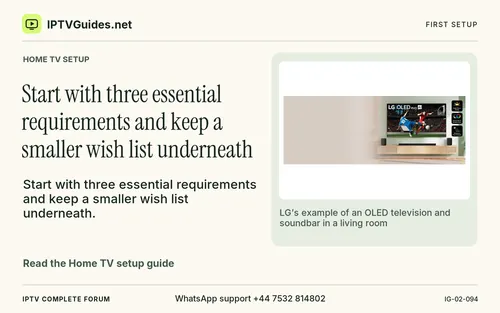 Start with three essential requirements and keep a smaller wish list underneath
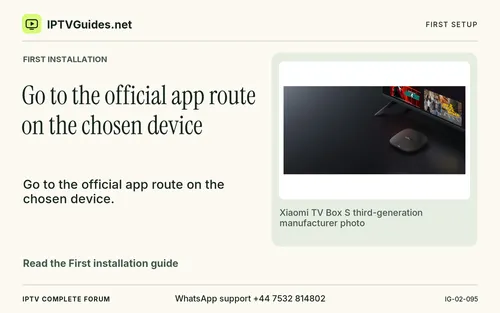 Go to the official app route on the chosen device
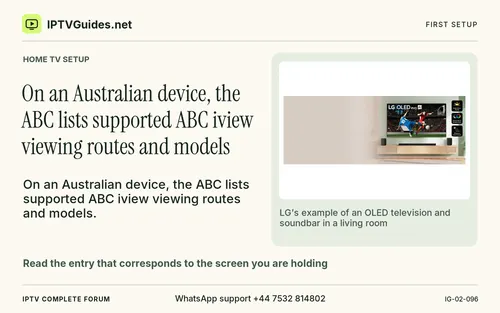 On an Australian device, the ABC lists supported ABC iview viewing routes and models
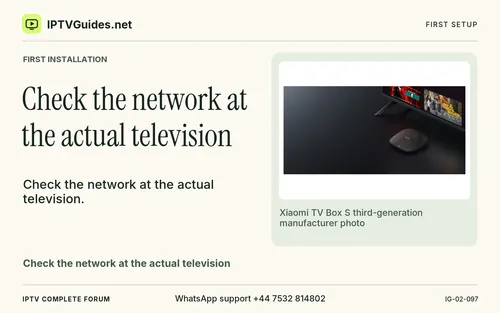 Check the network at the actual television
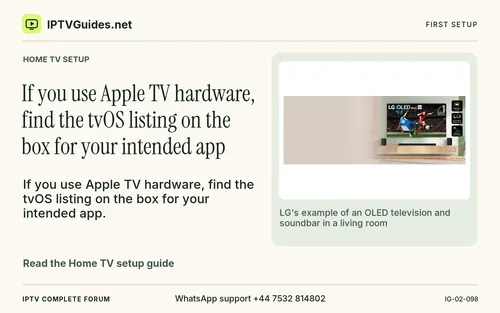 If you use Apple TV hardware, find the tvOS listing on the box for your intended app
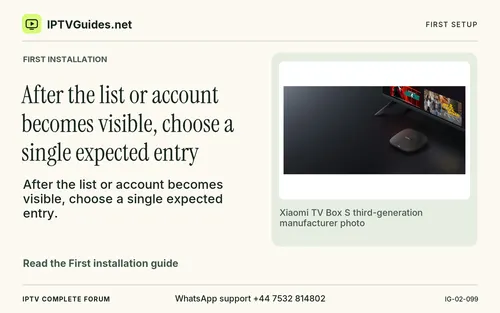 After the list or account becomes visible, choose a single expected entry
 Try the route a guest would use
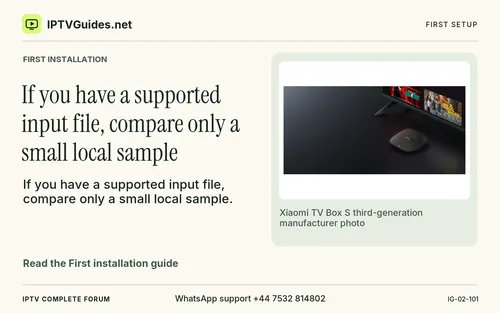 If you have a supported input file, compare only a small local sample
 A confidential playlist address can contain access details in its path or query string
 Document the adjustment and whether it changes the outcome
 Add the programme guide after the video works
 A merchant might use a fixed clock or an interval from approval
 Make any documented trial terms part of your test
 A simple matrix helps triage the most common first-session failures
 Start in a mode you know works
 Consider how you will handle changes without losing the first setup
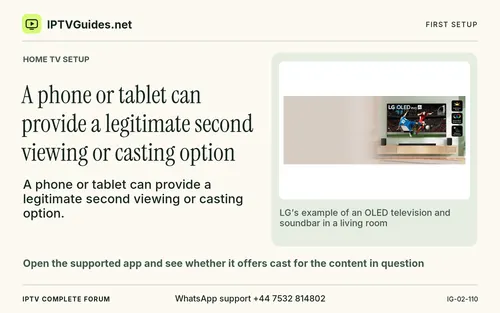 A phone or tablet can provide a legitimate second viewing or casting option
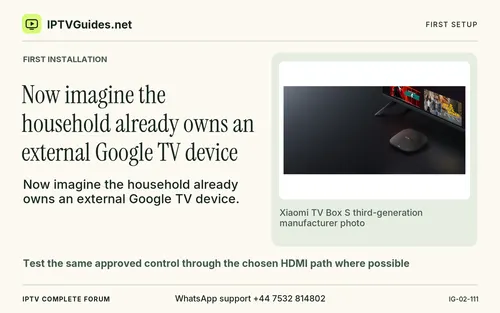 Now imagine the household already owns an external Google TV device
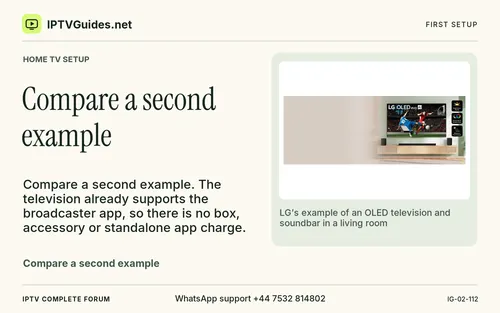 Compare a second example
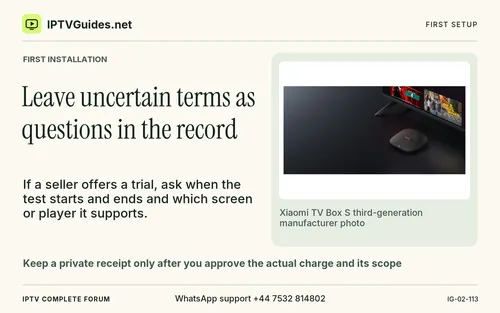 Leave uncertain terms as questions in the record
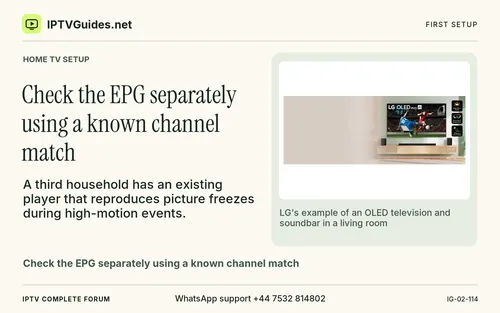 Check the EPG separately using a known channel match
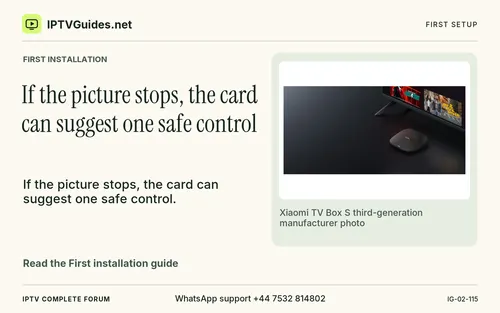 If the picture stops, the card can suggest one safe control