 IPTVGuides.net
First setup · IG-02-019
Decide where the app should live
How can I decide where the app should live?
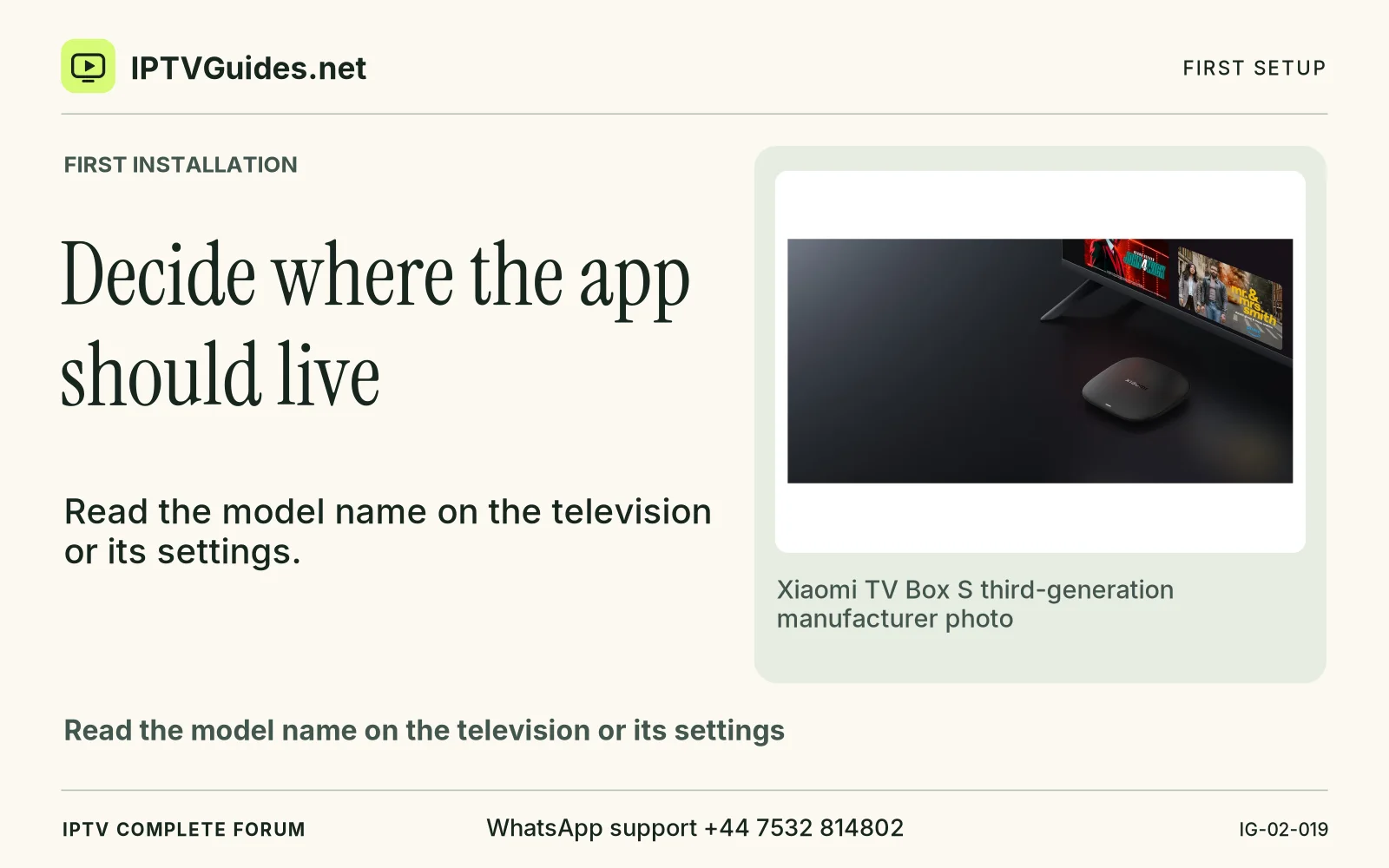
Read the model name on the television or its settings. If you have a box or stick plugged into HDMI, check which input is active and the model reported by that device.
Editorial reference · 2026-11-18
Read the model name on the television or its settings. If you have a box or stick plugged into HDMI, check which input is active and the model reported by that device. The television and the attached box can have different app stores. A native Samsung, LG or Hisense screen may show a player under its supported store, while a separate Google TV, Fire TV or Apple TV uses its own. Open the exact device guide before choosing the app. The device library links model checks and current manufacturer documentation.
Source · developer.amazon.com
- WhatsApp support
- +44 7532 814802
- Reading destination
- /guides/start-here/#decide-where-the-app-should-live