 IPTVGuides.net
First setup · IG-02-034
Establish a known screen and network before signing in
How can I establish a known screen and network before signing in?
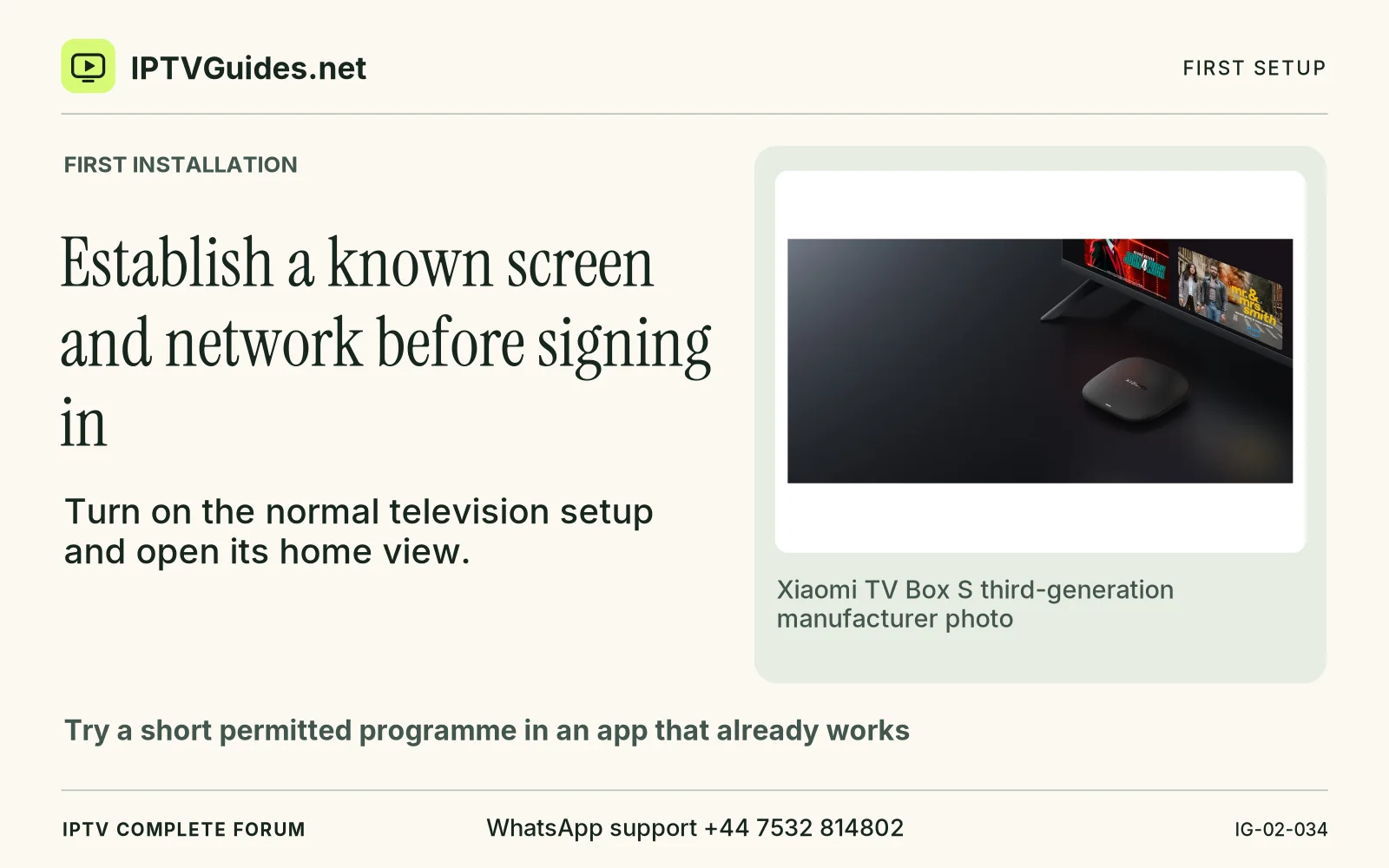
Turn on the normal television setup and open its home view. For an HDMI device, confirm the television is showing the correct port and the box has the documented power connection.
Editorial reference · 2026-11-18
Turn on the normal television setup and open its home view. For an HDMI device, confirm the television is showing the correct port and the box has the documented power connection. Try a short permitted programme in an app that already works. Use the speakers and remote you normally use. This gives you a baseline you can return to when the new service does something unusual.
Source · developer.amazon.com
- WhatsApp support
- +44 7532 814802
- Reading destination
- /guides/start-here/#establish-a-known-screen-and-network-before-signing-in