 IPTVGuides.net
First setup · IG-02-027
Check the network and destination
How can I check the network and destination?
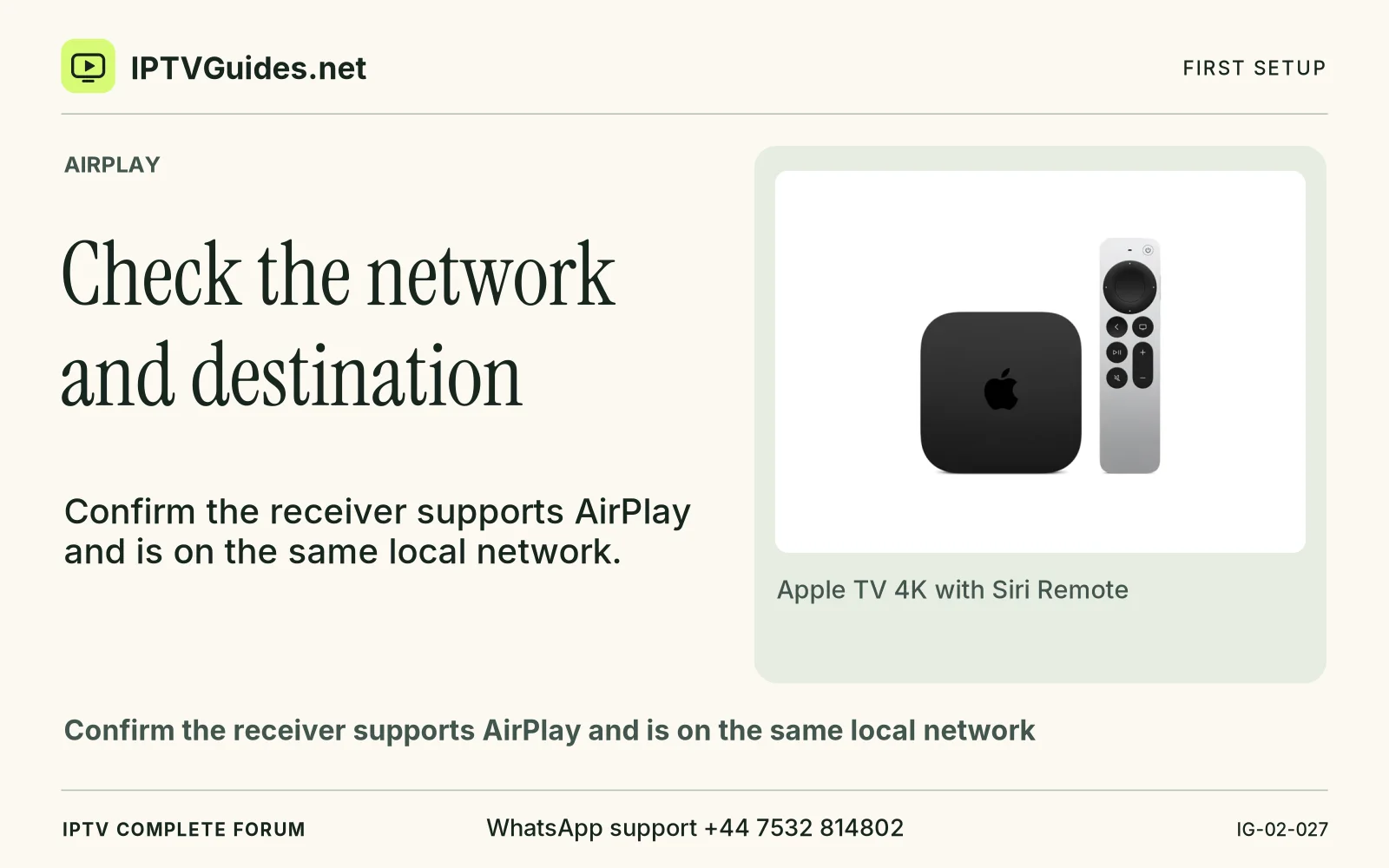
Confirm the receiver supports AirPlay and is on the same local network. Select the right television name and follow its verification prompt if shown.
Editorial reference · 2026-11-18
Confirm the receiver supports AirPlay and is on the same local network. Select the right television name and follow its verification prompt if shown. Keep a fallback route such as the broadcaster’s native app when AirPlay is unavailable for the programme.
Source · support.apple.com
- WhatsApp support
- +44 7532 814802
- Reading destination
- /streaming/airplay/#check-the-network-and-destination