 IPTVGuides.net
Field cards / Troubleshooting and accessibility
Troubleshooting and accessibility
120 illustrated references. Open a card for the answer and its sources.
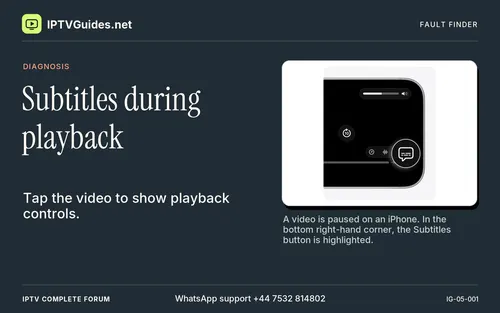 Subtitles during playbackApple TV app
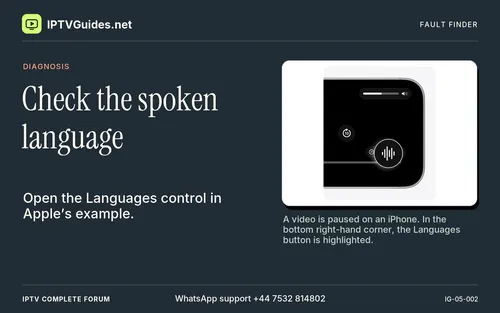 Check the spoken languageApple TV app
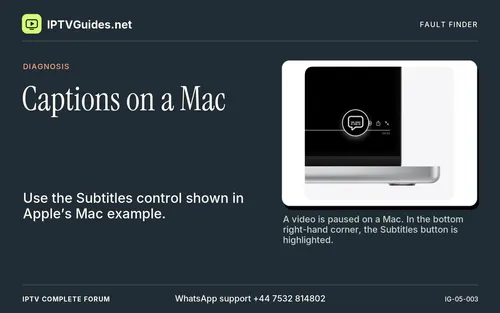 Captions on a MacApple TV app
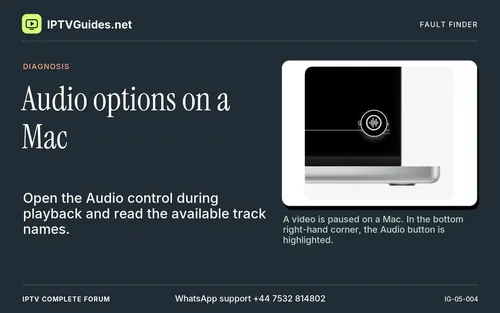 Audio options on a MacApple TV app
 When the picture stops
 Start by naming what actually happens
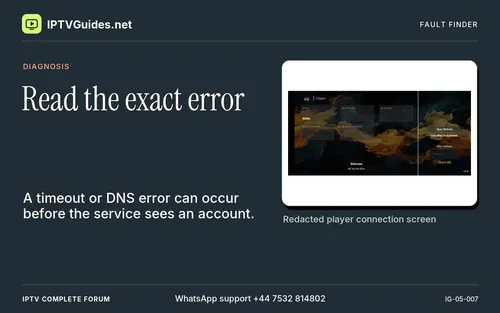 Read the exact error
 Use the menu as a boundary
 Check the delay’s shape
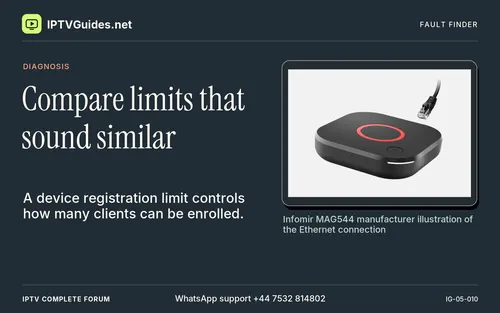 Compare limits that sound similar
 Check the correct segment of the journey
 A listing and its stream can age differently
 Use a repeating motion sample
 Identify the receiver protocol
 Build a control that will tell you something
 Verify the original details privately
 Separate one feed from a mode change
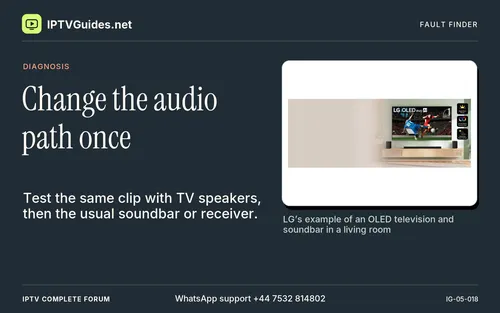 Change the audio path once
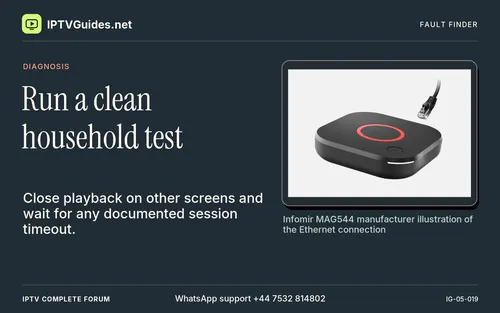 Run a clean household test
 Confirm the supported viewing route
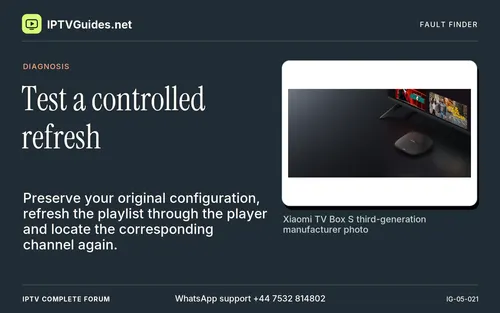 Test a controlled refresh
 Check one supported setting
 Check network discovery without changing security policy
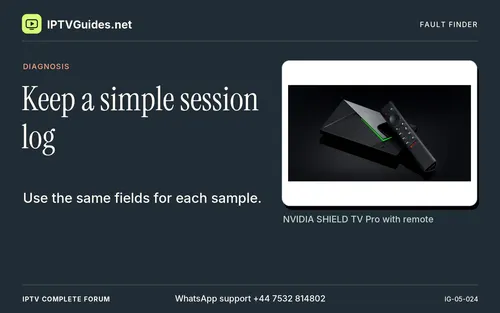 Keep a simple session log
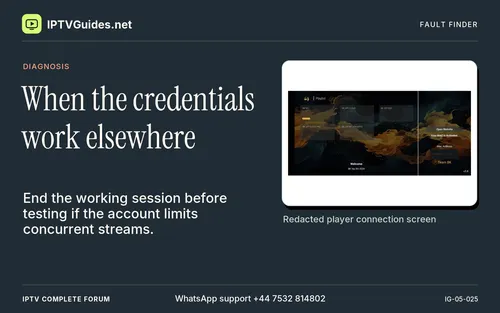 When the credentials work elsewhere
 Give support a compact test record
 Adjust last
 Save money by matching the actual use
 Escalate without exposing credentials
 Record the failed resource type
 Compare a second source with known motion
 Compare with a supported control app
 Test the local wireless path without rebuilding your home network
 Understand what the speed number measures
 Separate programme delivery from the player and screen
 Distinguish motion judder and audio faults from an interruption
 Check the actual account rules when a second device is involved
 Handle failures that only appear at a particular time
 Make common troubleshooting ideas earn their place
 Ask for one answer with enough context to reproduce it
 Diagnose a different experience on two authorised profiles
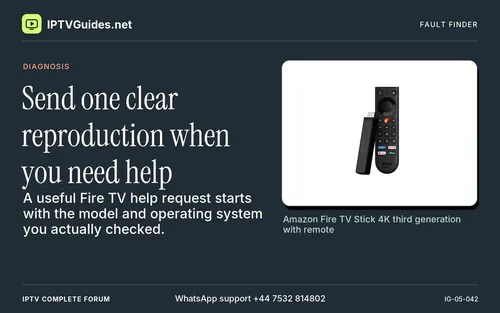 Send one clear reproduction when you need help
 Know when to send the report and what to leave out of it
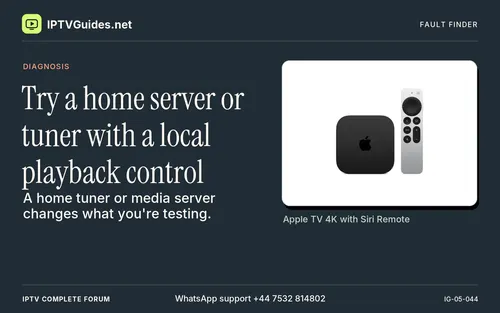 Try a home server or tuner with a local playback control
 Track what happens while a large programme guide loads
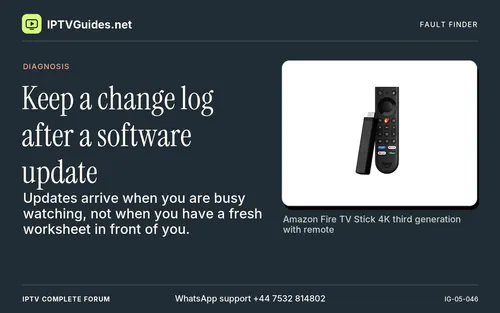 Keep a change log after a software update
 Work through a failure that starts during a channel change
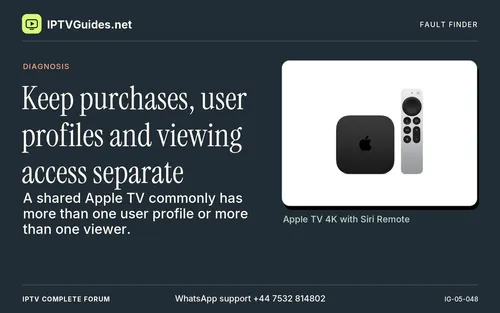 Keep purchases, user profiles and viewing access separate
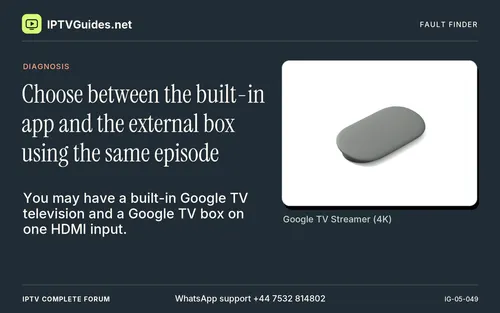 Choose between the built-in app and the external box using the same episode
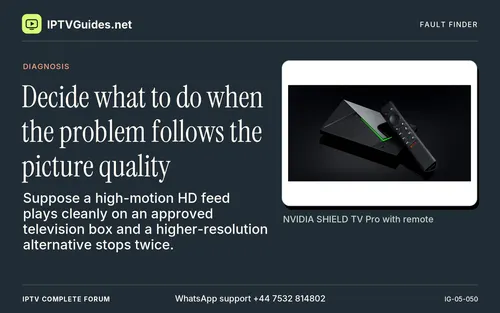 Decide what to do when the problem follows the picture quality
 Close the investigation with a reversible change
 Watch whether the player eventually resumes and where it lands
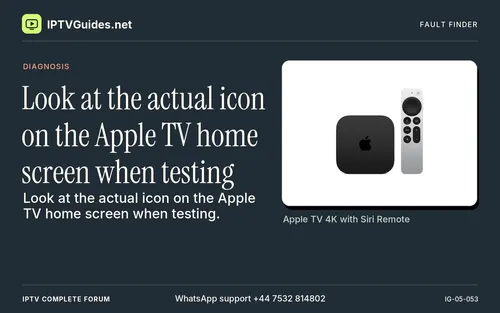 Look at the actual icon on the Apple TV home screen when testing
 You can confirm the route with an ordinary household question
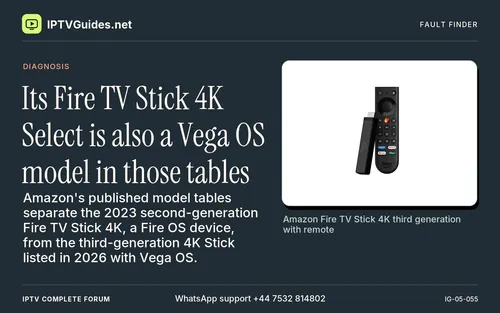 Its Fire TV Stick 4K Select is also a Vega OS model in those tables
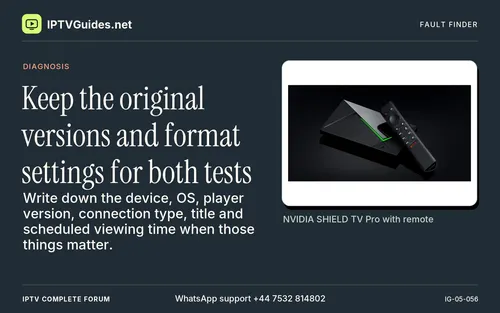 Keep the original versions and format settings for both tests
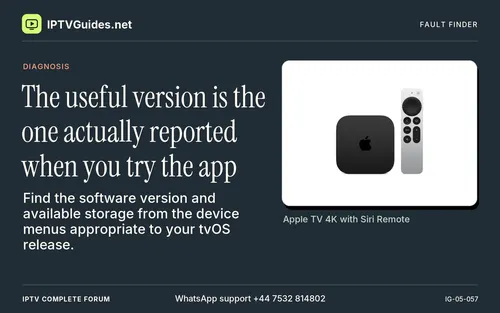 The useful version is the one actually reported when you try the app
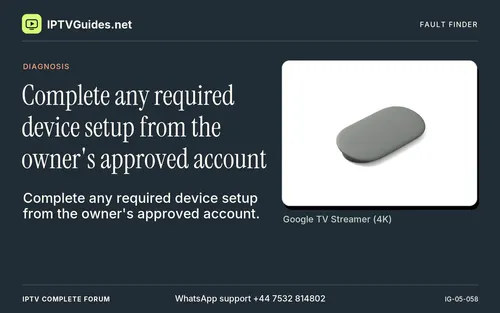 Complete any required device setup from the owner's approved account
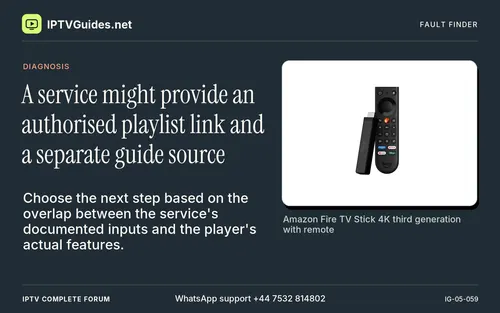 A service might provide an authorised playlist link and a separate guide source
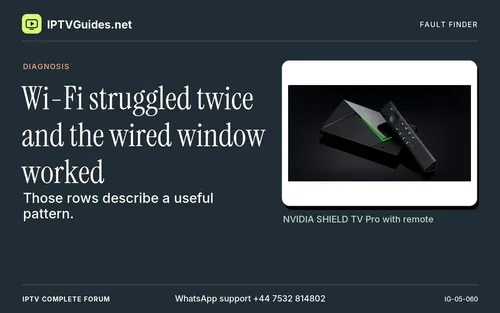 Wi-Fi struggled twice and the wired window worked
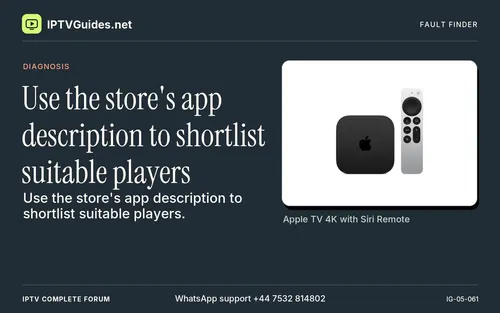 Use the store's app description to shortlist suitable players
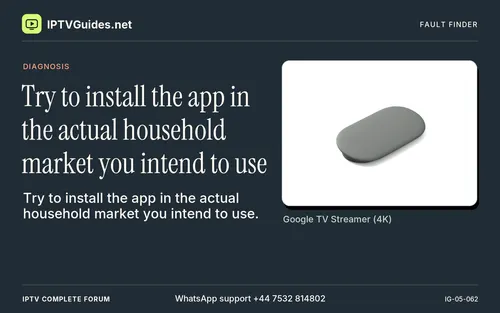 Try to install the app in the actual household market you intend to use
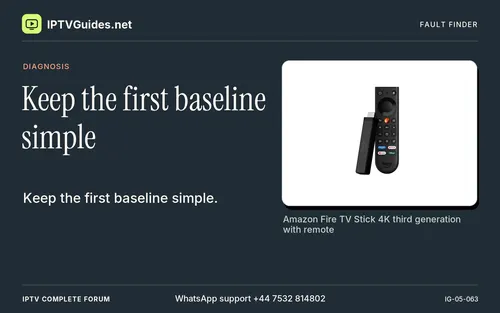 Keep the first baseline simple
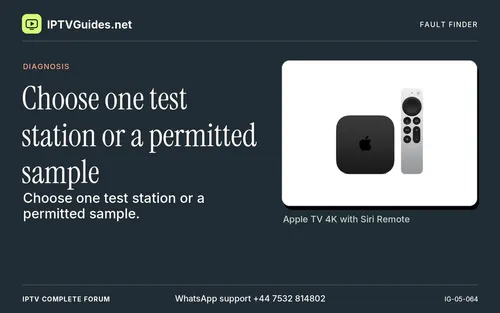 Choose one test station or a permitted sample
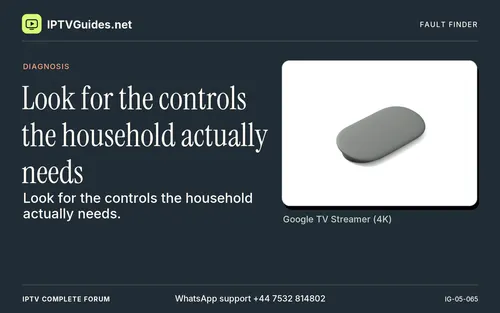 Look for the controls the household actually needs
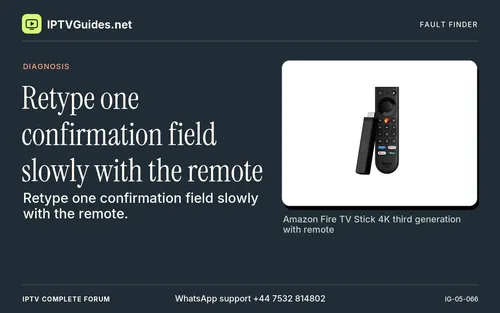 Retype one confirmation field slowly with the remote
 Distinguish average media rate and peak demand
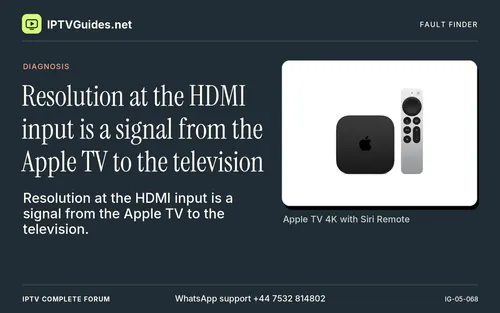 Resolution at the HDMI input is a signal from the Apple TV to the television
 Start playback before you customise the guide
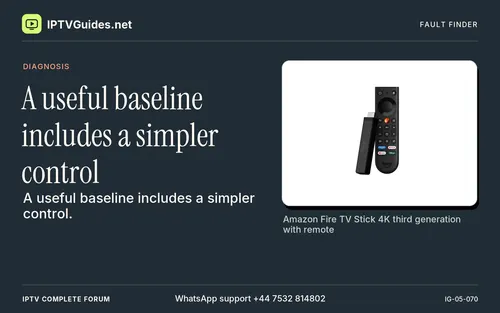 A useful baseline includes a simpler control
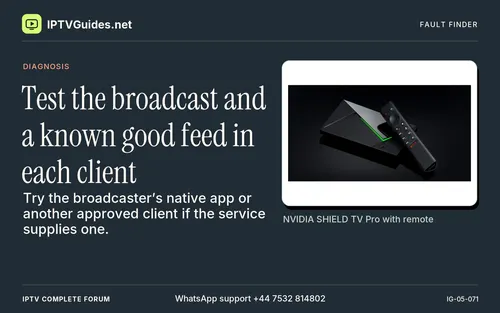 Test the broadcast and a known good feed in each client
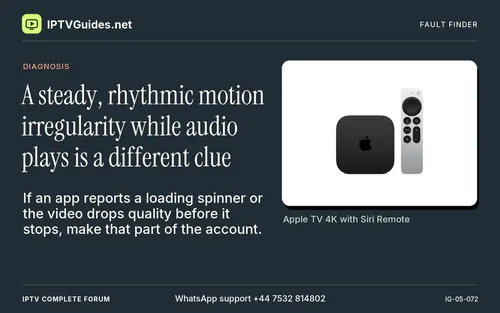 A steady, rhythmic motion irregularity while audio plays is a different clue
 Let ordinary updates finish where appropriate, then repeat the test
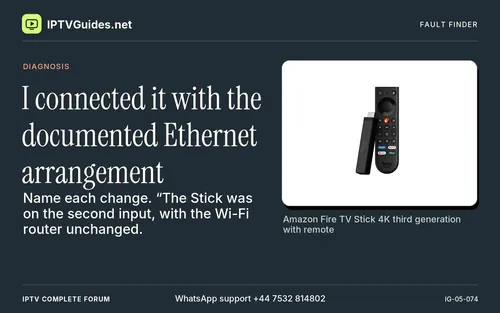 I connected it with the documented Ethernet arrangement
 Apple documents Match Dynamic Range and Match Frame Rate for supported Apple TV models
 Pick one voice-heavy clip for basic sound
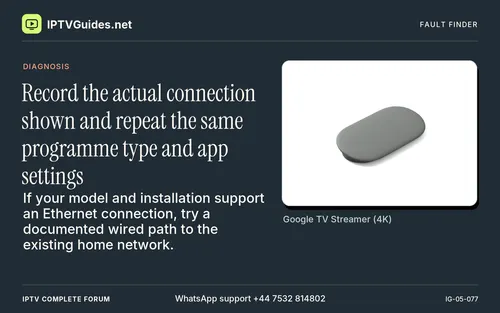 Record the actual connection shown and repeat the same programme type and app settings
 The TV can upscale, and a source can adapt while a device keeps the same HDMI mode
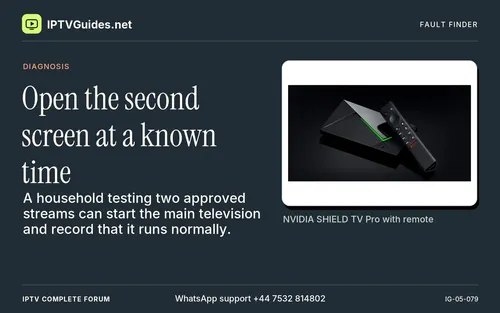 Open the second screen at a known time
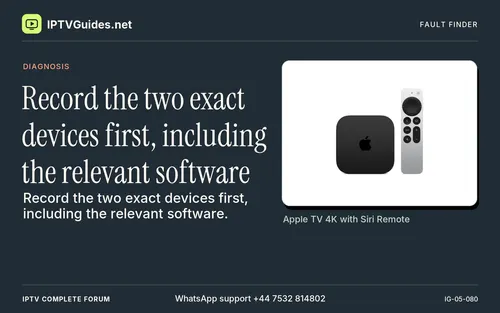 Record the two exact devices first, including the relevant software
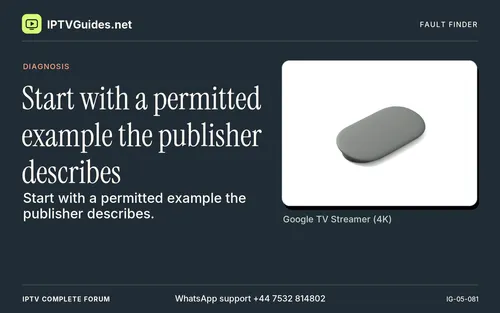 Start with a permitted example the publisher describes
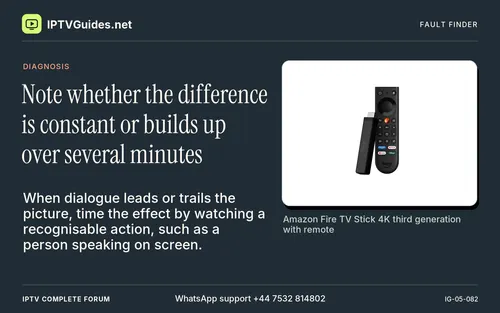 Note whether the difference is constant or builds up over several minutes
 Do not treat one successful speed test as proof the delivery path had no congestion
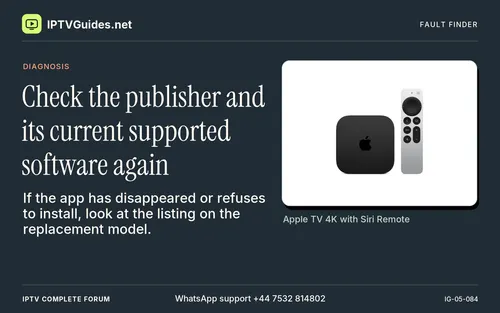 Check the publisher and its current supported software again
 Record the first failure in the sequence
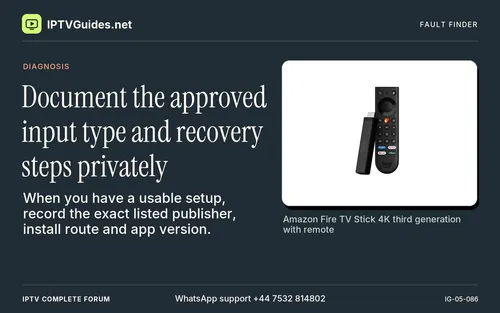 Document the approved input type and recovery steps privately
 Test the original failing sample before changing additional video settings
 Include the market and exact publisher
 Do not mix an account restriction with a missing feature in the app
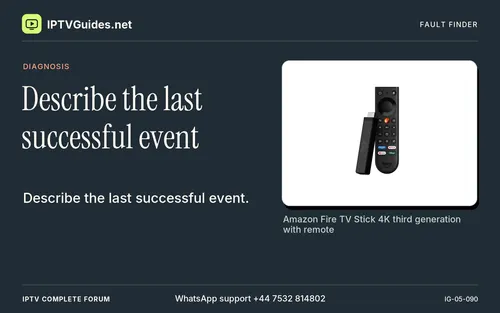 Describe the last successful event
 For the player publisher, describe a minimal sample that is allowed to share
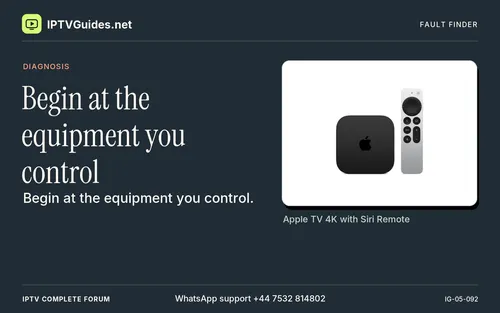 Begin at the equipment you control
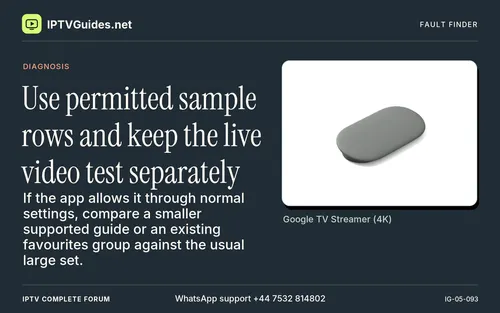 Use permitted sample rows and keep the live video test separately
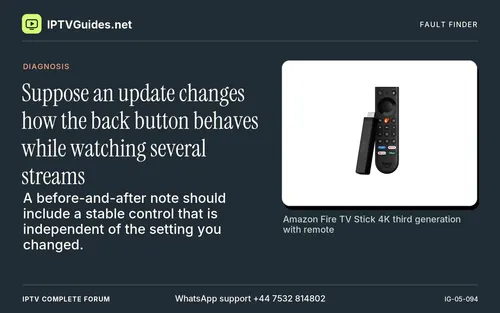 Suppose an update changes how the back button behaves while watching several streams
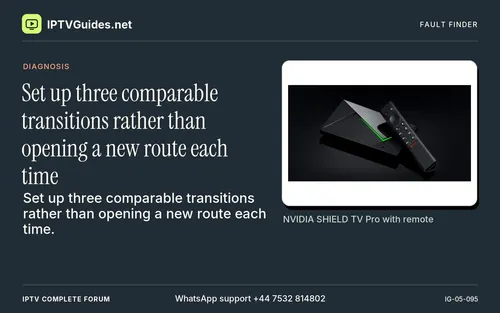 Set up three comparable transitions rather than opening a new route each time
 Subscriptions and unlocks can have different restoration steps
 Consider the practical differences you can measure
 A service can list a quality option without delivering that quality continuously
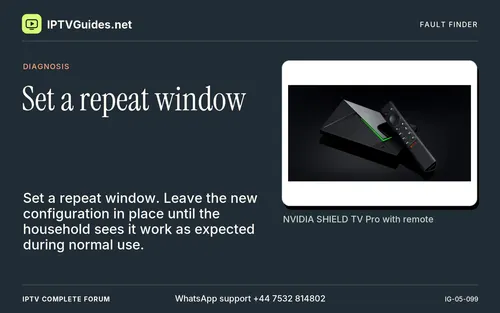 Set a repeat window
 Note the timing on startup
 Try the broadcaster's own listing when your real goal is a particular station or event
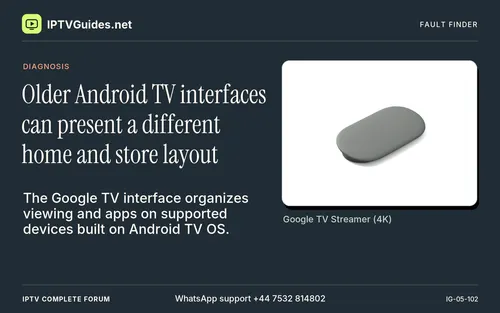 Older Android TV interfaces can present a different home and store layout
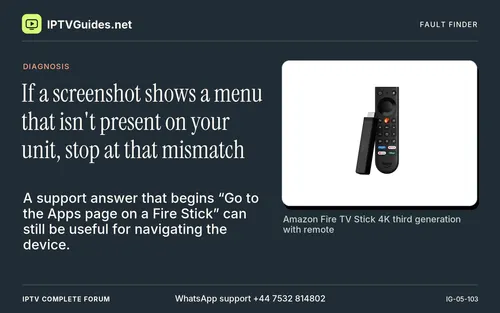 If a screenshot shows a menu that isn't present on your unit, stop at that mismatch
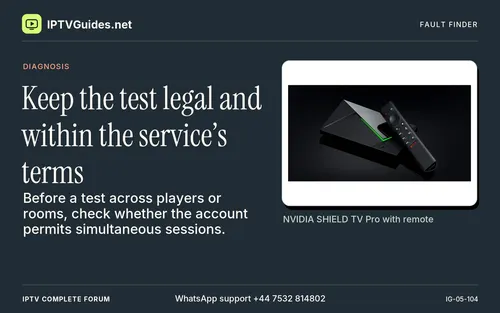 Keep the test legal and within the service’s terms
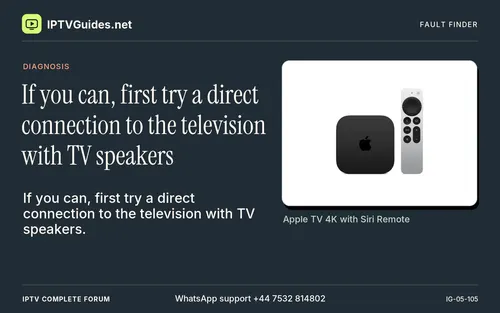 If you can, first try a direct connection to the television with TV speakers
 Do one network check early
 Check the publisher's eligibility guidance for the exact model, software and region
 Repeat with a similar quality feed, then try a second permitted client if available
 If a publisher has several products, check the exact name and seller
 A paid unlock for a player may be separate from a subscription to programmes
 Some televisions label their inputs by a device name or an icon they discover
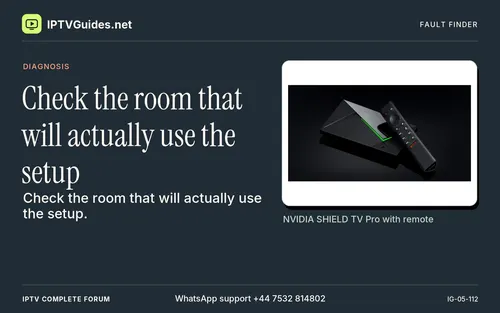 Check the room that will actually use the setup
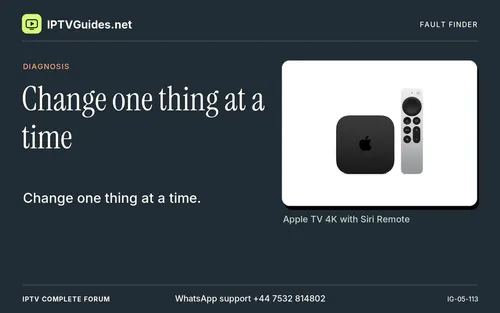 Change one thing at a time
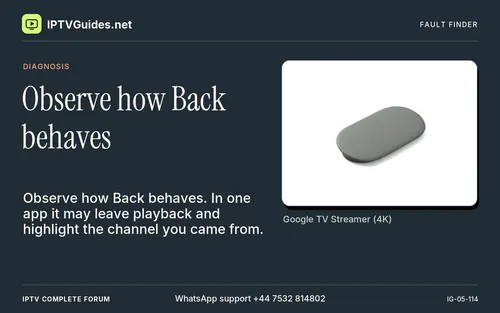 Observe how Back behaves
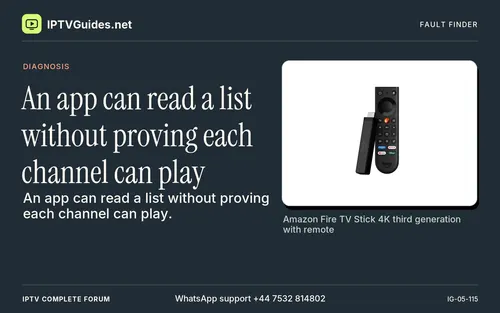 An app can read a list without proving each channel can play
 Imagine a test stream that averages six megabits of media per second
 Apple's Match Content controls address different information
 TV keyboards are easy to mistype
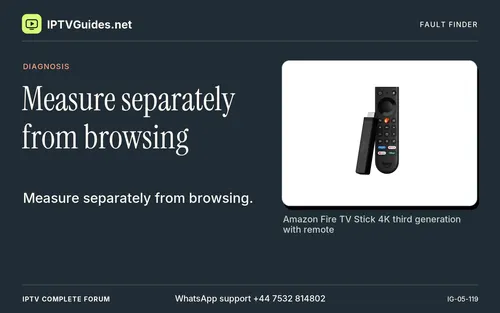 Measure separately from browsing
 Compare a feed that works