 IPTVGuides.net
Troubleshooting and accessibility · IG-05-103
If a screenshot shows a menu that isn't present on your unit, stop at that mismatch
What should I check about if a screenshot shows a menu that isn't present on your unit, stop at that mismatch?
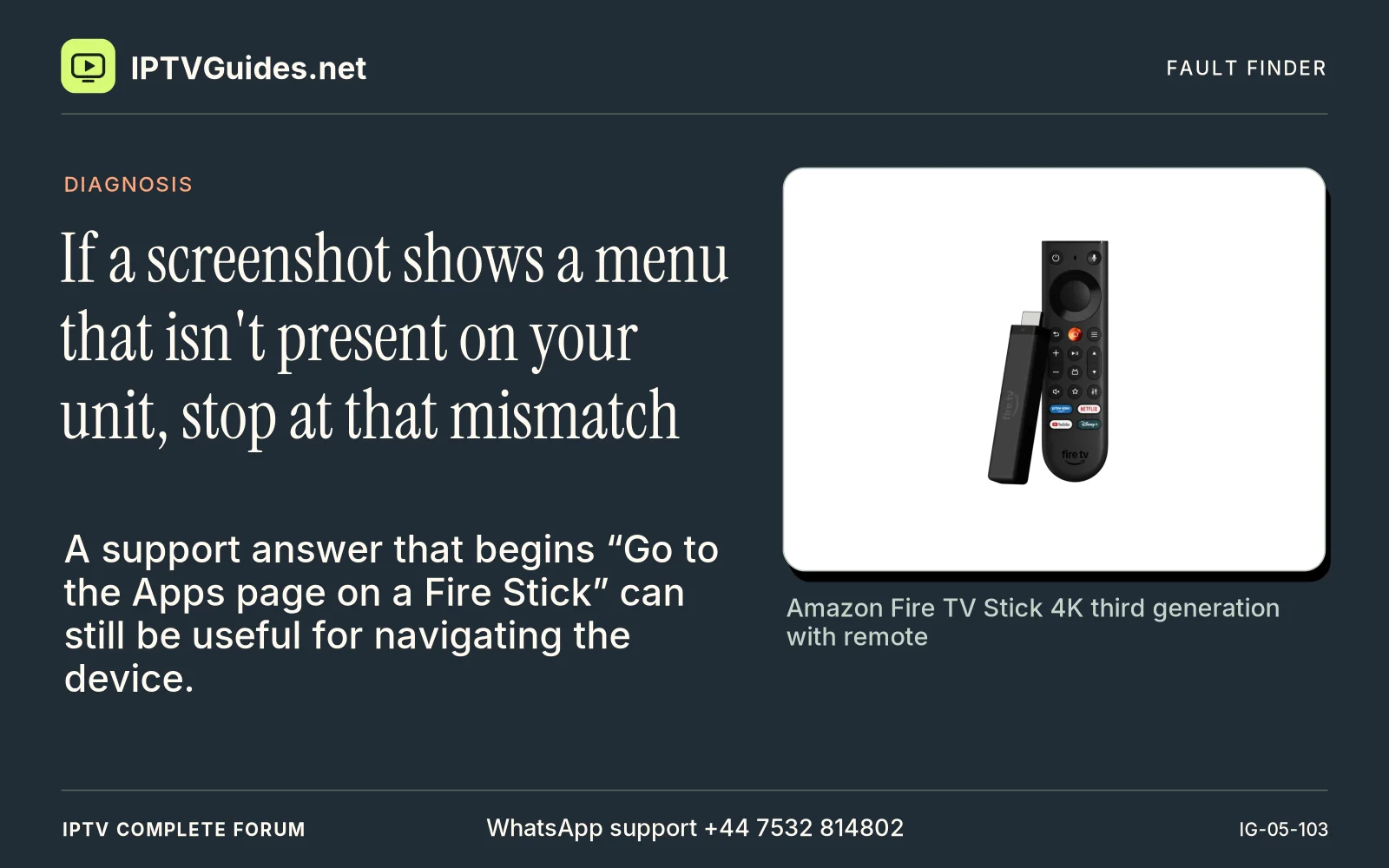
A support answer that begins “Go to the Apps page on a Fire Stick” can still be useful for navigating the device. Treat the rest of the answer as model-specific once it starts describing package format, menu access or player versions.
Editorial reference · 2026-11-18
A support answer that begins “Go to the Apps page on a Fire Stick” can still be useful for navigating the device. Treat the rest of the answer as model-specific once it starts describing package format, menu access or player versions. If a screenshot shows a menu that isn't present on your unit, stop at that mismatch. Check the guide's date and manufacturer table before you spend another hour following the wrong menu path.
Source · developer.amazon.com
- WhatsApp support
- +44 7532 814802
- Reading destination
- /devices/amazon-fire-tv-stick-4k/#read-the-model-name-before-choosing-an-install-guide