 IPTVGuides.net
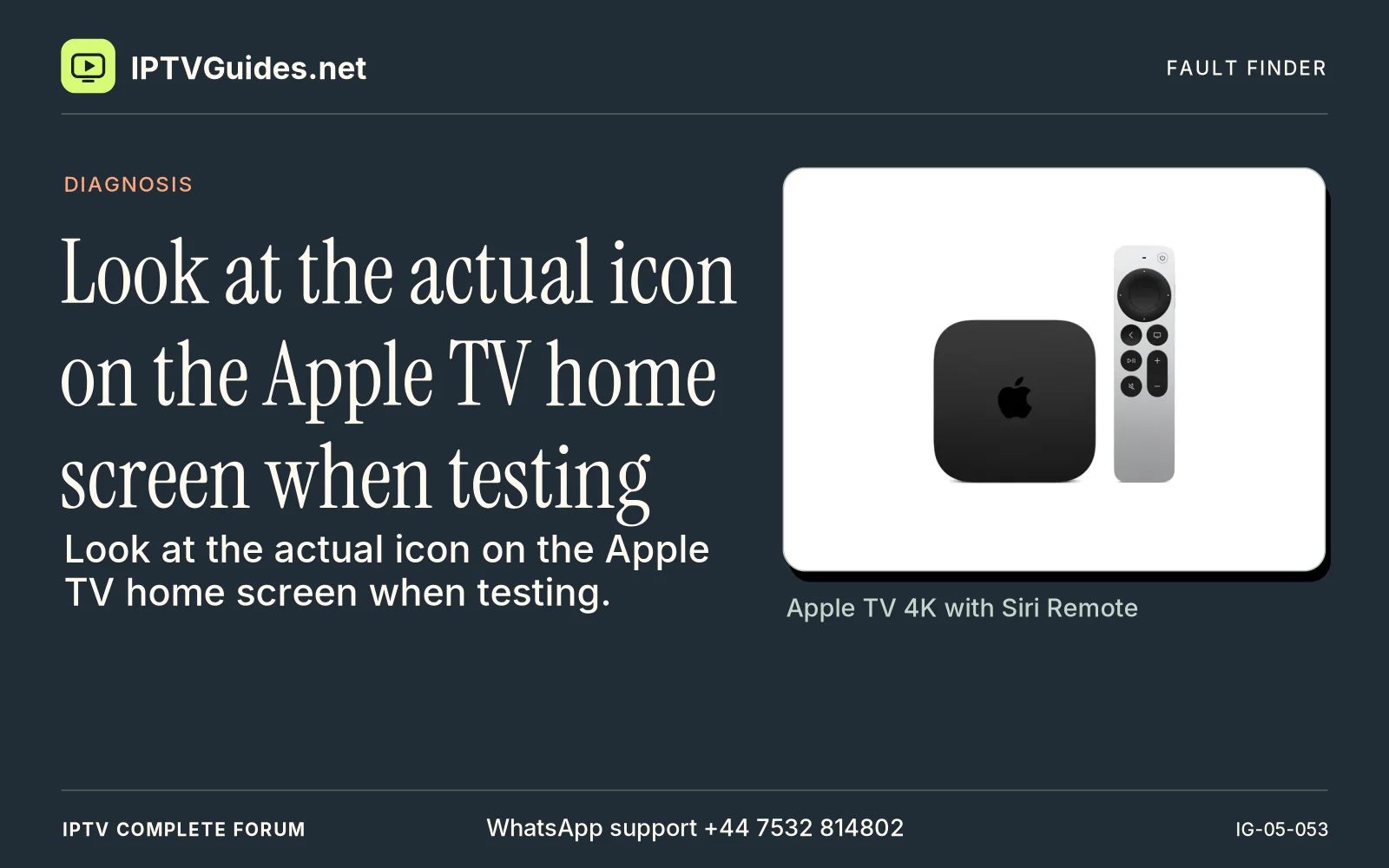
Look at the actual icon on the Apple TV home screen when testing
How can I look at the actual icon on the Apple TV home screen when testing?
Look at the actual icon on the Apple TV home screen when testing. The Apple TV hardware, the Apple TV app and an individual paid service have such similar names that it is easy to write “Apple TV stopped working” and mean three different things.
Editorial reference · 2026-11-18
Look at the actual icon on the Apple TV home screen when testing. The Apple TV hardware, the Apple TV app and an individual paid service have such similar names that it is easy to write “Apple TV stopped working” and mean three different things. In your setup notes distinguish the box, the app you chose and the source of the stream. A later receipt might refer to the app's features, a subscription from a separate provider or an Apple purchase. Recording that relationship at the beginning makes renewal and recovery much easier.
Source · support.apple.com
- WhatsApp support
- +44 7532 814802
- Reading destination
- /devices/apple-tv-4k/#decide-what-will-actually-play-the-video