 IPTVGuides.net
Devices and operating systems · IG-03-120
Check captions, audio tracks and the actual audio route
How can I check captions, audio tracks and the actual audio route?
A picture can be correct while the chosen output won't play a particular audio format. Start with the TV speakers in a supported configuration.
Editorial reference · 2026-11-18
A picture can be correct while the chosen output won't play a particular audio format. Start with the TV speakers in a supported configuration. Try another programme with a known speech track. If that programme works, test the affected item once and note whether the player lists a selectable track, language or audio description. A single missing track could belong to one item or edition. The position of a receiver in the HDMI chain is a separate variable.
Source · developer.amazon.com
- WhatsApp support
- +44 7532 814802
- Platform
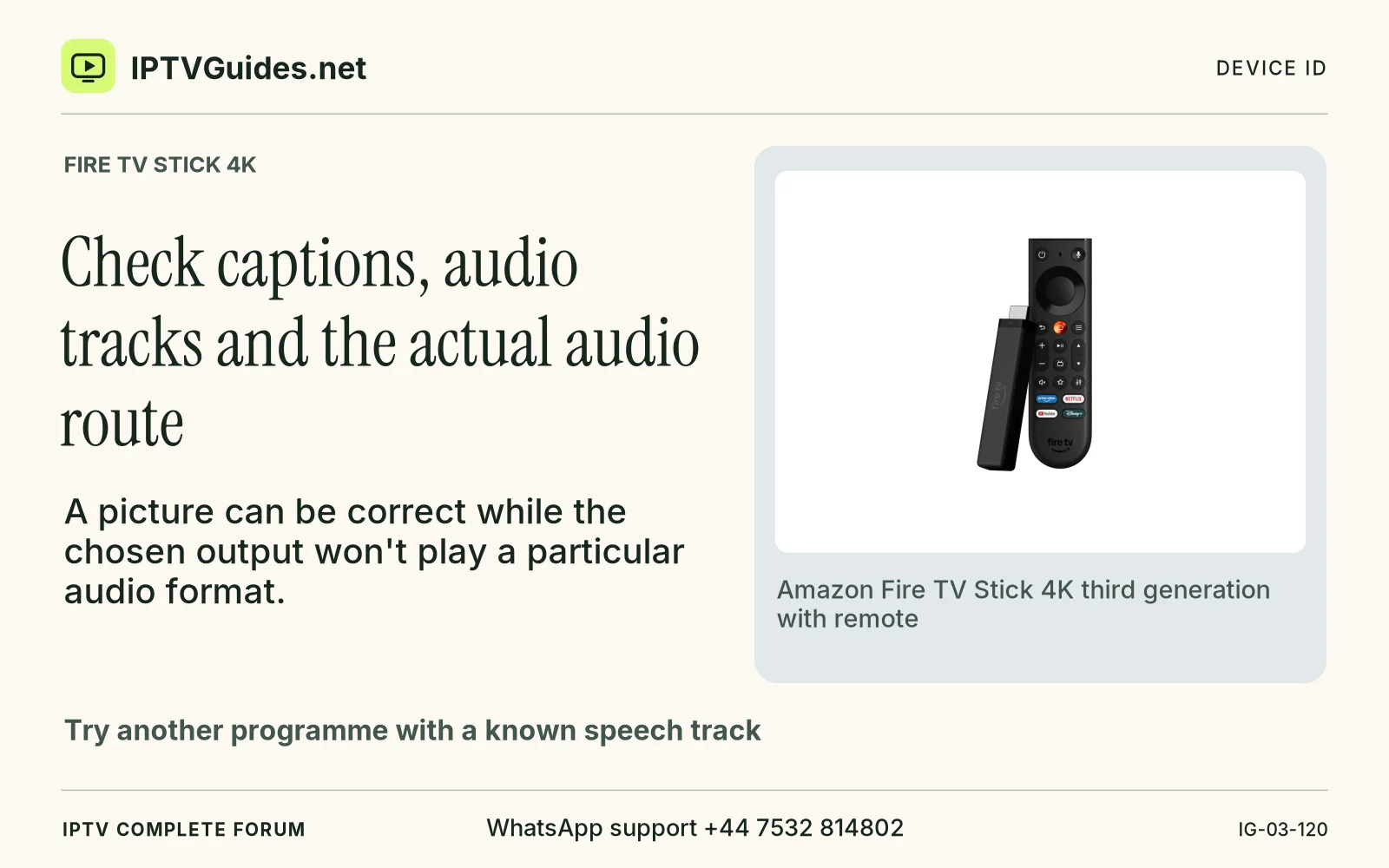
- Fire TV Stick 4K
- Reading destination
- /devices/amazon-fire-tv-stick-4k/#check-captions-audio-tracks-and-the-actual-audio-route