 IPTVGuides.net
Devices and operating systems · IG-03-057
Read the model name before choosing an install guide
How can I read the model name before choosing an install guide?
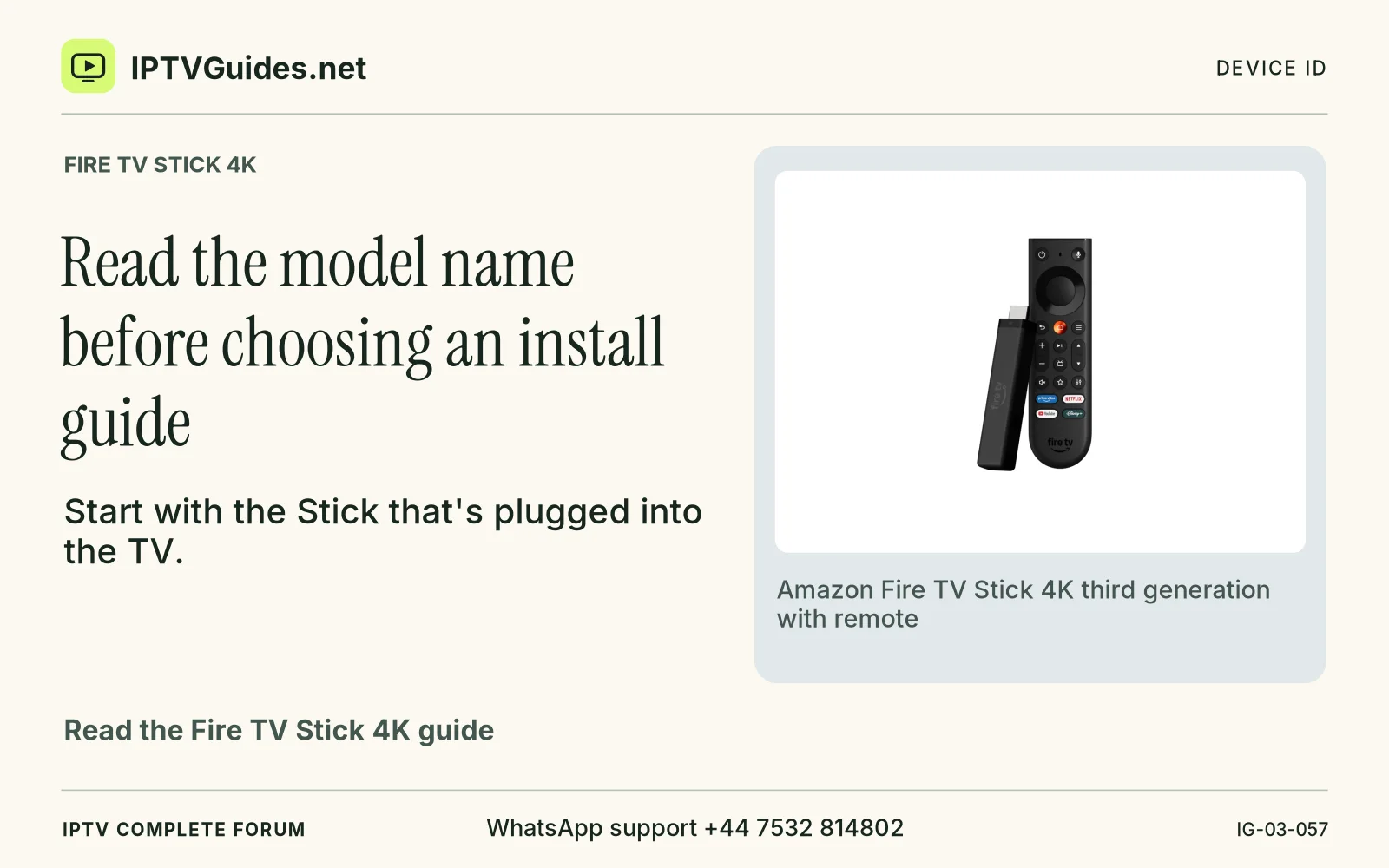
Start with the Stick that's plugged into the TV. Open its system information and copy the full product name, software version and model identifier if the device shows one.
Editorial reference · 2026-11-18
Start with the Stick that's plugged into the TV. Open its system information and copy the full product name, software version and model identifier if the device shows one. Follow Amazon's device identifier instructions when the About screen abbreviates the name. A photograph of the remote, an advertisement that says “4K,” and the name of the input on your television are poor ways to identify the player. Each describes a different part of the setup.
Source · developer.amazon.com
- WhatsApp support
- +44 7532 814802
- Platform
- Fire TV Stick 4K
- Reading destination
- /devices/amazon-fire-tv-stick-4k/#read-the-model-name-before-choosing-an-install-guide