 IPTVGuides.net
Devices and operating systems · IG-03-119
Check subtitles, sound and the room controls
How can I check subtitles, sound and the room controls?
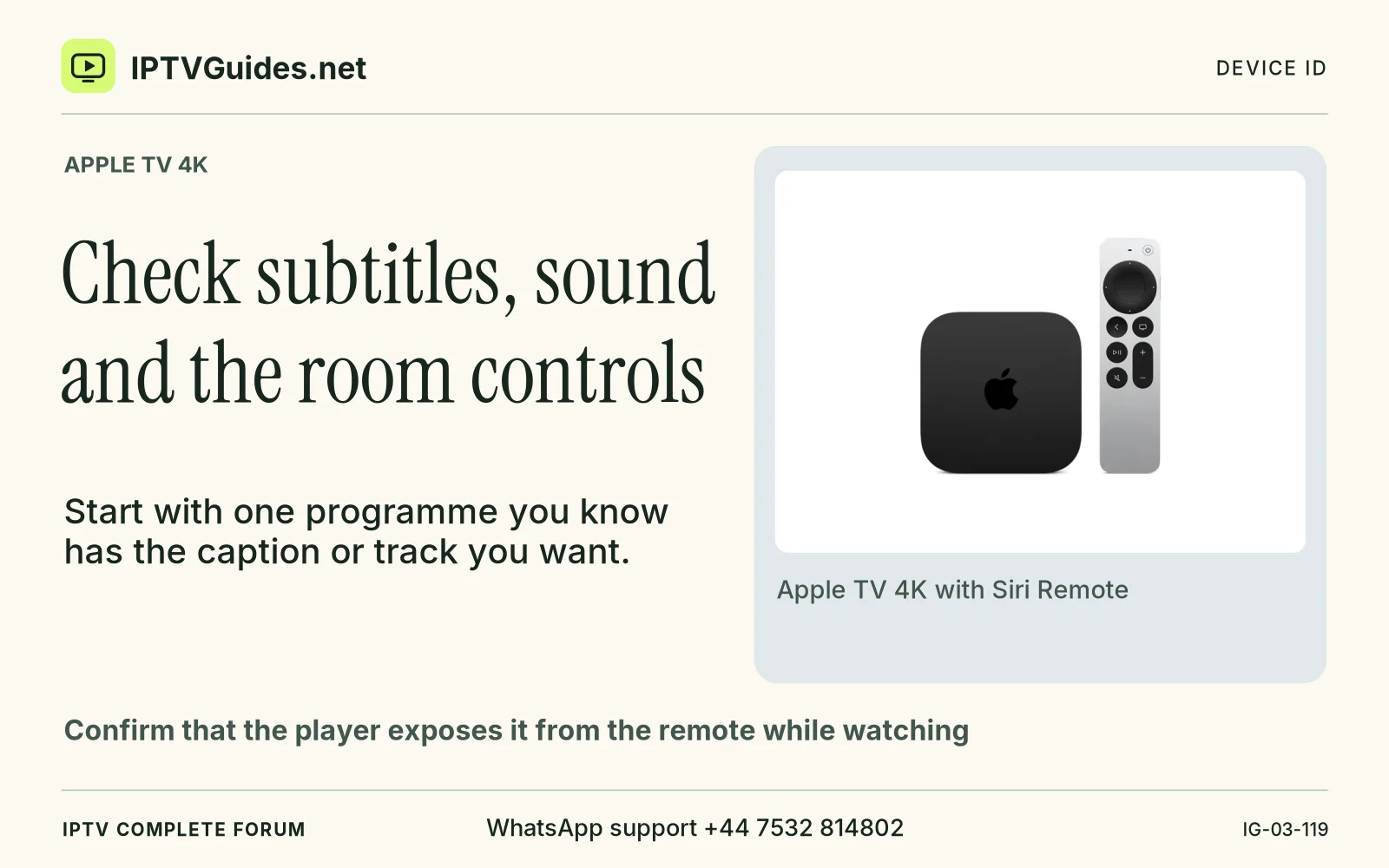
Start with one programme you know has the caption or track you want. Confirm that the player exposes it from the remote while watching.
Editorial reference · 2026-11-18
Start with one programme you know has the caption or track you want. Confirm that the player exposes it from the remote while watching. Some sources provide multiple spoken languages, captions and audio description. A TV setting can set an accessibility preference, while the selected source still needs to deliver an eligible track. Record whether the item has the track, whether it is selectable and whether it remains active when you resume playback.
Source · support.apple.com
- WhatsApp support
- +44 7532 814802
- Platform
- Apple TV 4K
- Reading destination
- /devices/apple-tv-4k/#check-subtitles-sound-and-the-room-controls