 IPTVGuides.net
Devices and operating systems · IG-03-113
Compare output format with what the source supplies
How can I compare output format with what the source supplies?
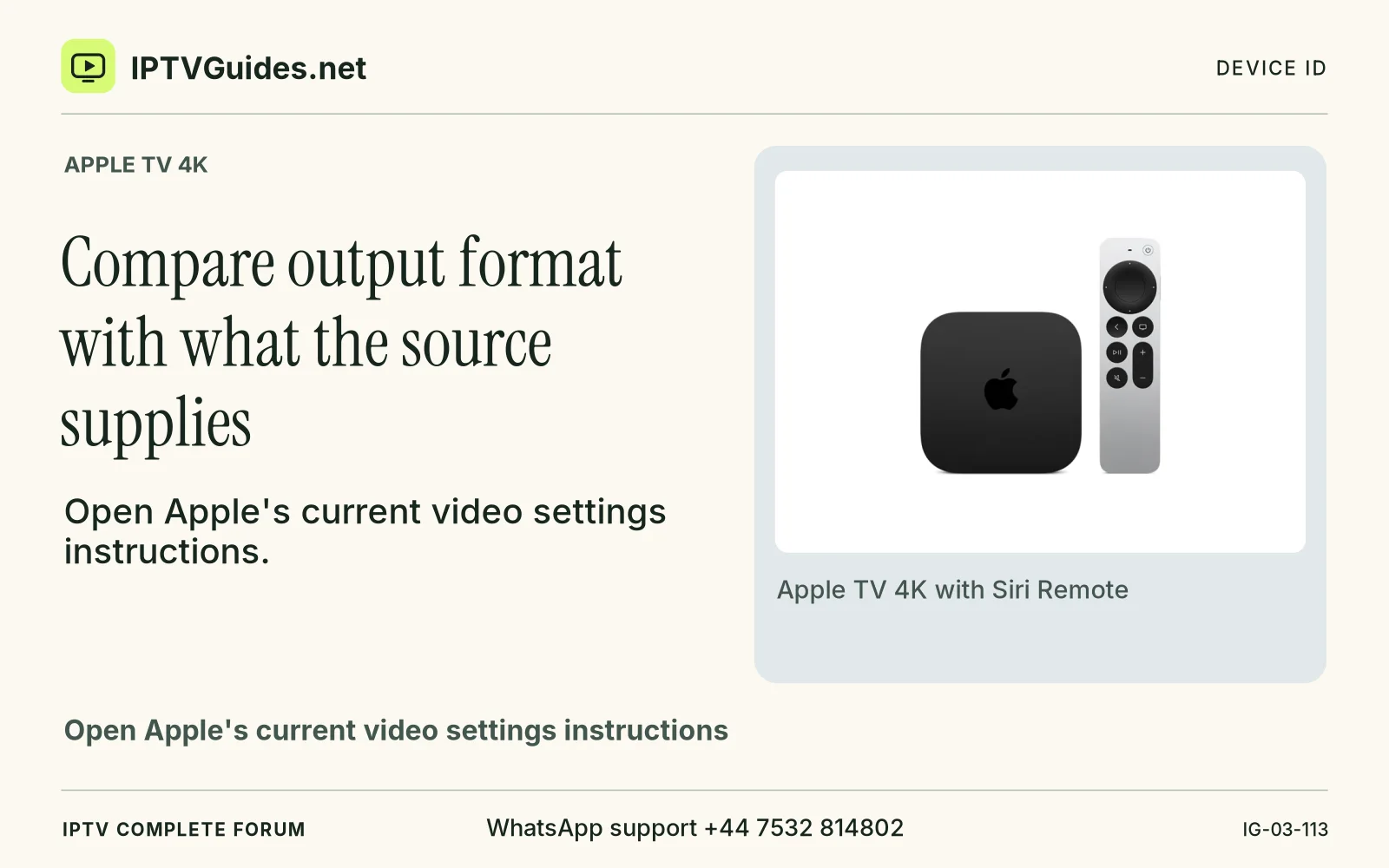
Open Apple's current video settings instructions. Settings, Video and Audio contains controls for output format and checking the HDMI connection.
Editorial reference · 2026-11-18
Open Apple's current video settings instructions. Settings, Video and Audio contains controls for output format and checking the HDMI connection. The name and availability of options depend on the television, model and software. Set a documented supported baseline that gives a stable picture. A default compatible mode and one known programme are enough for your first test.
Source · support.apple.com
- WhatsApp support
- +44 7532 814802
- Platform
- Apple TV 4K
- Reading destination
- /devices/apple-tv-4k/#compare-output-format-with-what-the-source-supplies