 IPTVGuides.net
Devices and operating systems · IG-03-075
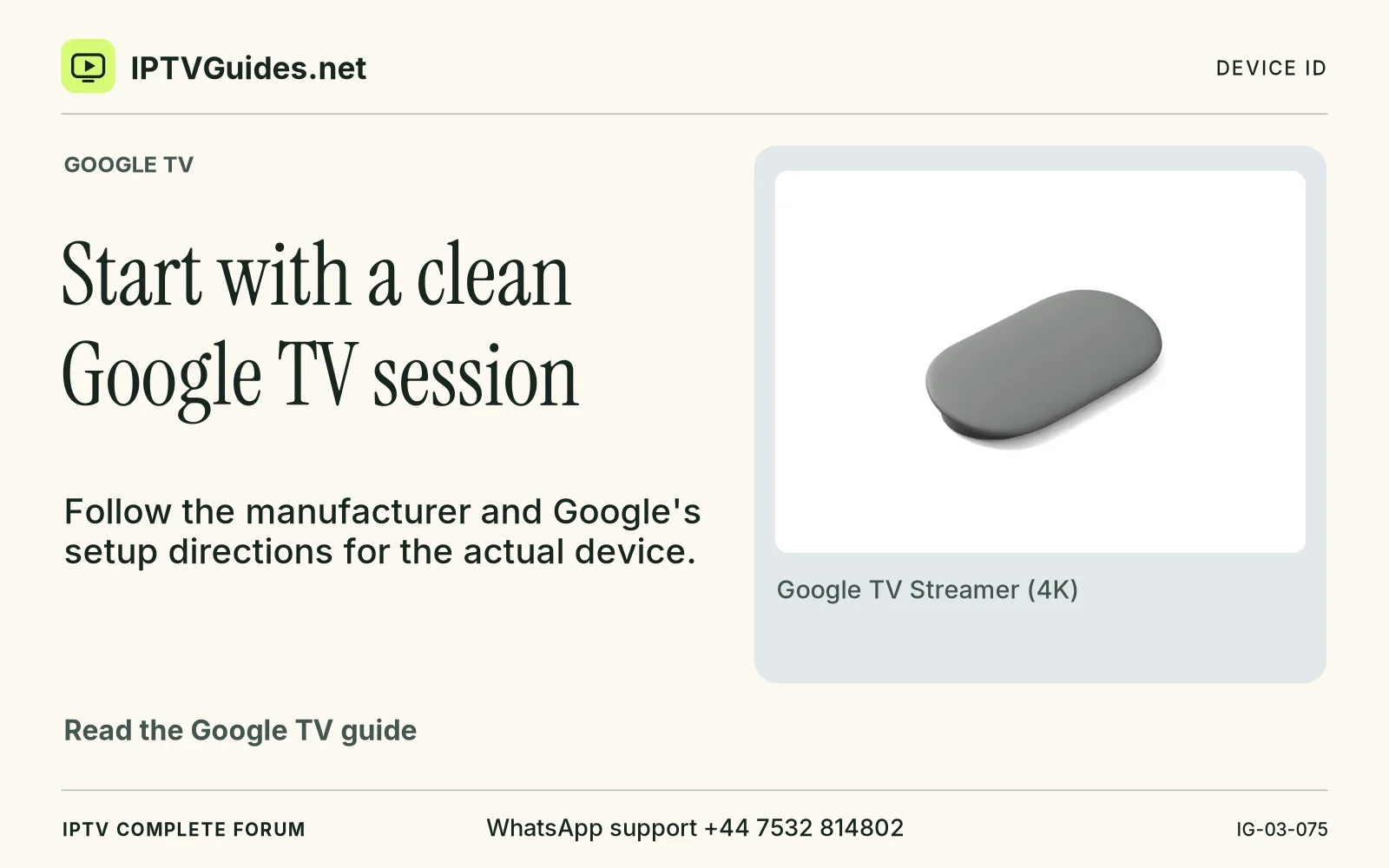
Start with a clean Google TV session
How can I start with a clean Google TV session?
Follow the manufacturer and Google's setup directions for the actual device. Get the remote responding and establish a known working display input before searching for a streaming app.
Editorial reference · 2026-11-18
Follow the manufacturer and Google's setup directions for the actual device. Get the remote responding and establish a known working display input before searching for a streaming app. If a separate streamer has no picture, verify its power arrangement and HDMI connection against the documentation for that model. An app store or third-party account can't affect the display before the device can show its home screen.
Source · support.google.com
- WhatsApp support
- +44 7532 814802
- Platform
- Google TV
- Reading destination
- /devices/google-tv/#start-with-a-clean-google-tv-session