 IPTVGuides.net
Devices and operating systems · IG-03-058
Identify which device the remote is actually controlling
How can I identify which device the remote is actually controlling?
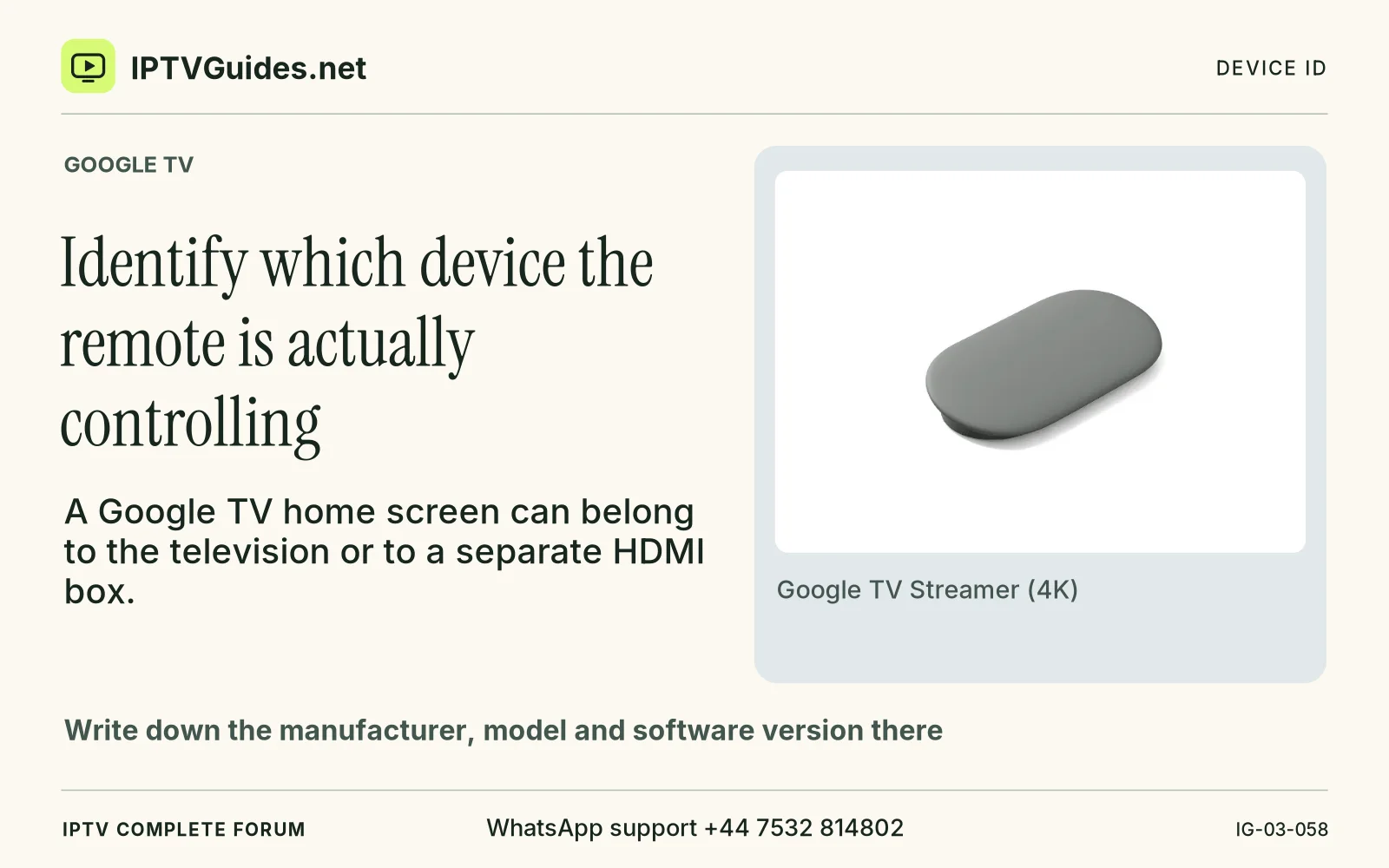
A Google TV home screen can belong to the television or to a separate HDMI box. The wallpaper and app icons might look nearly the same.
Editorial reference · 2026-11-18
A Google TV home screen can belong to the television or to a separate HDMI box. The wallpaper and app icons might look nearly the same. First see which input is active and check the system About information on that screen. Write down the manufacturer, model and software version there. If you connected a streamer, keep that model separate from the television's label. Both pieces of information may matter later, for different reasons.
Source · support.google.com
- WhatsApp support
- +44 7532 814802
- Platform
- Google TV
- Reading destination
- /devices/google-tv/#identify-which-device-the-remote-is-actually-controlling